

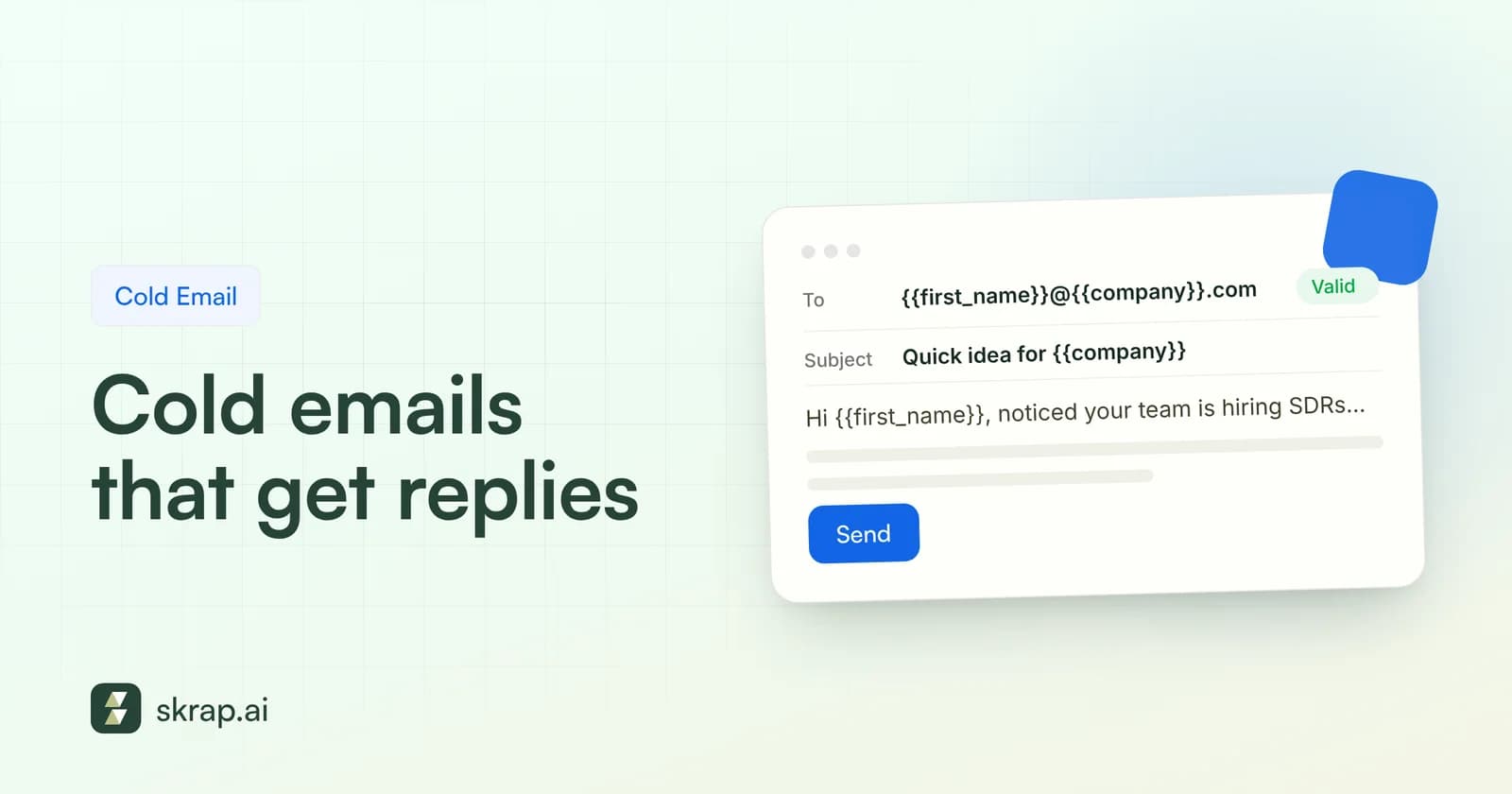
Most cold emails don't fail because the writing is bad. They fail because they're sent to the wrong person, at an address that doesn't exist, with a message that's really about the sender. Fix those three things and even a plain template starts earning replies.
Below you'll find eight original, fill-in-the-blank cold email templates for the situations sales reps, founders, recruiters, and agencies run into most. Each one comes with a note on when to use it and what to customize. We'll also cover the structure behind them, subject lines, a follow-up cadence grounded in published data, and the compliance guardrails that keep your domain healthy.
Copy them, rewrite them in your own voice, and test them. A template is a starting point, not a script.
The anatomy of a cold email that gets replies
Strong cold emails share the same skeleton. They read like a note from one professional to another, not a brochure. Here's the structure every template below follows:
| Part | Job | Rule of thumb |
|---|---|---|
| Subject line | Earn the open | 2 to 5 words, lowercase is fine, no clickbait |
| Opener | Prove this isn't a blast | One sentence about them, not you |
| Problem or trigger | Give a reason for writing now | Name a specific challenge or recent event |
| Value | Show what changes for them | One outcome, stated plainly |
| Ask | Make replying easy | A single yes/no or low-commitment question |
| Signature | Build trust | Real name, title, company, physical address, opt-out line |
Aim for 50 to 125 words in the body. If the email needs scrolling on a phone, it's too long. And resist the urge to ask for 30 minutes in the first message: asking whether a problem is relevant often gets more responses than asking for a calendar slot, in our experience.
Before you write: the right person at a working address
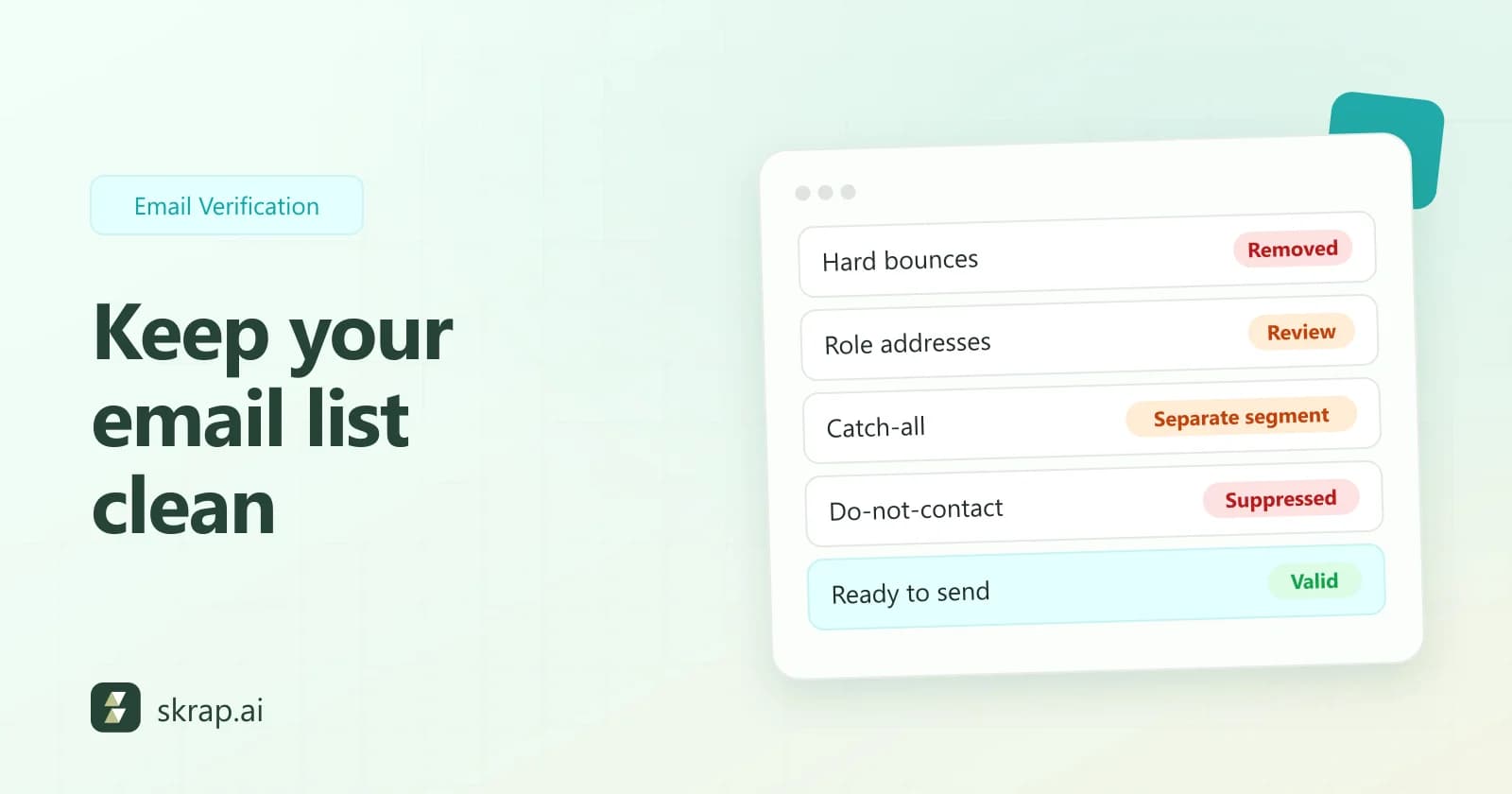
The best copy in the world gets a 0% reply rate if it bounces. And bounces don't just waste a send. They tell mailbox providers you're mailing addresses you never confirmed, which drags down inbox placement for every other email in the campaign.
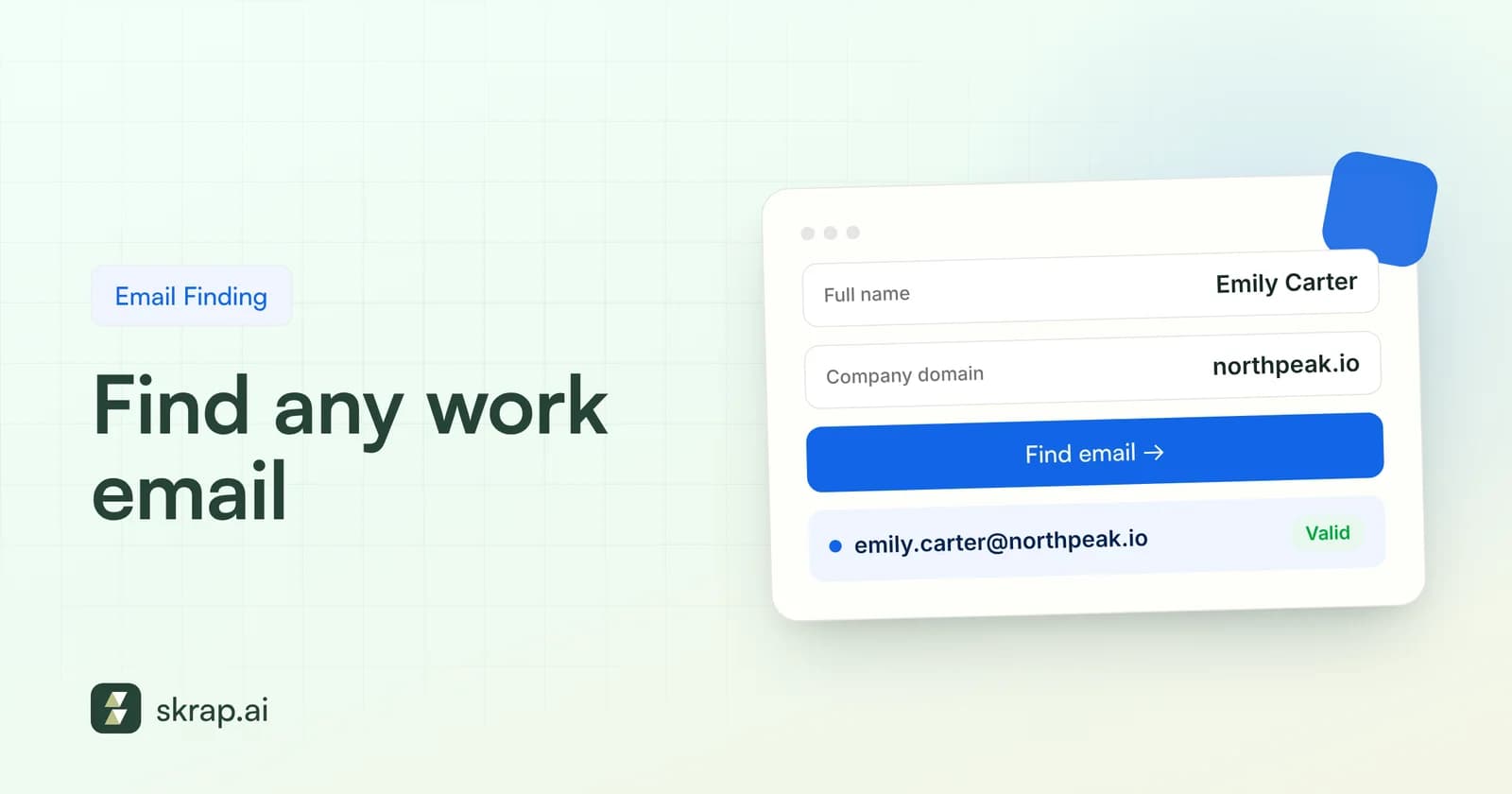
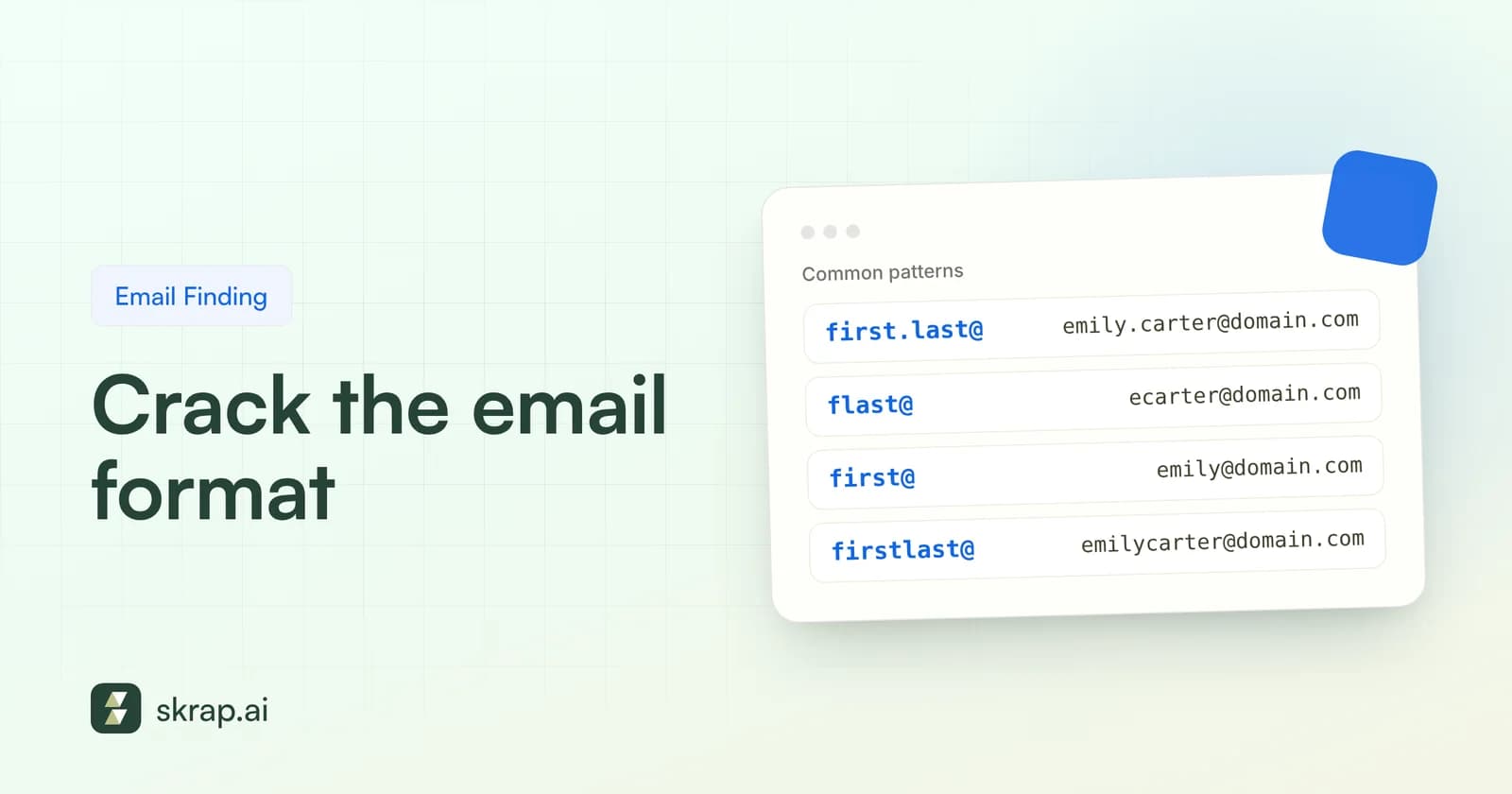
Two habits fix most of this. First, target by role, not by company: the person who owns the problem your email describes. Second, find the actual business address and verify it before it enters a sequence. Our guide on how to find a business email walks through the process, and common company email formats explains the patterns most organizations use.
8 cold email templates you can adapt today
Fields in [brackets] are yours to fill. Swap in specifics you've actually researched; a template with generic brackets reads exactly like what it is.
1. The trigger-event opener
Use it when something just changed at the prospect's company: a funding round, a new hire, an expansion, a product launch. Timing gives you a natural reason to write.
- Subject: [trigger] at [Company]
- Hi [First name], saw that [Company] just [specific trigger: opened a Denver office / hired a VP of Sales / launched X].
- When teams go through [that change], [specific problem] usually shows up within a few months, especially around [concrete detail].
- We help [role] at [type of company] [outcome in plain words] without [common trade-off].
- Worth a quick look, or is this already handled?
- [Your name]
2. The problem-first hypothesis
Use it when you have no trigger but you know the role's recurring pain well. Frame it as a hypothesis so the prospect can correct you, which is itself a reply.
- Subject: [problem] at [Company]?
- Hi [First name], most [role]s I talk to at [company size/industry] say [specific pain] eats up [time/budget/effort] every [week/quarter].
- Curious whether that's true at [Company], or whether you've already found a way around it.
- If it is a headache, I can share how [type of team] are handling it with [your approach in one phrase].
- Either way, would you tell me if I'm off base?
- [Your name]
3. The right-person referral
Use it when you're not sure who owns the problem. It's short, respectful, and gives the recipient an easy win: forwarding you.
- Subject: quick question about [area]
- Hi [First name], I'm trying to reach whoever owns [specific area, e.g. outbound data quality] at [Company].
- We help teams [one-line outcome]. Would that be you, or is there someone better to talk to?
- Thanks either way,
- [Your name]
4. The relevant-result email
Use it when you have a genuine, permissioned result from a similar customer. Never invent one; if you don't have a real number, use template 2 instead.
- Subject: how [peer company type] handled [problem]
- Hi [First name], [Company] looks a lot like [similar customer or anonymized description] did before they [specific change].
- They were dealing with [pain]. After [what they did with you], they [real, verifiable result].
- Not sure the same applies to you, but if [pain] is on your radar this quarter, happy to share what worked.
- Open to it?
- [Your name]
5. The recruiter outreach
Use it to approach passive candidates. Lead with why they specifically caught your eye, and keep the ask small.
- Subject: your work on [project/skill]
- Hi [First name], I came across your [talk/project/post about X] and the way you [specific detail] stood out.
- I'm hiring a [role] at [Company] to [what the role actually owns]. The team [one honest selling point: remote, scope, stack, mission].
- Not sure you're looking, but would you be open to a 15-minute chat to hear more? If not, no worries at all.
- [Your name], [title]
6. The agency or partnership pitch
Use it when you're proposing a service or partnership rather than a product. Show you've studied their business and name a specific gap.
- Subject: idea for [Company]'s [channel/area]
- Hi [First name], I spent some time on [their site/campaign/product] and noticed [specific, observable gap or opportunity].
- My team [what you do] for [type of client]. For [Company], I'd start with [one concrete idea].
- Happy to send a one-page outline of how that would work. Want it?
- [Your name]
7. The value-first resource share
Use it for senior buyers who rarely answer pitches. Give something useful first, with no ask attached beyond permission to follow up.
- Subject: [resource] for [their team]
- Hi [First name], we put together [checklist/benchmark/teardown] on [topic tied to their role]. Section [X] covers [specific problem they likely have].
- Here it is: [link]. No form, no catch.
- If it sparks questions about [area], I'm glad to talk them through.
- [Your name]
8. The polite breakup
Use it as the last step of a sequence. It closes the loop gracefully and often surfaces a 'not now, try me in Q2' that you can act on later.
- Subject: should I close the loop?
- Hi [First name], I haven't heard back, so I'll assume [problem] isn't a priority right now. Totally fair.
- I'll stop reaching out. If timing changes, just reply to this thread and I'll pick it up.
- Thanks for reading,
- [Your name]
Fill brackets with facts, not adjectives. 'Saw you opened a Denver office in September' beats 'Saw your company is growing fast.' If you can't fill a bracket with something specific and true, pick a different template.
Subject lines that get opened
Your subject line has one job: look like a message from a person worth hearing from. Short and specific beats clever. Avoid fake 'Re:' or 'Fwd:' prefixes; misleading subject lines also run afoul of the FTC's CAN-SPAM rules.
| Style | Example | Best for |
|---|---|---|
| Trigger | your new Austin office | Template 1 |
| Question | [problem] at [Company]? | Template 2 |
| Routing | quick question about [area] | Template 3 |
| Peer | how [peer type] handled [problem] | Template 4 |
| Personal | your talk on [topic] | Template 5 |
| Idea | idea for [Company]'s onboarding | Template 6 |
| Resource | [benchmark] for your SDR team | Template 7 |
| Close | should I close the loop? | Template 8 |
Measure subject lines on replies, not opens. Smartlead excludes open rates from its 2026 benchmarks because Apple Mail's automatic image loading inflates them, and that's a good rule for your own testing too.
A follow-up cadence grounded in data
One email is rarely enough. Belkins' 2026 study of 7,530,489 emails sent in 2025 found that the first email had the highest reply rate of any single step (0.59%), yet follow-ups in steps 2 to 6 together produced 58.6% of all replies. The study points to three to five steps as the practical sweet spot, with step 6 adding little.
Not every dataset agrees on the split. SmartReach.io's 2026 report (first-half 2026 data, 40M+ emails) found 58% of replies came from the first touch and returns bent after the third or fourth. The common thread: follow up a few times, then stop.
| Day | Step | What to send |
|---|---|---|
| 1 | Email 1 | Your chosen template |
| 3–4 | Email 2 | Short bump in the same thread with one new detail or angle |
| 7–8 | Email 3 | Different value: a resource, a relevant result, or a sharper question |
| 12–14 | Email 4 | Ask the routing question (template 3) or try another channel |
| 18–21 | Email 5 | Breakup (template 8) |
The day gaps above are a sensible starting point, not a published benchmark. Adjust for your market, and pull anyone who replies, unsubscribes, or bounces out of the sequence immediately.
Personalization that scales
You don't need a hand-written essay for every prospect. Think in tiers and match the effort to the account's value.
- Tier 1 – Segment-level: Same email for a tight segment (one role, one industry, one company size). The relevance comes from the targeting, so build lists narrowly. See how to build a B2B prospect list.
- Tier 2 – Trigger-level: Add one researched line per prospect: a hire, a launch, a job post, a talk.
- Tier 3 – Account-level: For top accounts, write the opener and the problem statement from scratch using what you know about their business.
Whatever the tier, personalization only pays off if it reaches the right human. Pulling role-based lists by job title and company and then attaching verified emails is what makes Tier 1 work at all.
Compliance and deliverability guardrails
Cold email is legal in many markets, but it comes with rules. In the US, the FTC's CAN-SPAM compliance guide states there's no exception for business-to-business email. Commercial messages need accurate headers, non-deceptive subject lines, a valid physical postal address, and a clear way to opt out, and opt-outs must be honored within 10 business days. The FTC lists penalties of up to $53,088 per violating email. Rules differ elsewhere, so check the laws where your recipients are.
Mailbox providers set their own bar. Google's sender guidelines require all senders to keep spam rates reported in Postmaster Tools below 0.3% and recommend staying under 0.1%. Yahoo's sender best practices ask bulk senders to honor unsubscribes within 2 days and to remove invalid recipients promptly.
For the full technical checklist (SPF, DKIM, DMARC, warm-up, volume), read our email deliverability guide and email bounce rate guide.
Measure, learn, and iterate
Treat each template as an experiment. Change one variable at a time (subject line, opener, or ask) and judge it on reply rate and positive reply rate across at least a few hundred sends. Track bounce rate alongside, because a sudden spike usually means a data problem, not a copy problem.
Our guide to outbound lead generation KPIs covers the formulas and sourced benchmarks for each metric, so you can tell whether a template is winning or just lucky.






 No credit card required
 100 one-time free credits