

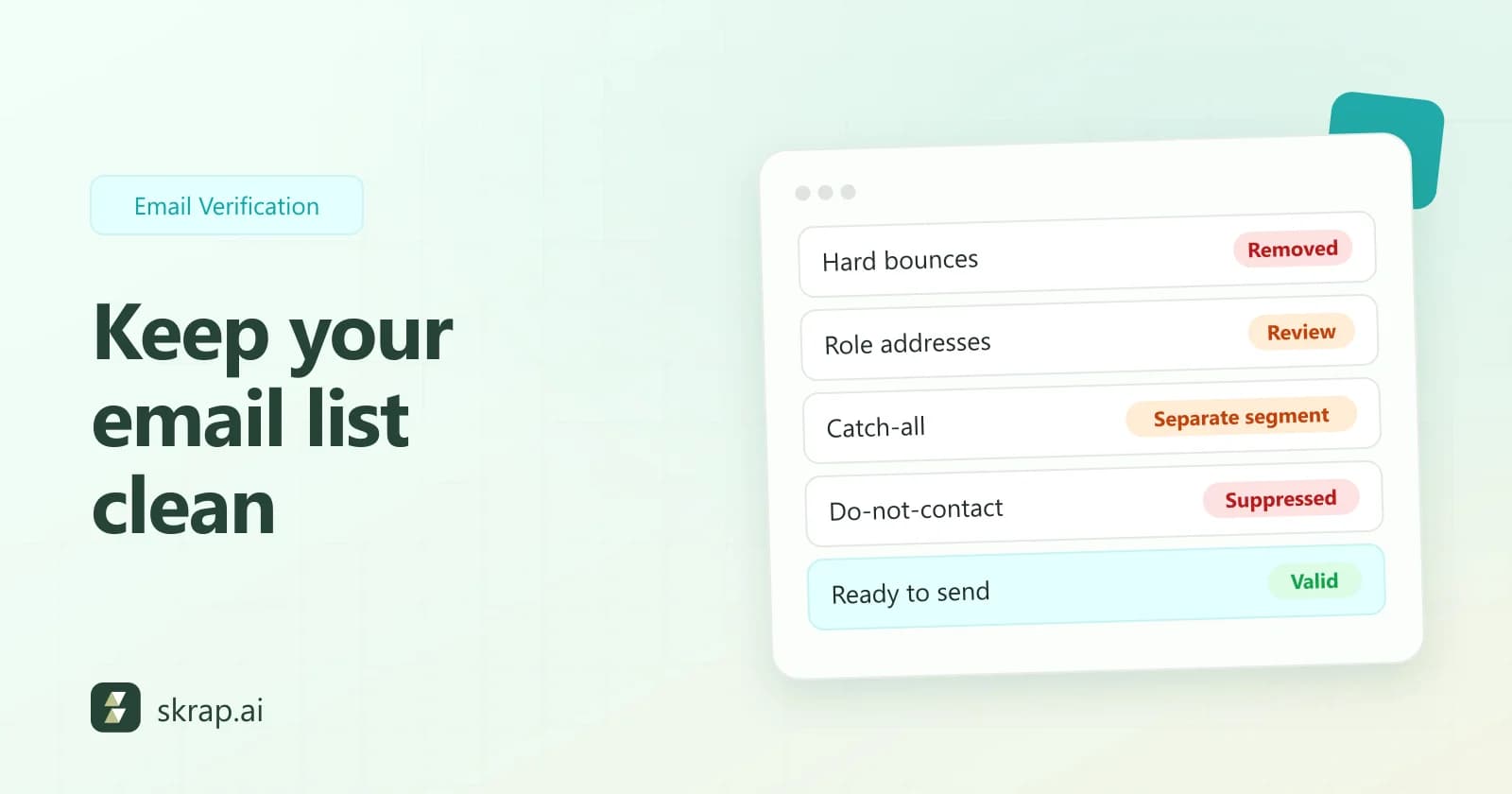
List hygiene is the routine work of keeping bad addresses out of your sends: dead mailboxes, people who've asked you to stop, and contacts that were never a good fit. It isn't glamorous, but it's the part of deliverability you control completely.
This guide covers when to clean a list, what to remove, how to handle the in-between cases, and a routine you can run without thinking about it. If you're starting from scratch, read how to build a B2B prospect list first.
Why email lists go bad
A B2B email address is tied to a job. When someone leaves, their employer usually shuts the mailbox down, and an address that verified as Valid last quarter starts to bounce. Companies also rebrand, merge and move to new domains. None of this shows up in your spreadsheet.
There's a second risk. Spamhaus describes "dead" spam traps: once-valid addresses that were turned off and later silently switched back on as traps. A list that's never cleaned is exactly the kind of list that finds them. Spamhaus also describes "seeded" traps, placed where scrapers will collect them, which is why lists bought or scraped from unknown sources carry extra risk no matter how recently they were cleaned.
Mailbox providers notice. Yahoo's sender best practices ask senders to monitor hard bounces, soft bounces and inactive recipients, and to remove invalid recipients promptly. M3AAWG's sender best practices add that receivers can penalize a sending IP for too many permanent failures, and that large volumes of hard bounces often point to an old or misapplied mailing list.
When to re-verify a list
There's no single correct interval, because lists age at different speeds. A workable rule: verify whenever you can't be sure what has happened to a list since its last check.
| Moment | Why it matters |
|---|---|
| On import | New data from a form, event, export or teammate hasn't been checked by you yet |
| Before every campaign | The cheapest moment to catch addresses that died since the last send |
| After a gap in sending | The longer a list sits unused, the more of it has changed |
| On a schedule for lists you keep | Catches decay in CRM and nurture lists before it reaches a send |
| After a bounce spike | Something in the source or segment has gone wrong; check before the next batch |
With Skrap.ai, Invalid and Unknown results are free, so re-verifying an old list only costs credits for the addresses that come back Valid or Risky.
Step 1: Remove hard bounces for good
A hard bounce is a permanent failure: the mailbox or the domain doesn't exist. Remove the address right away and add it to your suppression list, so it can't sneak back in with a future import.
M3AAWG is direct about this: when the receiver says there's no one at that address, the message shouldn't be retried and the address should be suppressed from future mailings.
Soft bounces are temporary: a full mailbox, a server problem, throttling. Don't delete on the first one. M3AAWG suggests removing addresses that keep bouncing across consecutive campaigns, and gives at least two consecutive bounces over two weeks or more as a general rule.
Step 2: Keep a suppression list
A suppression list holds every address you must not email, whichever list it turns up on. It's what stops a removed contact from reappearing the next time someone uploads an old export. Put these on it:
- Hard bounces, plus addresses that keep soft-bouncing.
- Unsubscribes and opt-out replies. Yahoo asks bulk senders to honor unsubscribes within 2 days, and laws such as CAN-SPAM set their own deadlines.
- Do-not-contact requests from anyone who asks, by any channel, not to hear from you again.
- Spam complaints reported back by your sending tool.
- Whole domains you've agreed not to contact, such as current customers, partners or competitors.
In Skrap.ai, the do-not-contact list lives in Lists. It holds both emails and domains and is shared across your team, so everyone works from the same list.
Step 3: Verify and sort by result
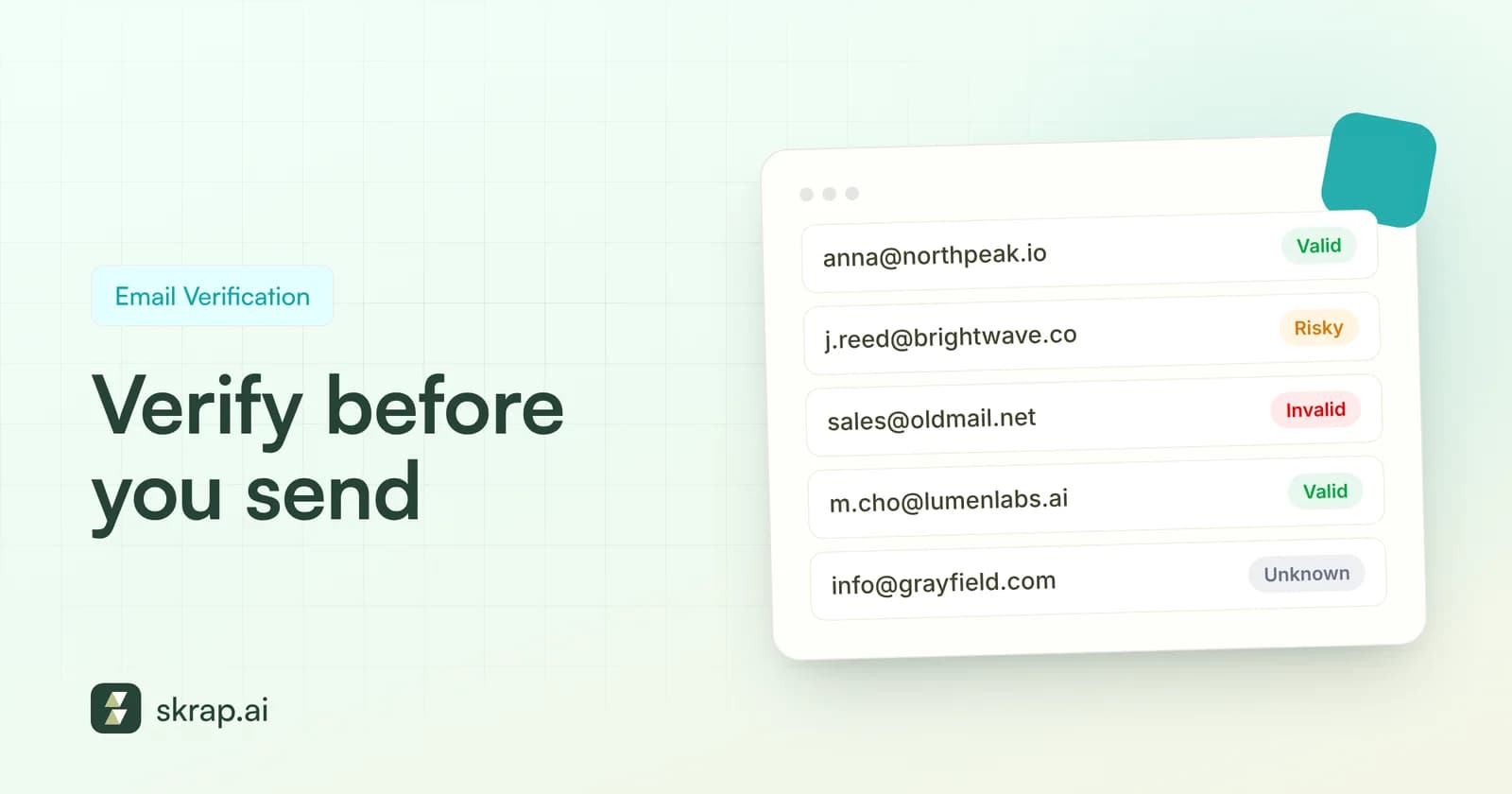
Run the list through an email verifier and split it by status instead of treating it as one pile.
| Status | What to do with it |
|---|---|
| Valid | Main send |
| Risky | Separate segment, smaller batches, sent after your Valid contacts |
| Invalid | Remove and add to your suppression list |
| Unknown | Hold back and re-verify later; don't send yet |
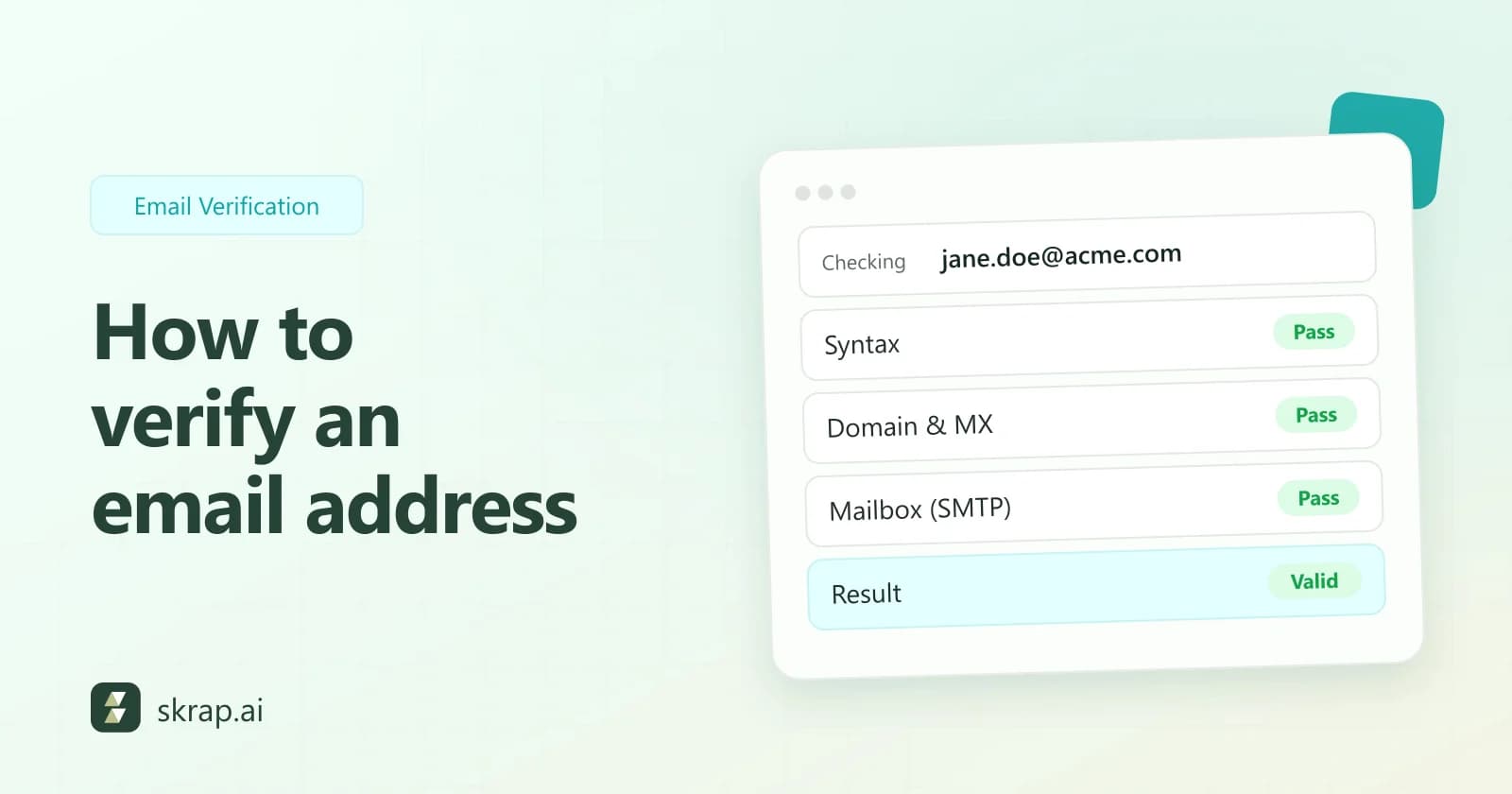
Skrap.ai's bulk upload shows the estimated credit cost before it processes a file, and results stay downloadable for 30 days. For what happens inside each check, see how to verify an email address.
Step 4: Decide on role, disposable and catch-all addresses
Role-based addresses
info@, sales@, hr@ and similar role-based addresses reach a team, not a person. They're real mailboxes, but cold messages to shared inboxes are easy to ignore or report. Review them: keep one when it's the right channel, such as a partnerships@ inbox for a partnership pitch, and drop the rest.
Disposable addresses
Temporary inbox addresses are built to expire. On a B2B list they usually come from a form sign-up by someone who didn't want follow-up. Remove them from outreach lists.
Catch-all (Risky) addresses
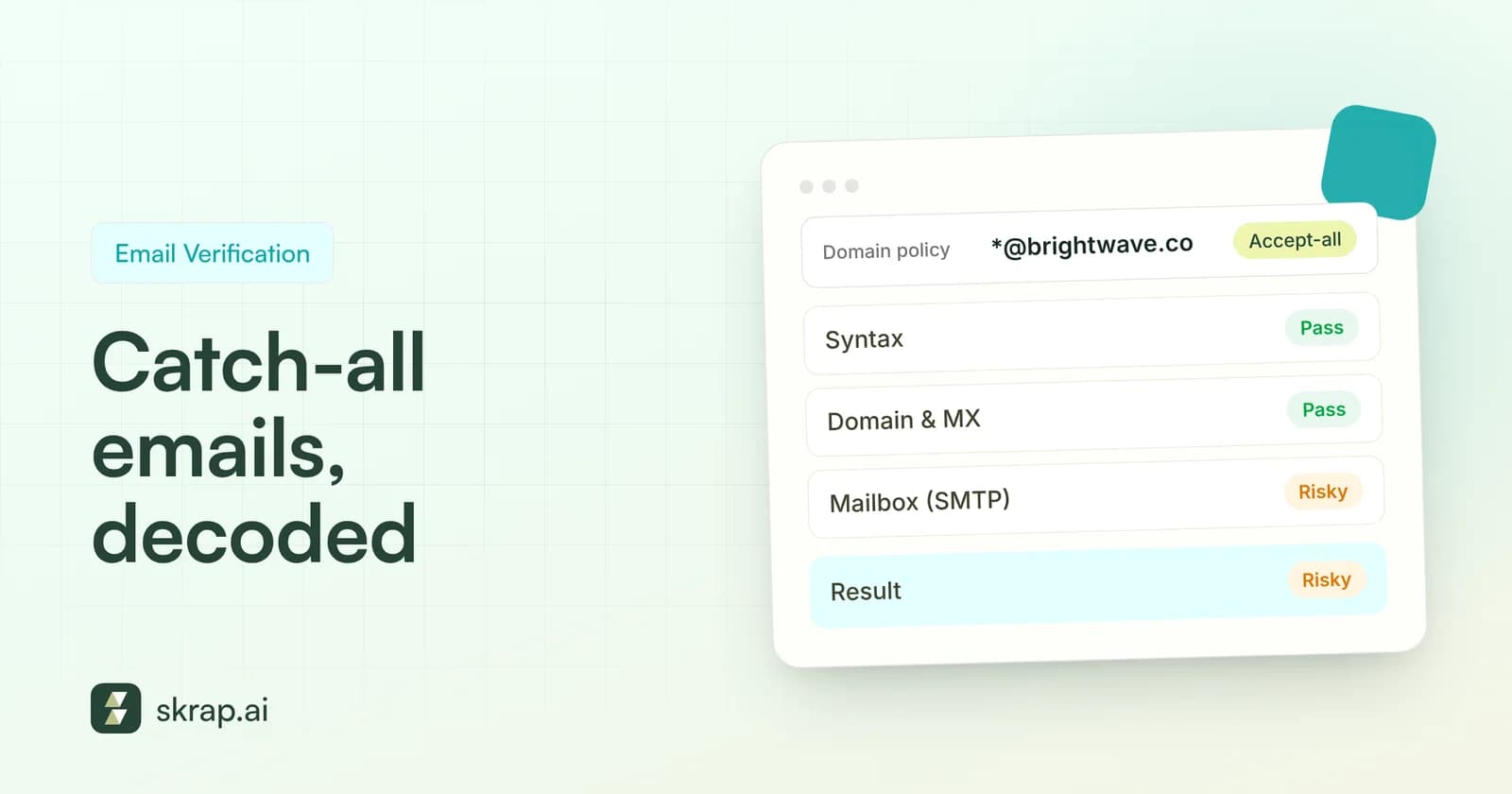
Addresses on catch-all domains can't be confirmed, so they come back Risky. Keep them in their own segment, send after your Valid contacts in small batches, and stop if bounces climb. Catch-all emails explained goes into the details.
Contacts who never respond
A valid address that has ignored a full sequence isn't a bounce risk, but it isn't helping you either. Yahoo's best practices list inactive recipients alongside bounces as something to monitor. When a sequence ends without a reply, stop mailing that contact from the same campaign, and only come back with a different, relevant reason after re-verifying the address.
Step 5: Feed every send back into the list
Hygiene doesn't end at the upload. After each campaign, pull the bounces, unsubscribes and complaints back into your suppression list, and compare bounce rate by segment and by source.
If one segment bounces noticeably more than the rest, the cause is usually where the data came from. Re-verify that segment before its next batch, and look at how it was collected. Our email bounce rate guide explains how to calculate and benchmark it.
A simple list hygiene routine
| When | What to do |
|---|---|
| Every import | Check against your suppression and do-not-contact lists, then verify; drop Invalid and set Unknown aside |
| Before every campaign | Re-verify the send list, split Valid from Risky, and remove role and disposable addresses you don't want |
| After every campaign | Add hard bounces, unsubscribes and complaints to suppression; track repeat soft bounces |
| On a schedule | Re-verify the lists and CRM segments you keep, more often for lists you mail rarely |
Write the routine down and make it the default for everyone who touches a list. The goal isn't a perfect list. It's never sending to the same bad address twice.






 No credit card required
 100 one-time free credits