

Every company email address has two halves. The part after the @ is the domain, and it is the same for everyone at the company. The part before the @ is the local-part, and that is where the company's naming convention lives.
If you know the convention, you can predict the address of almost anyone on the team. That is why sales reps, recruiters, and founders spend so much time trying to crack a company's email format.
This guide covers the patterns you will see most often, a repeatable way to identify any company's format, the specific reasons guessing goes wrong, and the workflow that turns a guess into an address you can safely send to.
The most common company email formats
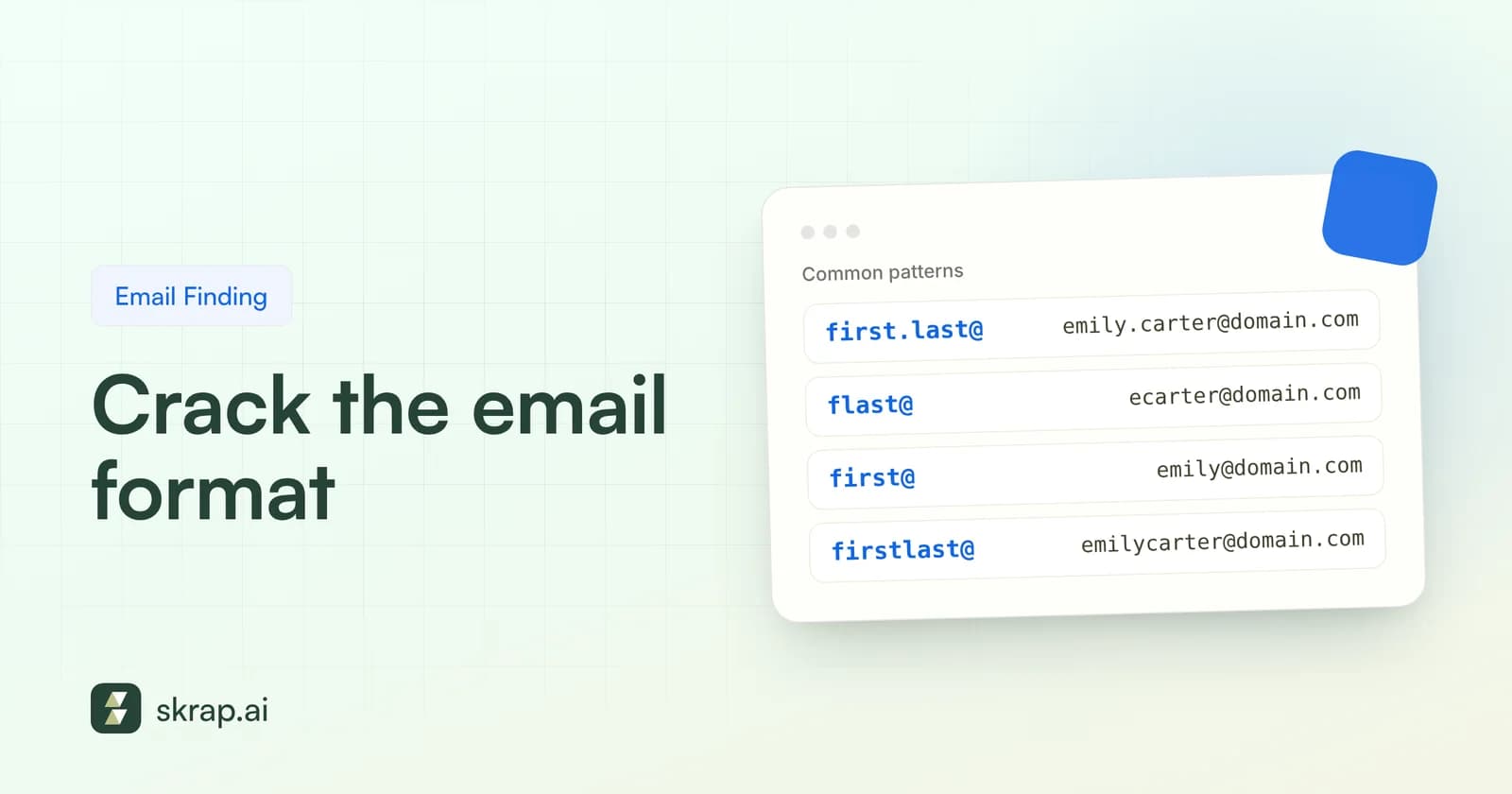
Companies pick a convention when they set up their mail system and apply it to every new hire. The options are limited by how names work, so the same handful of patterns cover most organizations. Here they are for a fictional employee, Maria Lopez, at northwind.com:
| Pattern name | Format | Example | Typically seen at |
|---|---|---|---|
| First dot last | first.last@ | [email protected] | Mid-size and large companies |
| First initial + last | flast@ | [email protected] | Established firms, enterprises |
| First name only | first@ | [email protected] | Startups and small teams |
| First + last, no separator | firstlast@ | [email protected] | Small and mid-size firms |
| First + last initial | firstl@ | [email protected] | Small teams that outgrew first@ |
| First underscore last | first_last@ | [email protected] | Less common, some legacy systems |
| Last dot first | last.first@ | [email protected] | Some regions and public bodies |
| First initial dot last | f.last@ | [email protected] | Common in parts of Europe |
The "typically seen at" column is a rule of thumb from how naming tends to evolve, not a law. A startup that begins with first@ often hits its first duplicate name and switches to first.last@ or firstl@ for new hires, which leaves a mix of formats on the same domain.
How to figure out a company's email pattern
You need evidence, not hunches. The goal is to find two or three real addresses from the same domain, ideally for people with different name lengths, and see which pattern fits all of them.
Step 1: Confirm the mail domain
The website domain is not always the email domain. Check the contact page, careers page, or privacy policy for any published address. Subsidiaries sometimes use the parent's domain, and some brands use a shorter domain for mail than for their site.
Step 2: Collect real addresses
- Company site: team pages, press contacts, blog author bios, and downloadable PDFs.
- Search operators: Google documents exact-match quotes, site: and filetype: operators. A query like "@northwind.com" filetype:pdf often surfaces addresses in reports and slide decks.
- Public documents: conference speaker lists, open-source project pages, and press releases.
- Your own inbox and CRM: past conversations with anyone at the company are the most trustworthy evidence you have.
Step 3: Match and test the pattern
Line up each address you found with the person's full name. If "jsmith@" belongs to John Smith and "akowalski@" belongs to Anna Kowalski, the pattern is flast@. One example can fit several patterns; two or three narrow it down to one.
Pay attention to hire dates if you can see them. If long-tenured staff use first@ and recent hires use first.last@, the company changed conventions along the way, and your prospect's address depends on when they joined.
Step 4: Record the pattern for the whole account
Once you have confirmed a format, save it at the account level in your spreadsheet or CRM, along with the date you confirmed it and the example addresses you used. The next rep who works the account starts from evidence instead of from scratch.
Treat that note as perishable. Formats change after rebrands, migrations to a new mail provider, and acquisitions. If an address built from a saved pattern comes back Invalid, re-check the pattern before you build any more addresses from it.
Then build your target's address and verify it. That last step is not a formality, as the next section explains.
Why guessing the format alone fails
Knowing the pattern gets you a strong hypothesis. It does not get you a deliverable address. Here is where pattern guessing breaks down most often.
Catch-all domains
Some mail servers are configured to accept mail for any address at the domain, whether or not a mailbox exists. These are called catch-all or accept-all domains. RFC 5321 even describes servers that only check recipients after the message arrives and then send a bounce later.
The result: your guess at maria.lopez@ looks accepted, but it may go to an unmonitored bucket, be discarded, or bounce hours later. Verification tools flag these addresses as risky rather than valid, because the server will not confirm the specific mailbox. Learn more in Catch-all emails explained.
Aliases and exceptions
- Duplicate names: the second John Smith becomes john.smith2@, jsmith1@ or john.r.smith@.
- Nicknames: a Robert who goes by Bob may be bob.jones@ even if HR has him as Robert.
- Hyphenated and compound surnames: maria.lopez-garcia@, maria.lopezgarcia@ or mlopez@ are all plausible.
- Accents and non-Latin names: characters are usually stripped or transliterated, sometimes in more than one way.
- Executives: some leaders use a short alias like ceo@ or first@ while everyone else uses first.last@.
- Role mailboxes: shared inboxes such as sales@ and support@, described in RFC 2142, follow no personal pattern, so leave them out when you work out the format.
Mergers, rebrands, and multiple domains
After an acquisition, the acquired team may keep its old domain for years, or move to the parent's domain with a different pattern. Rebrands can leave both domains live. The pattern you found for one team may not apply to another.
Departed employees
The pattern can be perfect and the person gone. Their mailbox is deleted and the address bounces. Worse, Mailgun notes that abandoned addresses such as a former employee's work email can later be repurposed as recycled spam traps, which damages your sender reputation.
Why SMTP verification is harder than it sounds
The SMTP protocol does include a VRFY command meant to check whether an address exists. RFC 5321 says a server must not return a success code for VRFY unless it has actually verified the address. In practice, many servers disable or limit it to stop address harvesting.
That is why a good verifier does not rely on one signal. It layers checks: syntax, domain and MX records, and a mailbox-level SMTP conversation that stops before any message is sent. When the server will not give a clear answer, an honest tool says so instead of guessing.
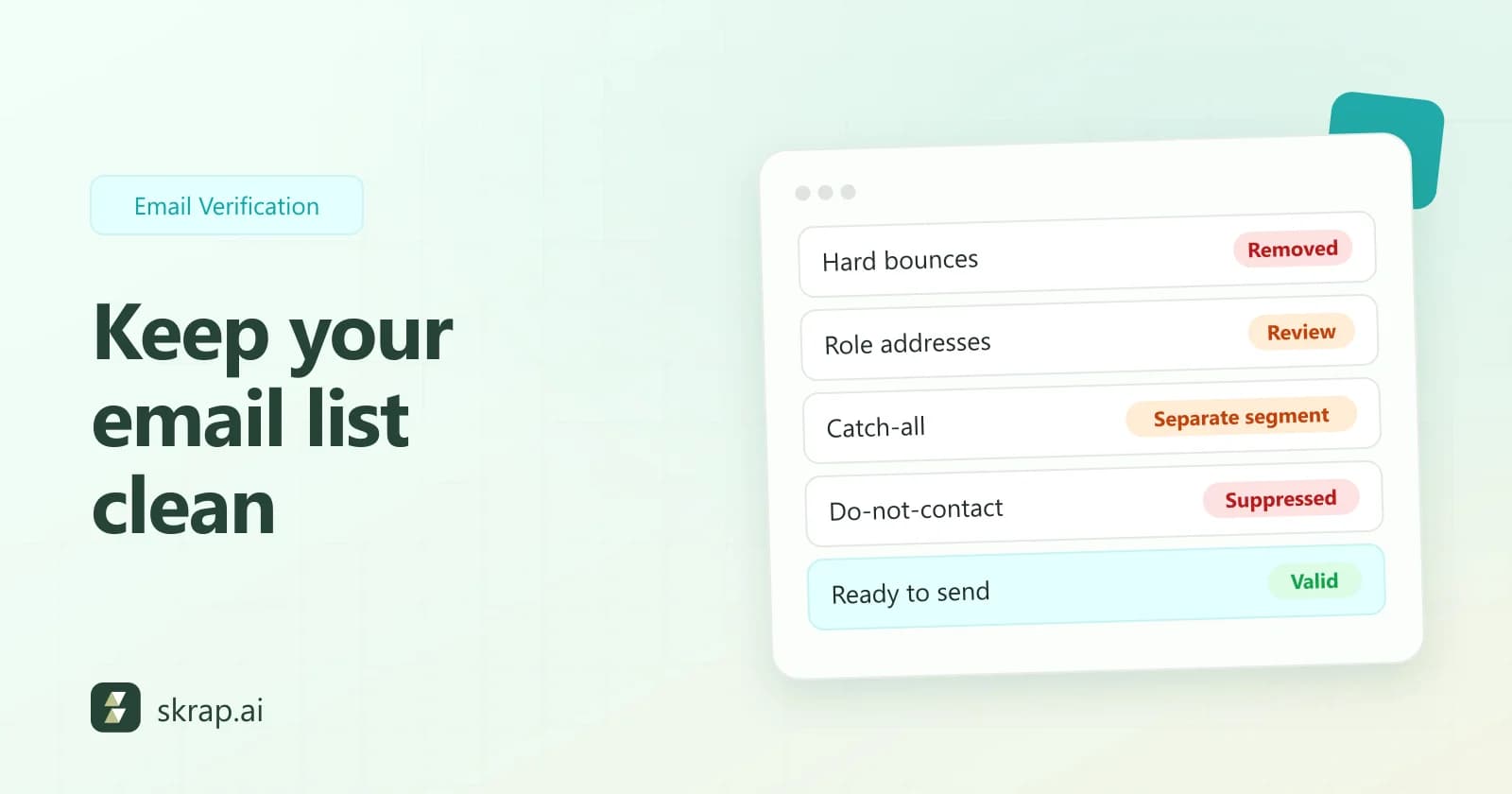
| Verifier result | What it means for a guessed address | Skrap.ai credit cost |
|---|---|---|
| Valid | The mailbox was confirmed; send with confidence | 1 credit |
| Risky | Often a catch-all domain; the server accepts anything | 1 credit |
| Invalid | The mailbox or domain does not exist; drop it | Free |
| Unknown | The server did not give a clear answer; retry later | Free |
The fix: pattern + finder + verification
The most reliable workflow combines your research with automation. Each layer catches what the previous one missed.
- 1Identify the pattern from two or three real addresses at the domain.
- 2Run the person through an email finder to get the most likely address, including any exceptions the pattern would miss.
- 3Verify the result and sort it into Valid, Risky, Invalid, or Unknown.
- 4Send to Valid, send Risky in small volumes with close monitoring, drop Invalid, and retry Unknown later.
- 5Re-verify before each campaign, because people change jobs and mailboxes disappear.
On Skrap.ai, the Email Finder and Email Verifier are built on the same fair credit model: one credit, one successful result. A found email costs 1 credit, and no email found costs 0. Invalid and Unknown verifications are free.
That pricing matters for pattern work specifically. Guessed addresses fail more often than addresses pulled from a real source, so a model that charges for every check punishes you for exactly the research this guide recommends. Paying only for successful results keeps experimentation cheap.
Doing this at scale
Working out formats one company at a time is fine for a short target-account list. For hundreds of contacts across hundreds of domains, you need batch tools.
- Bulk verify and find: on paid plans, upload a CSV or XLS file and process the whole list. Bulk verification handles up to 25,000 emails per request.
- Google Sheets add-on: verify and find emails directly in a spreadsheet, without exporting and re-importing. See Google Sheets lead enrichment.
- REST API: call the Email Verifier and Email Finder from your own scripts and get JSON back.
Quick reference: pattern guessing checklist
| Check | Why |
|---|---|
| Confirm the mail domain | The website domain may differ from the email domain |
| Find 2 to 3 real addresses | One example fits several patterns |
| Confirm the person still works there | Former employees' mailboxes bounce or become traps |
| Watch for nicknames and compound names | These are the most common exceptions |
| Check whether the domain is catch-all | Accepted mail is not proof of a real mailbox |
| Verify before sending | Protects bounce rate and sender reputation |
Patterns are a great starting point and a poor finishing line. Use them to narrow down the options, then let a finder and verifier confirm the address. For the full picture of where to look, see how to find anyone's business email.






 No credit card required
 100 one-time free credits