

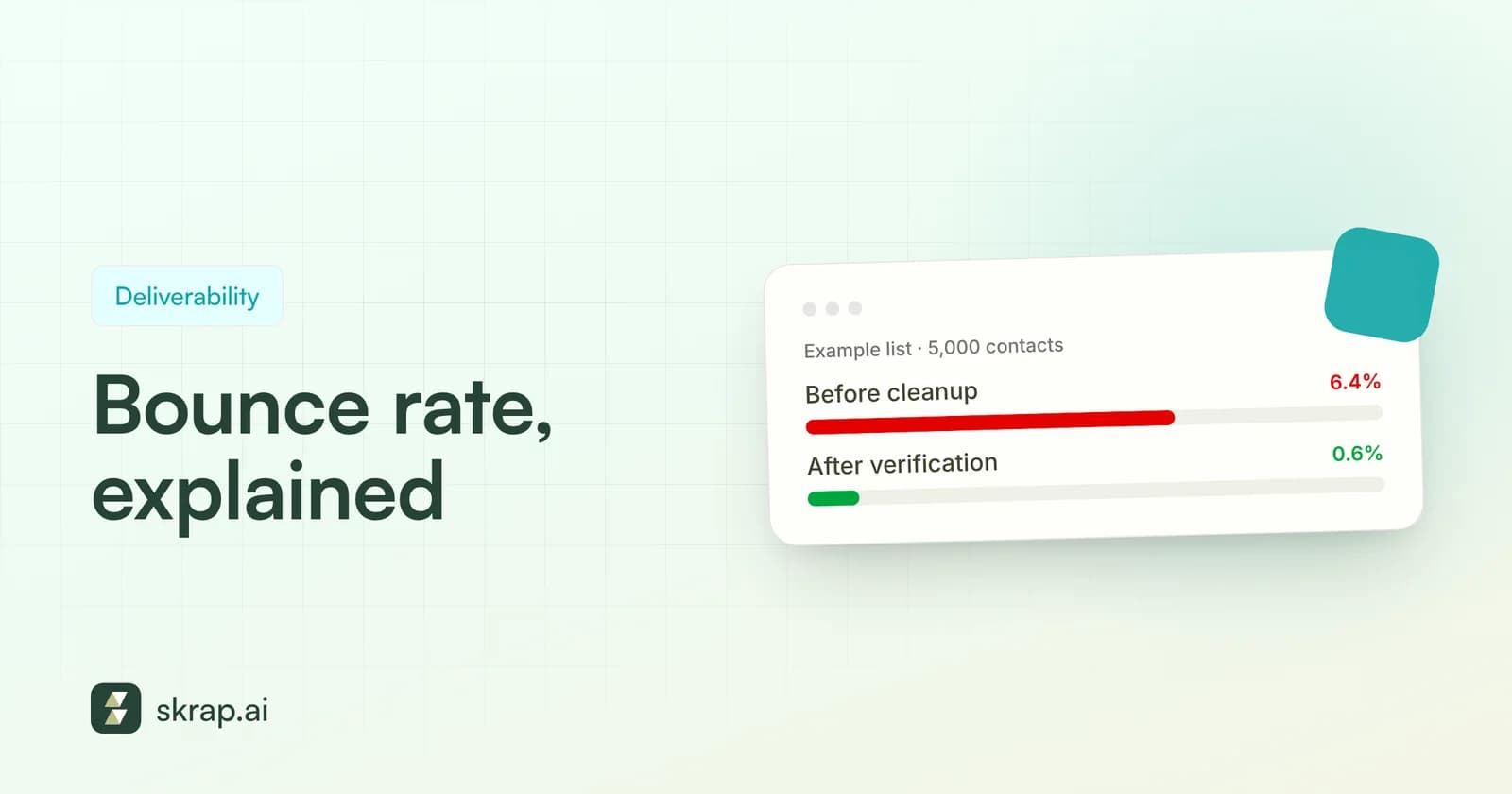
Your bounce rate is one of the few email metrics that tells you something both about your data and about how mailbox providers see you. A low bounce rate means your list is accurate. A rising one means you're mailing addresses that don't exist, and providers are taking notes.
For outbound sales teams, bounce rate is also the earliest warning sign of a deliverability problem. It moves before your open rates drop and before replies dry up. Catch it early and the fix is usually simple: clean the list. Ignore it and you can damage the domain your whole team sends from.
This guide covers what bounce rate is, the difference between hard and soft bounces, how to calculate it, what the published benchmarks actually say, and how to fix and prevent a high bounce rate.
What is email bounce rate?
A bounce happens when an email can't be delivered and the receiving server sends it back with an error. Your bounce rate is the percentage of sent emails that bounced.
Why does it matter so much? Mailbox providers watch how you treat your list. Microsoft's 2025 guidance for high-volume senders specifically recommends removing invalid addresses to reduce bounces, and Google advises automatically unsubscribing recipients who bounce repeatedly. Sending platforms enforce their own limits, too.
Bounces come back with SMTP status codes that explain what went wrong. RFC 3463 defines the structure: codes starting with 2 mean success, codes starting with 4 mean a persistent transient failure (it might work later), and codes starting with 5 mean a permanent failure that won't be fixed by resending the same message. That first digit is the clearest way to tell a hard bounce from a soft one.
Hard bounces vs. soft bounces
Mailchimp's help center sums it up well: a hard bounce indicates a permanent reason an email can't be delivered, while a soft bounce typically indicates a temporary delivery issue. The response to each is different, so it's worth knowing which one you're looking at.
| Hard bounce | Soft bounce | |
|---|---|---|
| Nature | Permanent failure | Temporary failure |
| Typical SMTP class | 5.x.x | 4.x.x |
| Common causes | Mailbox doesn't exist, domain doesn't exist, server permanently blocks you | Mailbox full, server down, message too large, rate limiting, greylisting |
| Example code | 5.1.1 bad destination mailbox address | 4.2.2 mailbox full |
| What to do | Remove and suppress immediately; never retry | Allow retries; suppress if it keeps bouncing |
| Effect on reputation | Strong negative signal to providers | Usually minor unless repeated |
Common bounce codes worth knowing
- X.1.1 (bad destination mailbox address): RFC 3463 says the mailbox specified in the address doesn't exist. This is the classic hard bounce you get from stale or guessed addresses.
- X.1.2 (bad destination system address): the destination system doesn't exist or can't accept mail. Usually the whole domain is gone or misconfigured.
- X.2.2 (mailbox full): the recipient is over quota. RFC 3463 says this should be treated as a persistent transient failure, so it's a soft bounce.
- Gmail 5.7.26: Google says unauthenticated messages may be rejected with this error. It's a permanent failure caused by your setup, not the recipient.
- Gmail 4.7.28: Google typically uses this when you exceed its sending rate limits. Google advises pausing for at least 10 minutes before resuming.
How to calculate bounce rate
The standard formula is simple:
For example, if you send 2,000 emails and 36 bounce, your bounce rate is 36 ÷ 2,000 × 100 = 1.8%.
Track two versions of this number:
- Total bounce rate includes hard and soft bounces. It's useful for spotting delivery issues of any kind, such as rate limiting or a blocked IP.
- Hard bounce rate counts only permanent failures. This is the number that reflects list quality, and it's the one platforms tend to police.
Break it down by segment
A single campaign-level number can hide the real problem. If one lead source, one rep's list or one target industry is responsible for most of the bounces, the average will look only mildly elevated while that segment is badly broken. Calculate bounce rate per list source and per sending domain as well as per campaign. When one segment stands out, re-verify it or stop using that source rather than throwing out the whole campaign.
It also helps to look at bounces by recipient domain. A cluster of failures at one company often means it changed its email format or domain after an acquisition or rebrand, which you can fix by finding the new addresses instead of deleting good prospects.
Be aware that tools calculate bounce rate differently. Amazon SES, for example, counts only hard bounces to domains you haven't verified, and excludes temporary failures like “mailbox full” and bounces caused by blocked IPs. Some tools divide by emails sent and others by emails attempted after suppression. When comparing campaigns, keep the definition consistent.
What's a good bounce rate? Benchmarks
There's no single official benchmark, and many numbers floating around online aren't sourced. Here's what published, primary data says.
Industry averages (2025)
Mailgun's email benchmark report, based on more than 400 billion emails from its top 10 high-volume sending industries, published these 2025 bounce rates:
| Industry | Average bounce rate (2025) |
|---|---|
| Professional Services | 0.22% |
| Retail | 0.18% |
| Information Technology | 0.14% |
| Internet Software & Services | 0.11% |
| Capital Markets | 0.11% |
| Diversified Consumer Services | 0.10% |
| Diversified Financial Services | 0.09% |
| Media | 0.08% |
| Hotels, Restaurants & Leisure | 0.05% |
| Air Freight & Logistics | 0.01% |
Mailgun notes that most top industries keep bounce rates well under 0.5%. Keep in mind these are largely high-volume senders mailing their own customers and subscribers. Cold B2B outreach to newly sourced contacts naturally carries more risk, which is exactly why verification matters more for sales teams.
Thresholds that trigger action
| Bounce rate | What it signals | Source |
|---|---|---|
| Under 0.5% | Typical for top high-volume industries | Mailgun (2025) |
| Under 2% | Recommended maximum for best results | Amazon SES |
| Above 2% | Your list needs attention | Mailgun (2025) |
| 5% or more | SES places the account under review | Amazon SES |
| 10% or more | SES may pause sending | Amazon SES |
A practical target for outbound teams: keep hard bounces as close to zero as you can, treat anything approaching 2% as a stop-and-fix moment, and never launch a campaign to a list you haven't verified.
What causes a high bounce rate?
Most bounce spikes trace back to a handful of causes:
- Stale data. People leave companies and their mailboxes are closed. HubSpot, citing MarketingSherpa research, says email databases naturally degrade by about 22.5% a year.
- Guessed or pattern-generated addresses. Assuming [email protected] without checking produces hard bounces whenever the company uses a different format. See our company email formats guide.
- Typos and bad form data. Misspelled domains and fake sign-up addresses fail immediately.
- Purchased or scraped lists. Unverified third-party lists often contain dead or invented addresses. Google's sender guidelines say not to purchase email addresses.
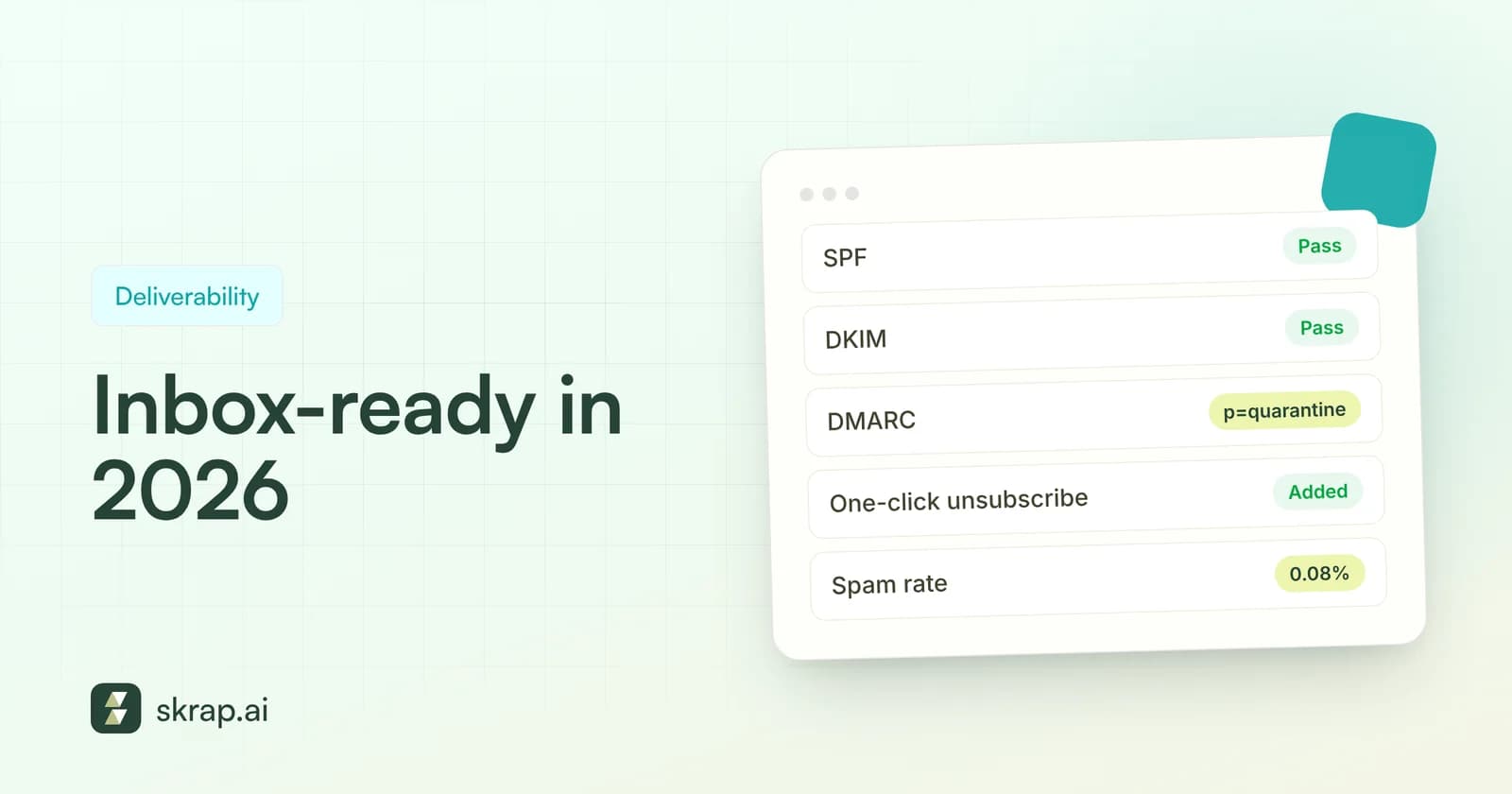
- Authentication failures. Missing SPF, DKIM or DMARC can trigger rejections at Gmail and Outlook. Microsoft rejects non-compliant high-volume mail with a “550; 5.7.515” error.
- Volume spikes. Sending far more than usual can trigger rate limits and temporary rejections.
- Message problems. Oversized messages or content blocked by anti-spam or policy filters show up as bounces too, according to Mailchimp's list of soft bounce causes.
Resending to an address that returned a 5.1.1 won't make it exist. Repeated attempts only add to the negative signal. Suppress it permanently.
How to fix a high bounce rate
If your bounce rate just jumped, work through these steps in order:
- 1Pause the campaign. Stop further sends to the same list until you know what's happening.
- 2Read the bounce codes. Mostly 5.1.1? It's a list-quality problem. Lots of 5.7.x? Check authentication and policy. Mostly 4.x.x? Look at volume, rate limits or temporary server issues.
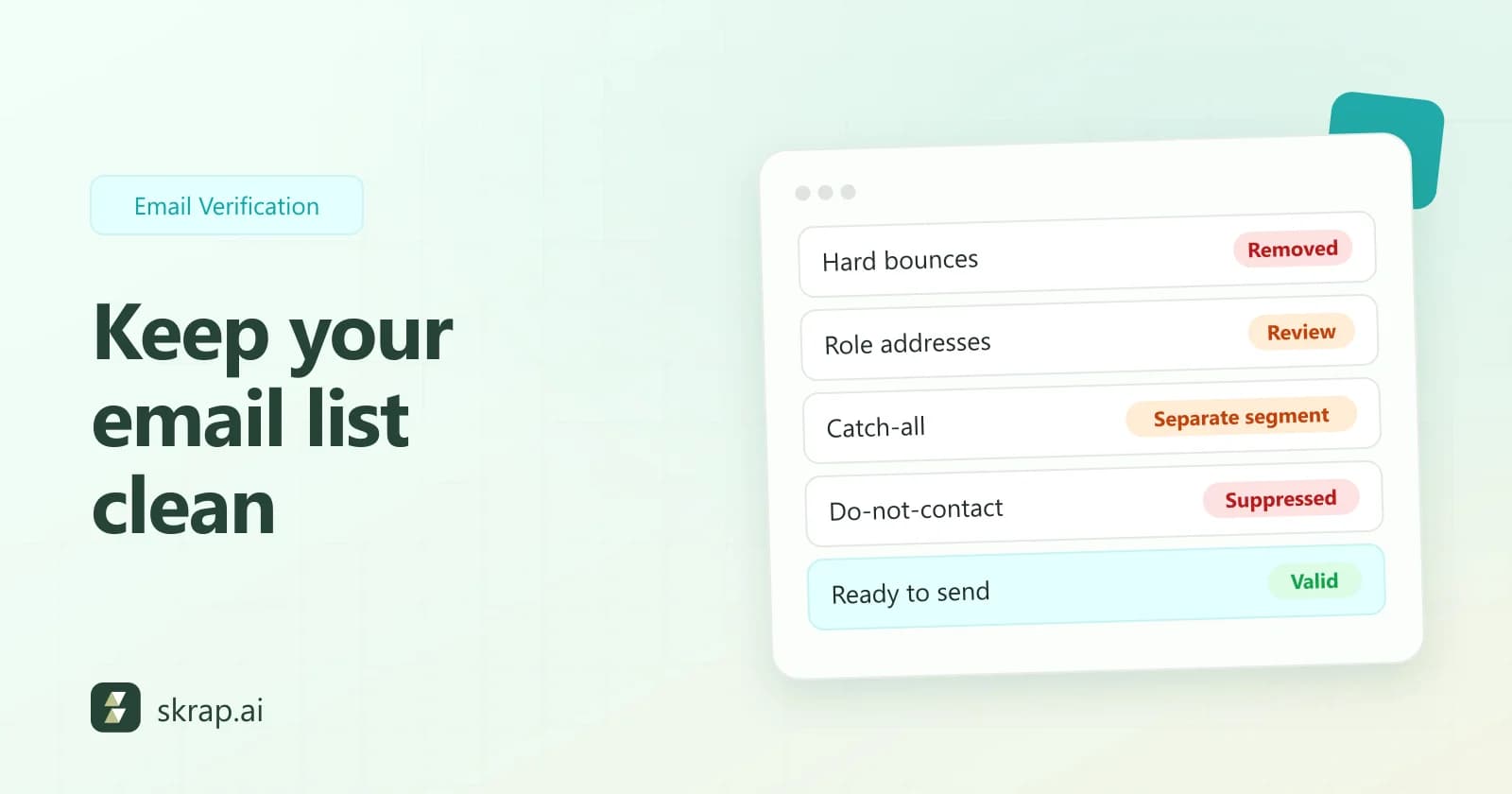
- 3Suppress every hard bounce. Remove them from the list and mark them as do-not-email in your CRM.
- 4Verify the rest of the list. Run the remaining audience through an email verifier and remove Invalid results before you resume.
- 5Check SPF, DKIM and DMARC. Make sure every tool sending for your domain is authorized and aligned. Our deliverability guide has a full checklist.
- 6Resume gradually. Google advises that if messages start bouncing or getting deferred, you should reduce sending volume until the error rate drops, then increase slowly.
How to prevent bounces long term
Fixing a spike is reactive. These habits keep your bounce rate low by default:
- Verify before every campaign. Not once a year. Before every send. Our email verification best practices explains the cadence and workflow.
- Verify at the source. Use an email finder that returns verified addresses instead of guessing patterns, and verify form sign-ups in real time via API.
- Handle Risky and Unknown deliberately. Re-check Unknown results later, and send Risky addresses (often catch-all domains) in small, separate batches.
- Auto-suppress repeat soft bounces. Google recommends automatically unsubscribing recipients who have multiple bounced messages.
- Keep authentication current. Update SPF and DKIM whenever you add a sending tool.
- Ramp volume slowly. Increase sends gradually, especially on new domains.
- Monitor per campaign. Track hard bounce rate on every send so you can spot a bad segment immediately.
Skrap.ai's Email Verifier checks syntax, domain/MX and the mailbox itself over SMTP, returning Valid, Risky, Invalid or Unknown. With our fair-credit model, Valid and Risky cost 1 credit, while Invalid and Unknown are free. If you need fresh contacts, the Email Finder returns verified business emails and charges nothing when no email is found.







 No credit card required
 100 one-time free credits