

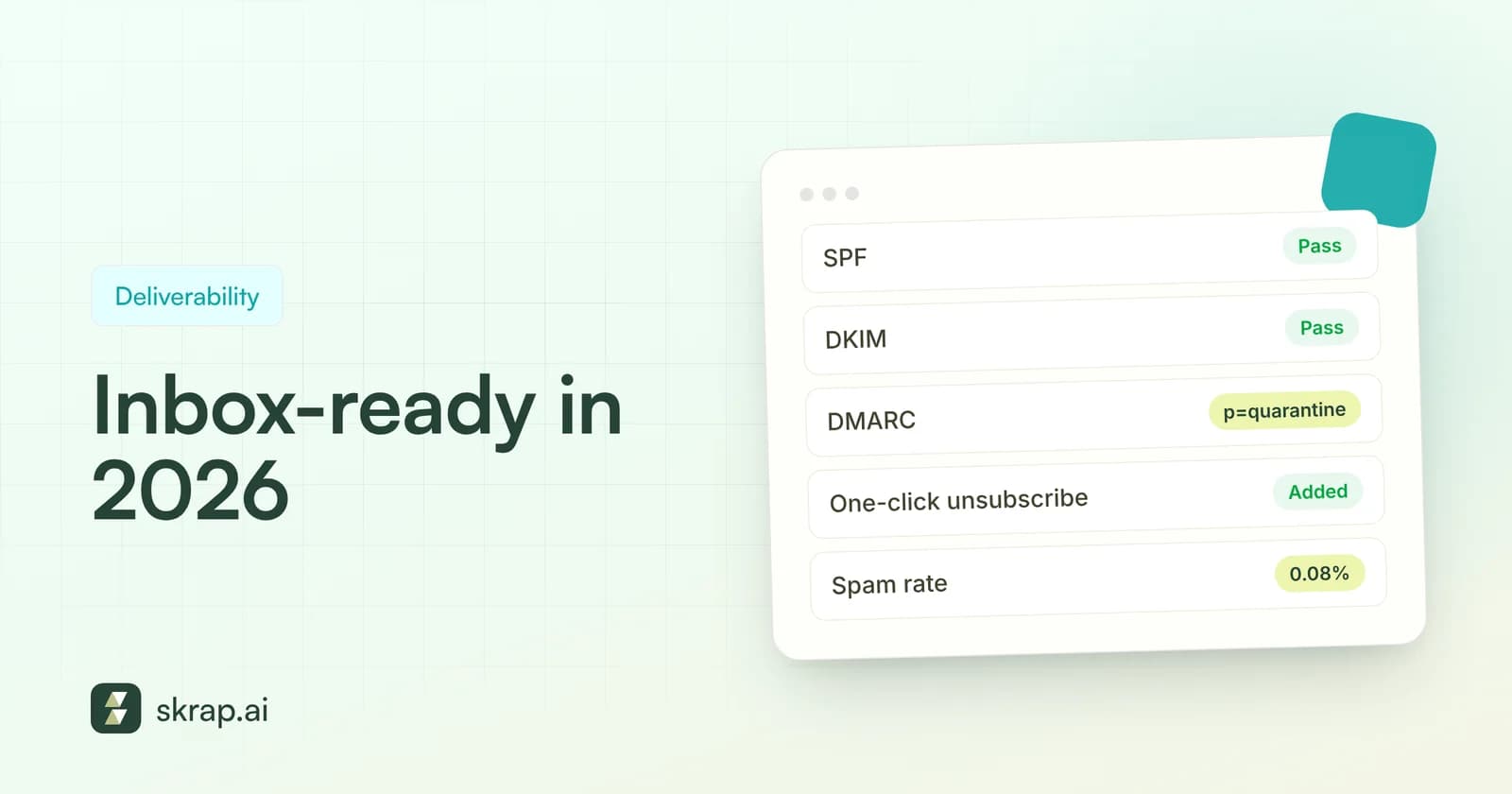
Email deliverability used to be a dark art. In 2026 it is mostly a checklist. Gmail, Yahoo and Microsoft Outlook have all published concrete rules for senders: authenticate your domain, keep spam complaints low, make unsubscribing easy, and stop mailing addresses that don't exist. Miss them and your messages land in spam or get rejected outright.
The good news is that the rules are public, specific and mostly overlap. If you meet Gmail's bar for bulk senders, you are close to meeting Yahoo's and Microsoft's too. The less-good news is that enforcement keeps tightening. Google says that starting November 2025 it is ramping up enforcement, and non-compliant traffic can see temporary and permanent rejections.
This guide breaks down what each mailbox provider actually requires, explains SPF, DKIM and DMARC in plain English, and ends with a practical checklist your sales or marketing team can work through this week. We will also cover the part most guides skip: list hygiene. Authentication proves who you are. A clean, verified list proves you send to real people who expect to hear from you.
What changed: the 2024–2026 sender requirements
Gmail and Yahoo started enforcing their sender requirements in February 2024. Microsoft followed for Outlook.com, Hotmail and Live addresses in May 2025. All three draw a line around roughly 5,000 messages per day, and senders above it face stricter rules.
A few details matter more than they look:
- Gmail counts by primary domain. Google defines a bulk sender as anyone sending close to 5,000 or more messages to personal Gmail accounts in 24 hours, and mail from subdomains counts toward the same primary domain. Sending 2,500 from your root domain and 2,500 from a marketing subdomain makes you a bulk sender.
- Bulk status is permanent at Gmail. According to Google's FAQ, a sender who crosses the threshold once is permanently classified as a bulk sender. Dropping volume next month does not reset it.
- Requirements for everyone still apply. Even below 5,000 a day, Gmail requires SPF or DKIM, valid forward and reverse DNS, TLS, RFC 5322-compliant formatting, and a spam rate under 0.3%.
- Microsoft moved to rejection. In an April 2025 update to its announcement, Outlook said high-volume messages that fail its authentication requirements would be rejected with the error “550; 5.7.515 Access denied” from May 5, 2025.
Gmail vs. Yahoo vs. Microsoft: requirements side by side
Here is how the three biggest consumer mailbox providers compare for high-volume senders, based on each provider's own published guidance.
| Requirement | Gmail (5,000+/day) | Yahoo (bulk senders) | Microsoft Outlook (5,000+/day) |
|---|---|---|---|
| SPF | Required (plus DKIM) | Required (plus DKIM) | Must pass |
| DKIM | Required; key of 1024 bits or longer, 2048 recommended | Required; minimum 1024-bit key | Must pass |
| DMARC | Required; policy can be p=none | Required; at least p=none, must pass | Required; at least p=none |
| Alignment | From: domain aligned with SPF or DKIM domain | From: aligned with SPF or DKIM; relaxed OK | Align with SPF or DKIM, preferably both |
| One-click unsubscribe | Required for marketing and subscribed mail | Required (RFC 8058 POST highly recommended) | Recommended: functional, visible unsubscribe |
| Honor unsubscribes | Within 48 hours (FAQ) | Within 2 days | Not specified |
| Spam rate | Below 0.3%; aim for under 0.1% | Below 0.3% | No public threshold |
| Other | PTR records, TLS, RFC 5322 | Valid forward/reverse DNS, RFCs 5321/5322 | Valid From/Reply-To, list hygiene, bounce management |
Notice the last row for Microsoft. Its announcement explicitly lists “List Hygiene & Bounce Management” as a recommended practice: remove invalid addresses regularly to reduce complaints, bounces and wasted messages. Mailbox providers are telling you, in writing, that list quality is part of deliverability.
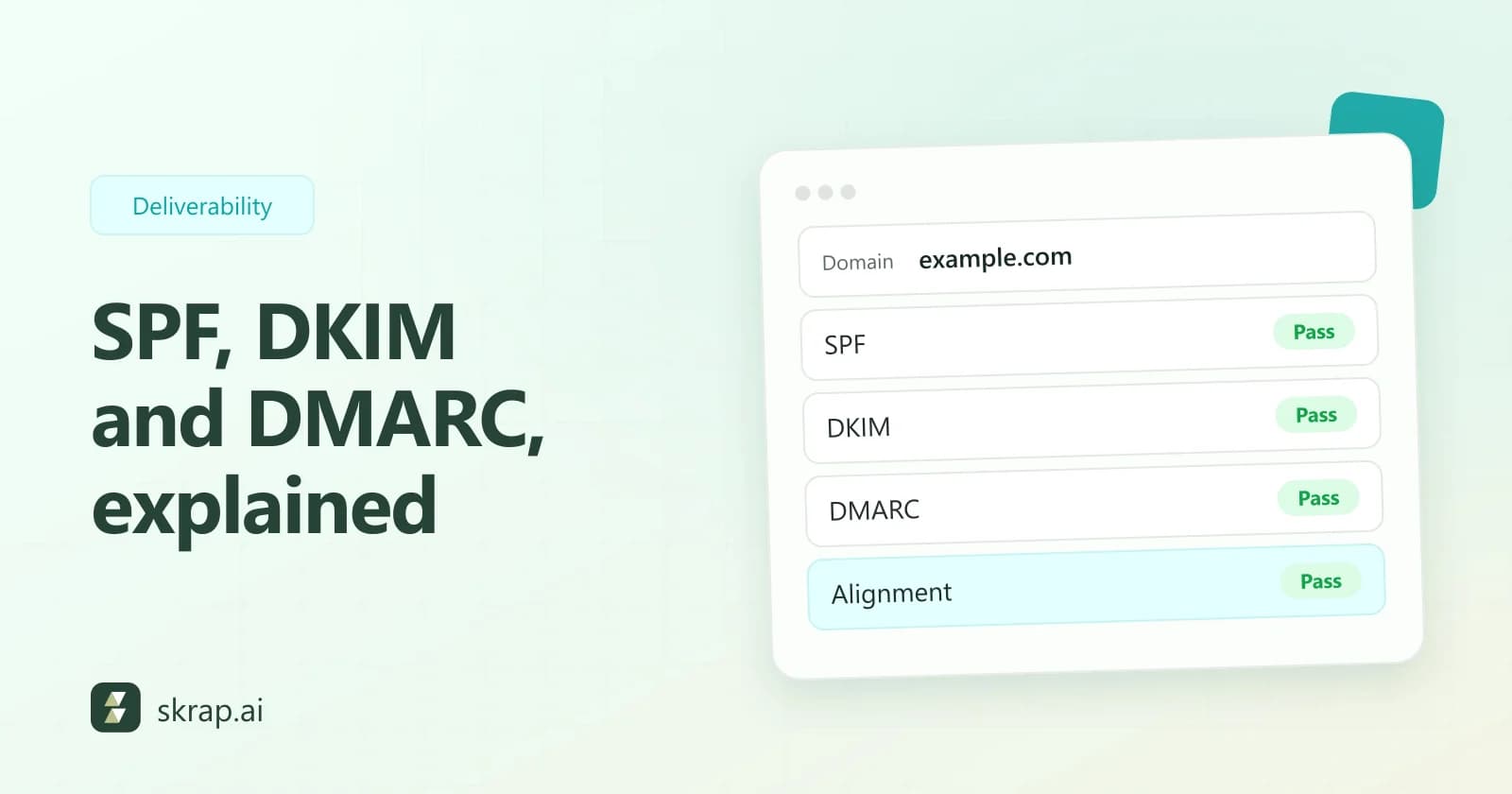
SPF, DKIM and DMARC in plain English
These three DNS records are the foundation of every requirement above. You set them up once per sending domain, then keep them current whenever you add a new tool that sends on your behalf.
SPF: who is allowed to send
SPF (Sender Policy Framework) is a TXT record listing the servers and services allowed to send mail for your domain. Google notes that if third-party senders, such as your CRM, sequencing tool or help desk, are missing from your SPF record, their messages are more likely to be marked as spam. Audit it every time you add a sending tool.
DKIM: proof the message wasn't altered
DKIM (DomainKeys Identified Mail) adds a cryptographic signature to each message. The receiving server checks the signature against a public key in your DNS. Gmail requires a key of at least 1024 bits for personal Gmail accounts and recommends 2048 bits where your provider supports it.
DMARC: the policy that ties them together
DMARC tells receivers what to do when a message fails SPF and DKIM, and it checks alignment: the domain in the visible From: header must match the domain that passed SPF or DKIM. All three providers accept a starting policy of p=none, which means “monitor, don't block.” Add a reporting address (rua) so you can see who is sending as your domain; Yahoo strongly recommends it and Google recommends DMARC reports too.
One-click unsubscribe and complaint rates
Spam complaints are the fastest way to wreck a domain's reputation, and the easiest way to prevent them is to make leaving painless. Gmail requires marketing and subscribed messages from bulk senders to support one-click unsubscribe and to include a clearly visible unsubscribe link in the body.
One-click unsubscribe is defined by RFC 8058. In practice you add two headers:
- List-Unsubscribe containing an HTTPS URL (a mailto: address can sit alongside it).
- List-Unsubscribe-Post with the exact value List-Unsubscribe=One-Click.
RFC 8058 also requires your DKIM signature to cover both headers, and your endpoint must process the POST without cookies, logins or redirects. Most email service providers handle this for you, so check that it's switched on rather than building it yourself.
For one-to-one sales outreach, keep it human: a plain line such as “Not the right person? Reply and I won't follow up” lowers complaints because annoyed recipients have an alternative to the spam button. Then honor every opt-out quickly; Google's FAQ recommends 48 hours and Yahoo says 2 days.
List hygiene: the foundation authentication can't replace
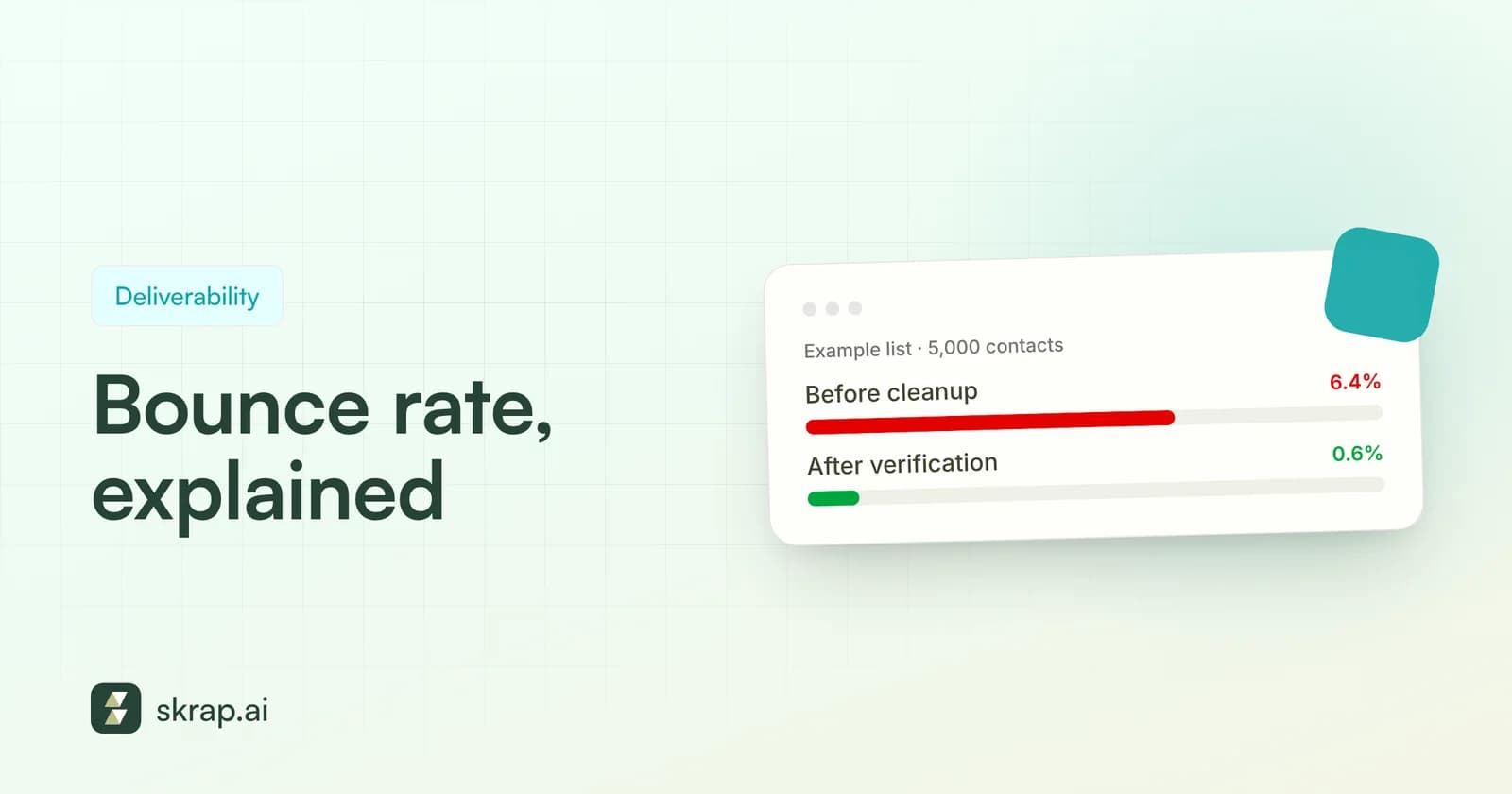
Perfect DNS records won't save a campaign sent to a stale list. Bounces from dead mailboxes signal to providers that you aren't maintaining your data, and Google recommends automatically unsubscribing recipients who have multiple bounced messages. Microsoft's guidance asks large senders to remove invalid addresses regularly.
B2B data goes stale fast because people change jobs and companies change domains. HubSpot, citing MarketingSherpa research, says email marketing databases naturally degrade by about 22.5% every year. A list you built last spring is quietly filling with addresses that will bounce.
Good hygiene comes down to four habits:
- 1Verify before you send. Run every new list, and every list that hasn't been mailed in a while, through an email verifier. Remove Invalid results, and decide deliberately what to do with Risky and Unknown ones.
- 2Suppress hard bounces immediately. A permanent failure (a 5.x.x code such as “mailbox does not exist”) should never be retried.
- 3Watch soft bounces. Repeated temporary failures on the same address usually mean it's abandoned. Suppress after a few attempts.
- 4Prune the unengaged. Google suggests considering unsubscribing recipients who don't open or read your messages. Fewer, more engaged recipients means fewer complaints.
For a deeper walkthrough, read our email verification best practices and our guide to email bounce rate.
How email verification protects deliverability
An email verifier answers one question before you hit send: will this address accept mail? Skrap.ai's Email Verifier runs three layers of checks:
- Syntax catches typos and malformed addresses.
- Domain and MX confirms the domain exists and is set up to receive email.
- SMTP mailbox check asks the receiving server whether the specific mailbox exists, without sending a message.
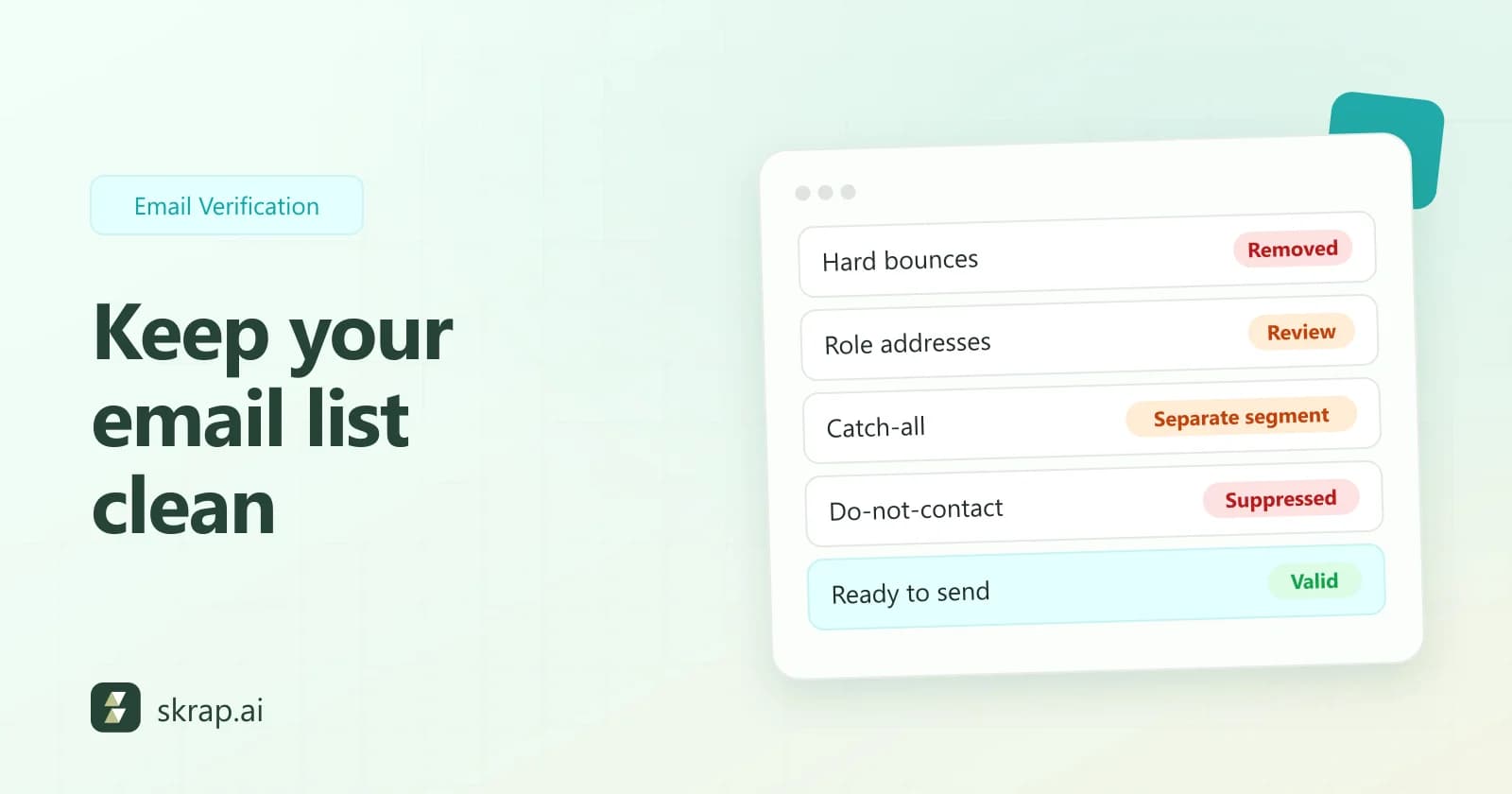
Each address comes back as Valid, Risky, Invalid or Unknown. Valid addresses are safe to mail. Invalid ones should be removed. Risky results, which often include catch-all domains, deserve a smaller, more careful send. Unknown means the server didn't give a clear answer, so re-check later rather than mailing blind. Our catch-all emails explainer covers that gray zone in detail.
On pricing, Skrap.ai uses a fair-credit model: a Valid or Risky result costs 1 credit, while Invalid and Unknown results are free. You pay for answers you can act on, not for dead addresses.
A Valid result means a mailbox exists. It doesn't mean the person wants your email. Pair verification with relevant targeting, honest subject lines and an easy opt-out to keep complaint rates down.
Your 2026 deliverability checklist
Work through this list once, then revisit it quarterly or whenever you add a new sending tool.
Authentication and infrastructure
- SPF record published and includes every service that sends as your domain.
- DKIM enabled for each sending service, with a 2048-bit key where supported.
- DMARC record published (at least p=none) with a rua reporting address.
- From: domain aligns with your SPF or DKIM domain.
- Sending IPs have valid forward and reverse DNS (PTR) records.
- Mail is sent over TLS.
Unsubscribe and complaints
- One-click unsubscribe headers (RFC 8058) on marketing and subscribed mail.
- A visible unsubscribe link or clear opt-out line in every message.
- Opt-outs processed within 48 hours.
- Spam rate monitored in Google Postmaster Tools; target under 0.1%, never 0.3%.
List quality
- Every list verified before its first send and re-verified before reuse.
- Invalid addresses removed; Risky and Unknown handled with a written rule.
- Hard bounces suppressed automatically; repeat soft bounces suppressed.
- No purchased lists; Google's guidelines say not to buy email addresses.
- New domains and higher volumes ramped up gradually.
Ramp volume slowly and keep monitoring
Google's guidelines are clear that sudden volume spikes cause problems. It recommends sending at a consistent rate, starting with low volume to engaged users and increasing slowly. If messages start bouncing or getting deferred, it advises reducing volume until the error rate drops, then increasing again gradually.
Three places to watch:
- Google Postmaster Tools for spam rate, domain and IP reputation, and Google's compliance status dashboard.
- Your DMARC reports for unknown sources sending as your domain and for legitimate tools failing alignment.
- Your bounce logs for spikes in 5.x.x errors, which usually point to a stale or unverified segment.
When something slips, the fix is usually one of three things: an authentication gap, a list-quality problem, or content and targeting that people don't want. Verification handles the second one quickly and cheaply.






 No credit card required
 100 one-time free credits