

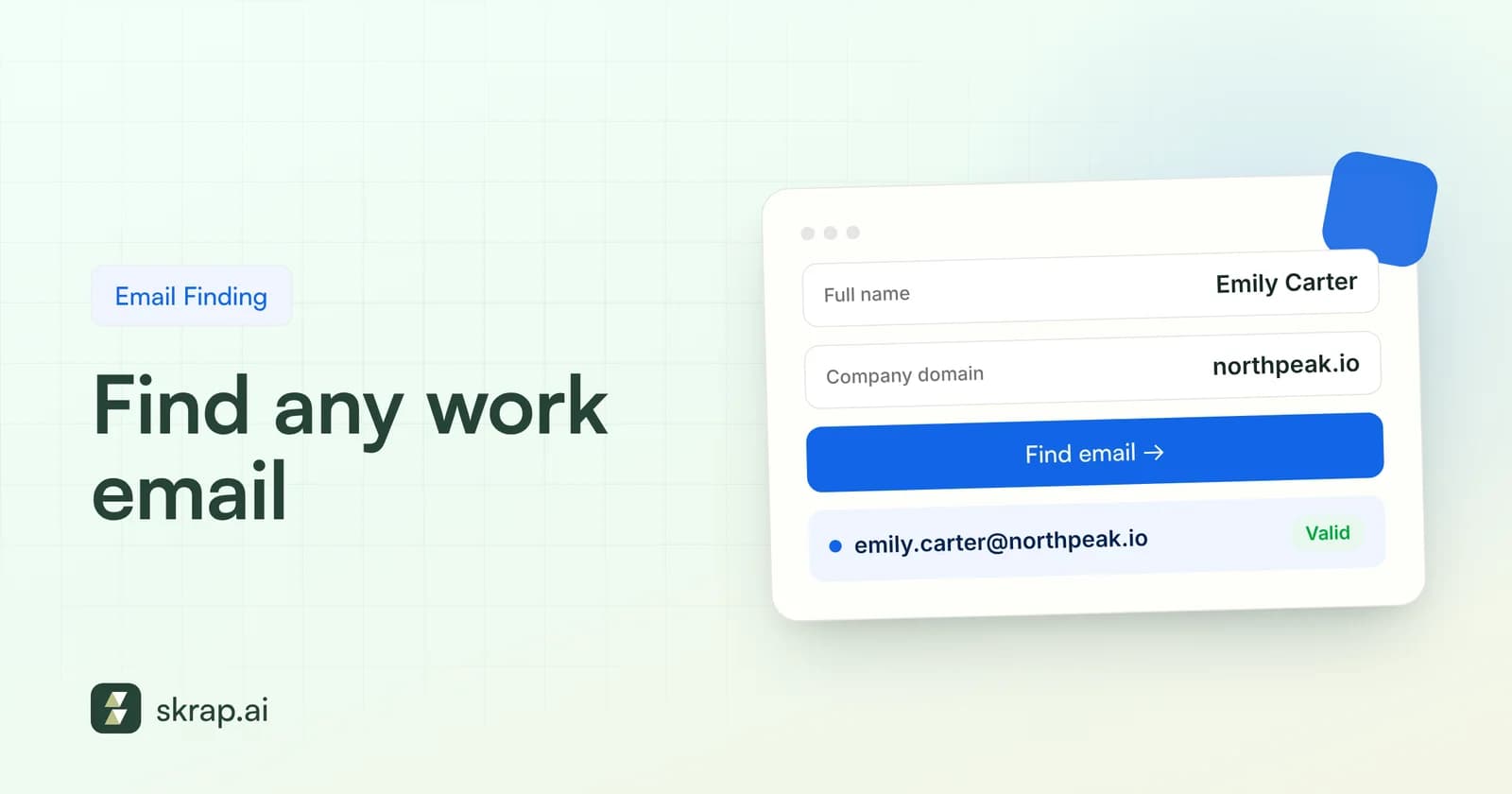
You have the perfect prospect. The right title, the right company, the right timing. The only thing missing is the one detail that matters most: a business email address that actually reaches their inbox.
Finding that address is part detective work, part process. Some methods are free and slow, others are fast and cost a little. The best SDRs, recruiters, and founders mix them, and they never send to an address they have not checked first.
Below are seven methods that work in 2026, ordered roughly from manual to automated, followed by a verification routine and a short compliance primer. Use one, or stack several until you get a confident result.
Before you start: what you need to know about your prospect
Every method below works better with three inputs: the person's full name, their current company, and the company's email domain. The domain is not always the same as the website. A brand might run its site on one domain and its mail on another, or a subsidiary might share the parent company's mail domain.
Spend 30 seconds confirming the person still works there. A current role on their professional profile, a recent press mention, or a recent conference talk is usually enough. Emailing someone who left six months ago is the fastest way to collect a hard bounce.
| Input | Why it matters | Where to confirm it |
|---|---|---|
| Full name | Patterns use first name, last name, or initials | Professional profile, company team page |
| Current company | Old employers mean bounced or recycled addresses | Recent posts, press releases, About page |
| Email domain | The website domain is not always the mail domain | Contact page, press page, any published address |
7 practical ways to find a business email
Work through these in order for a single high-value prospect, or jump straight to Methods 4, 5 and 7 when speed and volume matter more than cost.
Method 1: Check the company website
Start with the obvious. Plenty of companies publish individual addresses on their team page, leadership bios, press or media page, blog author boxes, and event speaker pages. Smaller firms, agencies, law practices, and universities are especially likely to list staff emails.
- Team, About, and Leadership pages: look for mailto links or contact icons under each bio.
- Press or Newsroom pages: media contacts are often named people, not just a shared inbox.
- Blog bylines and podcast show notes: authors sometimes include a direct address.
- PDFs: annual reports, case studies, and brochures often include contact details that never appear on HTML pages.
Even if your target is not listed, any named employee address you find tells you the company's email format. That is the key to Method 3.
Method 2: Use professional profile context
Professional networks rarely show email addresses to people outside someone's network, but they give you nearly everything else: exact name spelling, current employer, title, and often a link to the company website. That context makes every other method more accurate.
Also check the contact info section and the person's featured links. Some people list a personal site, a portfolio, or a calendar page that includes their work address. Founders and consultants do this often.
Keep it manual and respectful. Read what is public, take notes, and follow the platform's terms of service. Bulk-copying profiles with unofficial scrapers is a fast way to lose your account.
Method 3: Work out the email format and guess
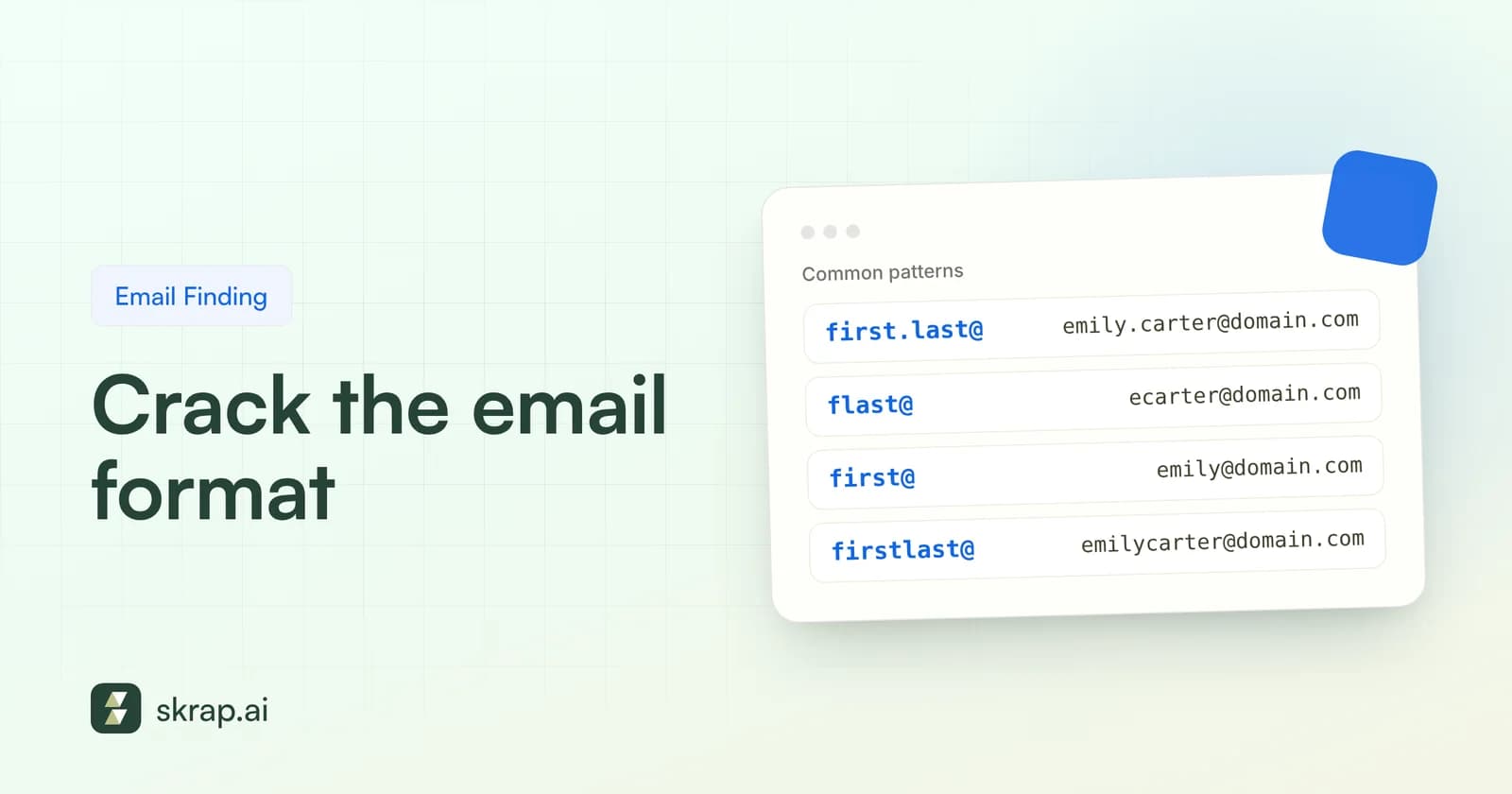
Most companies apply one naming convention to everyone. Once you know it, you can build a likely address for anyone on the team. Common patterns include:
| Pattern | Example for Jane Doe at acme.com |
|---|---|
| first.last | [email protected] |
| first | [email protected] |
| flast | [email protected] |
| firstlast | [email protected] |
| first_last | [email protected] |
| firstl | [email protected] |
| last.first | [email protected] |
To pick the right one, find two or three real addresses from the same domain (Method 1 or Method 6 usually turns some up) and match the pattern. If you only find one, look for a colleague with a different name length to confirm it.
Guessing has real limits, though. Large companies make exceptions for duplicate names, hyphenated surnames, and nicknames. Acquired teams sometimes keep their old domain. And many mail servers accept every address at the domain, so a test send tells you nothing. We cover those traps in detail in Company email formats explained.
Method 4: Use an email finder tool
An email finder automates Methods 1 and 3 and adds a verification step. You enter a name and a company or domain, and the tool returns the most likely business address along with a check of whether the mailbox exists.
In Skrap.ai's Email Finder, you can look up one person at a time or run a bulk job. The credit model is simple: an email found costs 1 credit, and no email found costs 0. You are never paying for empty results.
When evaluating any finder, look at three things:
- 1Does it verify? A finder that returns pattern guesses without an SMTP check hands the risk back to you.
- 2How does it bill? Paying per search, even when nothing comes back, adds up fast on hard-to-find segments.
- 3Can it scale? Bulk upload, CSV export, or an API matter once you move past a handful of contacts.
Method 5: Find emails while you browse with a Chrome extension (coming soon)
If your research happens in a browser, an extension removes the copy-paste step. The Skrap.ai Chrome extension is coming soon and will let you find emails without leaving the page you are on. See the Chrome extension page for updates.
Until it launches, the Email Finder does the same job in a second tab. An extension is the fastest option for account-based prospecting, where you research a few accounts deeply rather than pulling hundreds of records.
Method 6: Use Google search operators
Search operators turn Google into a precise lookup tool. Google's own help pages document quotation marks for exact matches, site: to limit results to one domain, and the minus sign to exclude words. Combine them to surface published addresses:
| Goal | Example query |
|---|---|
| Any published address at a domain | "@acme.com" -site:acme.com |
| Addresses on the company's own site | site:acme.com "@acme.com" |
| A specific person's address | "jane doe" "@acme.com" |
| Addresses inside PDFs | "@acme.com" filetype:pdf |
Two practical notes. First, do not add a space after the colon; Google's documentation says site: works only when the domain follows it directly. Second, Google states that site: results are not always exhaustive, so an empty result does not prove an address does not exist.
Operators are best for discovering the pattern, not for finding every person. Once you have two or three real addresses, switch back to Method 3 or Method 4.
Method 7: Find emails in bulk
Manual methods are fine for ten contacts. For five hundred, you need batch processing. There are three common ways to do it:
- Bulk upload: on paid plans, upload a file of names and companies to the Email Finder and download the results.
- Spreadsheet: the Google Sheets add-on finds and verifies emails without leaving your sheet, which suits teams that already live in spreadsheets.
- API: the REST API returns JSON, so you can enrich records in your own tools or CRM workflow via export or code.
Bulk finding is where the credit model matters most. Hard-to-reach segments such as small companies, regulated industries, or public-sector bodies return fewer results. Paying only for found emails keeps cost tied to the value you actually receive.
How to verify an email before you send
Verification is not optional. Hard bounces hurt your sender reputation, and the mailbox providers are strict. Google asks all senders to keep the spam rate reported in Postmaster Tools below 0.3%, and recommends staying under 0.10%. Yahoo also asks senders to keep spam rates below 0.3%. Bouncing to dead addresses signals to filters that you are not maintaining your list.
A proper verification check runs in layers:
- 1Syntax: is the address well formed?
- 2Domain and MX: does the domain exist and accept mail?
- 3Mailbox (SMTP): does the mail server confirm this specific mailbox, without sending a message?
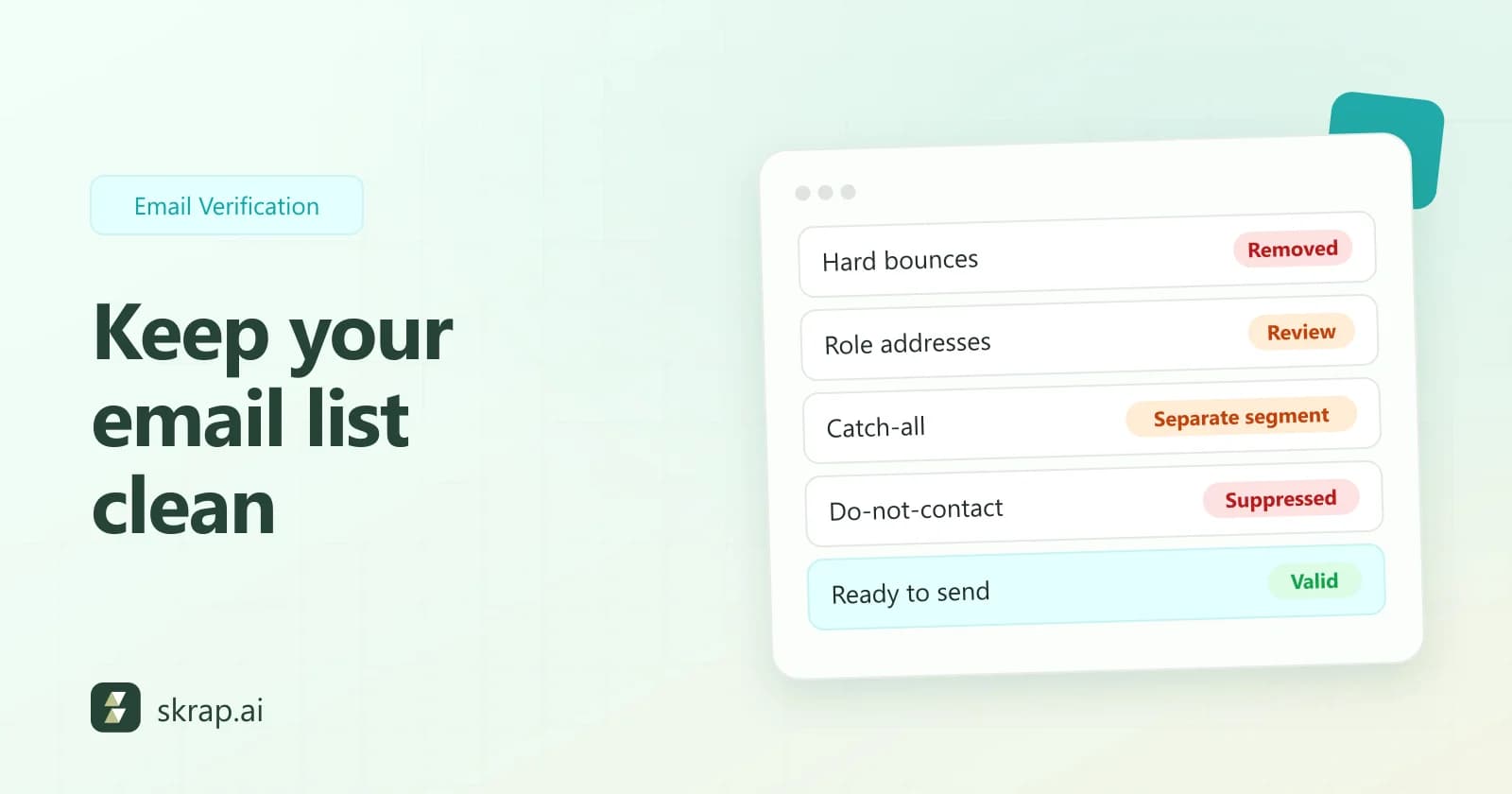
Skrap.ai's Email Verifier runs all three and returns Valid, Risky, Invalid, or Unknown. Send to Valid. Treat Risky (often catch-all domains) with care and lower volume. Drop Invalid. Retry Unknown later. For a deeper walkthrough, read our email verification best practices.
| Result | What to do | Skrap.ai credit cost |
|---|---|---|
| Valid | Safe to send | 1 credit |
| Risky | Send carefully, in small volumes | 1 credit |
| Invalid | Remove from your list | Free |
| Unknown | Retry later or hold back | Free |
Ethics and compliance: legitimate interest, GDPR and CAN-SPAM basics
Finding an address is legal in most contexts. What you do with it is regulated. This is not legal advice, but every prospector should know the basics.
United States: CAN-SPAM
The FTC is explicit that CAN-SPAM makes no exception for business-to-business email. Commercial messages need accurate headers, honest subject lines, a physical postal address, and a clear way to opt out. Opt-outs must be honored within 10 business days. The FTC lists penalties of up to $53,088 per violating email (inflation-adjusted in January 2025).
EU and UK: GDPR and legitimate interest
GDPR Recital 47 says processing personal data for direct marketing may be regarded as a legitimate interest. The UK ICO adds that you still need to pass a three-part test (purpose, necessity, and balancing) and that people have an absolute right to object to direct marketing.
Two extra points matter for found emails. Under GDPR Article 14, when you did not collect data from the person directly, you must tell them where it came from, at the latest in your first communication. And in the UK, PECR lets you email corporate bodies, but the ICO notes that sole traders and some partnerships are treated as individuals, who need consent.
- Email people about something relevant to their role.
- Identify yourself and explain how you found their address.
- Include an easy opt-out and keep a suppression list.
- Document your legitimate interest assessment if you prospect in the EU or UK.
Which method should you use?
| Method | Best for | Speed | Cost |
|---|---|---|---|
| Company website | Small firms, agencies, leadership | Slow | Free |
| Profile context | Confirming name and current role | Medium | Free |
| Format guessing | When you know the pattern | Medium | Free, plus verification |
| Email finder | Any single contact | Fast | 1 credit per found email |
| Chrome extension (coming soon) | Account-based research | Fast | 1 credit per found email |
| Search operators | Discovering a company's pattern | Medium | Free |
| Bulk finding | Lists of hundreds or more | Fastest | Paid plans, pay per result |
Whichever route you take, finish the same way: verify, personalize, and send to a list you would be comfortable explaining. If you are building lists from scratch, our guide on how to build a B2B prospect list covers the steps before finding emails.






 No credit card required
 100 one-time free credits