

A great outbound campaign can't rescue a bad list. If the people on it don't need what you sell, can't buy it, or never receive your email, no subject line or follow-up cadence will fix the numbers.
The good news: building a high-quality B2B prospect list is a repeatable process, not a talent. Define who you want, find them with the right filters, add the contact data you need, verify it, and keep it clean.
This guide walks through each step, with checklists and a worked example using Skrap.ai's Search Leads and Get Email. The same principles apply whatever tools you use.
Step 1: Define your ideal customer profile (ICP)
Your ideal customer profile describes the companies that get the most value from your product and are most valuable to you. It is an account-level definition, not a person. Start from your best existing customers if you have them: the ones who bought fastest, stayed longest, and expanded.
| ICP attribute | Example questions | Example answer |
|---|---|---|
| Industry | Which sectors buy fastest and churn least? | B2B SaaS, IT services |
| Company size | What headcount band has the budget and the pain? | 50 to 500 employees |
| Geography | Where can you sell, support, and comply? | US, UK, Canada |
| Business model | Do they sell to businesses, consumers, or both? | B2B, sales-led |
| Trigger signals | What events make them ready to buy now? | Hiring SDRs, new funding, new market launch |
| Disqualifiers | Who should never be on the list? | Competitors, current customers, agencies under 10 people |
Write the ICP down in one paragraph that anyone on the team could apply. If two reps would build different lists from it, it is not specific enough yet.
Step 2: Map the buyer personas inside each account
Once you know which companies to target, decide who inside them to contact. Gartner reports that the typical buying group for a complex B2B solution involves six to 10 decision makers. Emailing one person per account leaves most of that group untouched.
For each persona, write down the job titles that indicate it, the seniority level, the department, and the one problem they care about most. That last item drives your messaging; the first three drive your filters.
| Persona | Typical titles | Role in the deal | What they care about |
|---|---|---|---|
| Economic buyer | VP Sales, CRO, Head of Revenue | Approves budget | Pipeline and revenue targets |
| Champion | Sales Ops Manager, SDR Manager | Drives evaluation | Team productivity, tooling |
| End user | SDR, BDR, Account Executive | Uses it daily | Speed and ease of use |
| Gatekeeper | IT, Security, Procurement | Can block the purchase | Risk, security, contracts |
Gartner also notes that sales reps get only a small share of the buyer's time during the journey, roughly 5% when buyers compare several suppliers. Reaching the right two or three people with a relevant message matters more than reaching many people with a generic one.
Step 3: Choose your data sources
There is no single perfect source. Most teams combine a few, depending on how targeted the campaign is.
| Source | Best for | Watch out for |
|---|---|---|
| Lead search database | Building lists quickly by title, company, and other filters | Records still need verification before sending |
| Your CRM and past deals | Closed-lost reactivation, expansion, lookalikes | Outdated contacts and job changes |
| Company websites | Small target-account lists, account research | Slow and manual at scale |
| Professional networks | Confirming titles and current employers | Platform terms of service; manual work |
| Events, webinars, communities | Warm, high-intent segments | Consent terms of how data was collected |
| Purchased lists | Not recommended | Stale data and spam traps |
Step 4: Apply filters that match your ICP
Filters turn your ICP and personas into a list. Work from the outside in: narrow the companies first, then narrow the people inside them. This keeps the list focused and stops you from pulling irrelevant contacts at relevant companies.
- 1Company filters: industry, size, location, and any other account attributes in your ICP.
- 2Person filters: job title, seniority, and department for each persona.
- 3Exclusions: remove current customers, open opportunities, competitors, and anyone on your suppression list.
- 4Sanity check: read the first 20 results. If a few clearly don't fit, tighten the filters before going further.
In Skrap.ai's Search Leads, you can search people or companies with filters such as job title and company, or describe who you want in plain language with the AI Search option. Running a search is free, so you can refine filters as many times as you like before committing any credits.
Use title variations. "Head of Sales," "VP Sales," and "Sales Director" can mean the same thing at different companies. Search for each persona with several titles, and review seniority rather than trusting a single keyword.
Step 5: Enrich only the contacts you will actually use
Enrichment adds the data you need to reach and personalize: a verified business email, plus any context you will reference in your message. The common mistake is enriching every search result. Instead, enrich the contacts that survived your sanity check and that you plan to contact this cycle.
In Skrap.ai, click Get Email on a search result to retrieve that person's email. It costs 1 credit, and because searching is free, credits go only to contacts you have chosen. For people you found elsewhere, the Email Finder takes a name plus a company or domain, and a search that finds nothing costs 0 credits.
If your team works in spreadsheets, the Google Sheets add-on finds and verifies emails without leaving the sheet. For automated pipelines, the REST API returns JSON you can feed into your own tools; see connecting an email API to your CRM workflow.
Worked example: from ICP to 60 verified contacts
Say your ICP is US-based B2B software companies with 50 to 500 employees, and your personas are sales leaders and sales operations managers. Here is how the flow looks in Skrap.ai:
- 1Search companies that match the industry, size, and location in your ICP, and drop any that are already customers or open deals.
- 2Search people at those companies with title variations for each persona, such as "VP Sales," "Head of Sales," and "Sales Operations Manager."
- 3Review the results and shortlist two to three people per account, for example 25 accounts and about 60 contacts.
- 4Click Get Email on each shortlisted person, spending roughly 60 credits instead of enriching hundreds of rows you would never use.
- 5Save them to a list named for the campaign, verify, and export the CSV to your sending tool.
The numbers here are illustrative, not a benchmark. The point is the order of operations: search widely for free, choose narrowly, and spend credits only at the moment you commit to contacting someone.
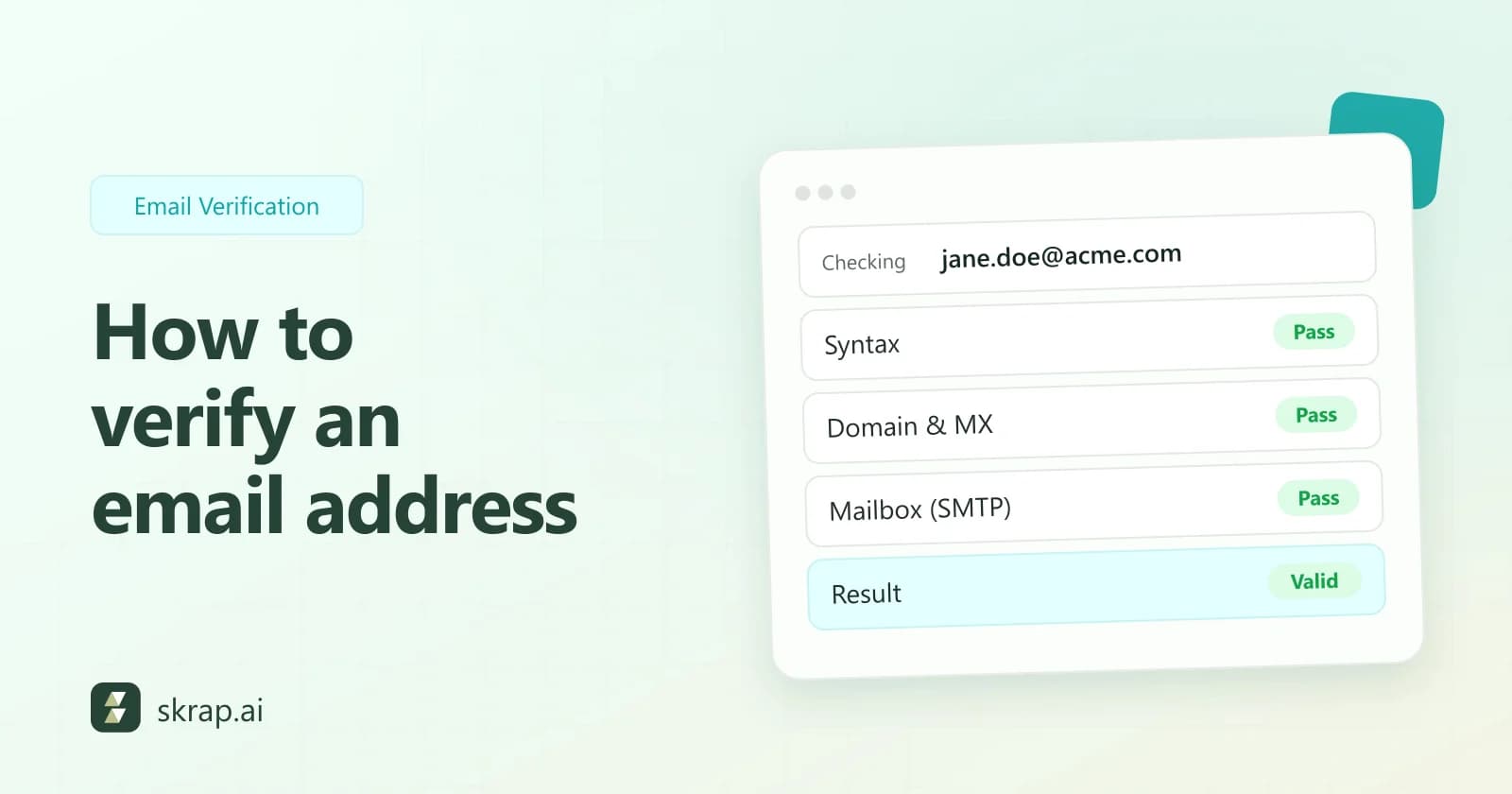
Step 6: Verify every email before you send
Even freshly found addresses go stale as people change jobs. Verification protects your bounce rate and sender reputation, which mailbox providers watch closely. Google asks senders to keep the spam rate in Postmaster Tools below 0.3% and recommends staying under 0.10%. Yahoo sets the same 0.3% ceiling.
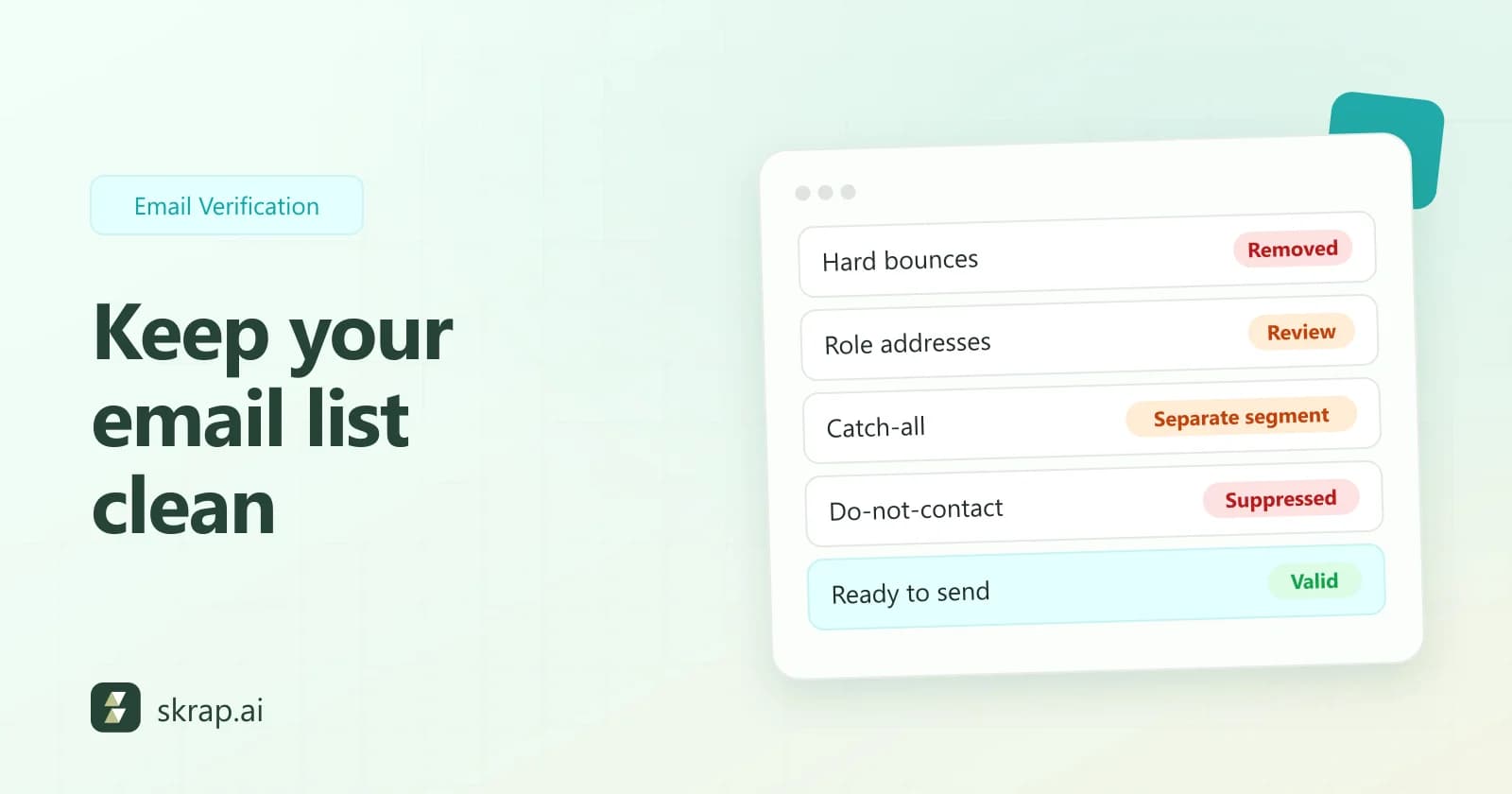
Run your list through the Email Verifier and act on each result:
| Result | Action | Credit cost on Skrap.ai |
|---|---|---|
| Valid | Add to your campaign | 1 credit |
| Risky | Send in smaller batches and monitor | 1 credit |
| Invalid | Remove and suppress | Free |
| Unknown | Retry later before sending | Free |
Bulk verification accepts CSV or XLS uploads of up to 25,000 emails per request on paid plans. For more detail, read our email verification best practices and bounce rate guide.
Step 7: Organize, export, and keep the list healthy
Organize with lists and consistent fields
Save prospects into named lists by campaign, persona, or segment, for example "Q4 SaaS VP Sales US." On paid plans, Skrap.ai lets you build Lists, export them as CSV, and save searches so you can rerun the same filters later and catch new matches.
Agree on a standard set of columns before exporting: first name, last name, title, company, domain, email, verification status, verification date, source, and list name. Consistent fields make imports into your sending tool or CRM painless.
List hygiene rules
- Keep a suppression list of hard bounces, unsubscribes, and spam complaints, and screen every new list against it.
- Honor opt-outs fast. The FTC requires CAN-SPAM opt-outs to be honored within 10 business days, and Yahoo asks bulk senders to honor unsubscribe requests within 2 days.
- Re-verify before each campaign, especially lists older than a few months.
- Deduplicate by email and by person, so the same prospect is not in three sequences at once.
- Record the source of each contact; GDPR Article 14 expects you to tell people where their data came from when you did not collect it from them.
One compliance reminder: the FTC states that CAN-SPAM makes no exception for B2B email. In the UK and EU, direct marketing can rely on legitimate interest only after a documented three-part test, and people always have the right to object. When in doubt, get advice for your markets.
Prospect list quality checklist
| Check | Pass when |
|---|---|
| ICP fit | Every account matches your written ICP |
| Persona coverage | Key accounts have 2 to 3 relevant contacts |
| Exclusions applied | No customers, competitors, or suppressed contacts |
| Emails verified | Only Valid (and carefully managed Risky) addresses remain |
| Fields complete | Name, title, company, email, status, and source filled in |
| Freshness | Verified within your re-check window |
Run this checklist before every campaign launch. A smaller list that passes it will beat a large list that does not. Then measure what happens next with the metrics in our outbound lead generation KPIs guide.






 No credit card required
 100 one-time free credits