

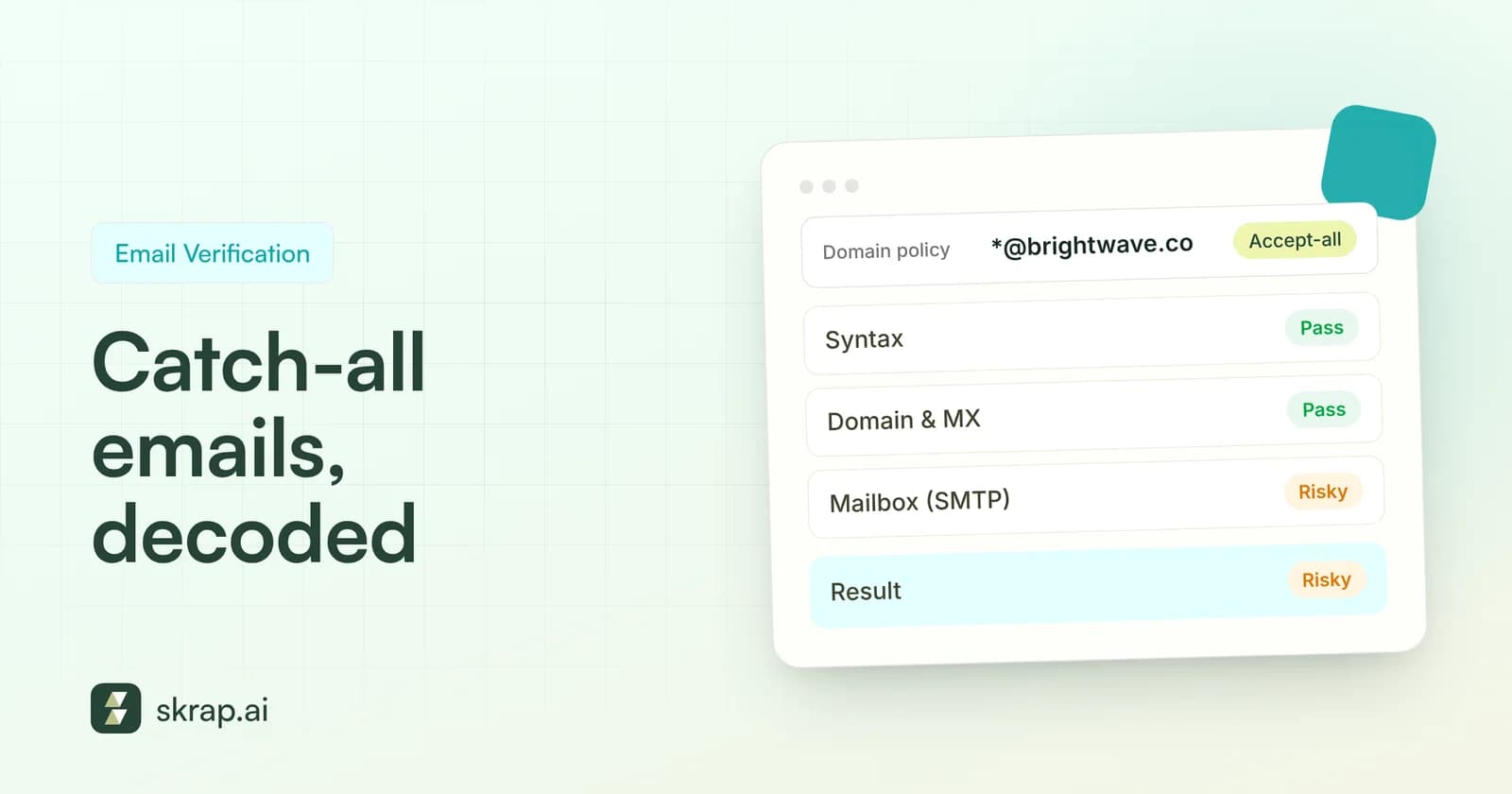
You upload a list to an email verifier, and a chunk of it comes back neither valid nor invalid. The label says something like Risky, Accept-all, or Catch-all. Now you have a decision to make: send, skip, or something in between?
Catch-all addresses are one of the most misunderstood results in email verification. They aren't necessarily bad, and plenty of them belong to real decision-makers at real companies. But they carry a specific kind of uncertainty that can quietly push up your bounce rate if you treat them like confirmed contacts.
This guide explains what catch-all domains are, why verifiers can't see past them, and how to send to risky addresses in a way that protects your sender reputation.
What is a catch-all email address?
A catch-all (also called accept-all) domain is configured to accept email sent to any address at that domain, whether or not a mailbox with that exact name exists. Send to [email protected], [email protected], or [email protected], and the receiving server says yes to all of them.
Companies set this up on purpose, usually so that misaddressed mail isn't lost. Google Workspace, for example, documents a routing setting that sends mail for 'all inactive and unrecognized accounts' to a designated catch-all mailbox, so a message to a typo'd or departed employee's address lands with someone who can deal with it.
Other setups produce the same effect by accident or design. Microsoft's Exchange Online documentation describes Directory-Based Edge Blocking, which rejects mail to nonexistent recipients at the network edge with a 550 5.4.1 error, but only when the domain is set as Authoritative and all valid recipients are in the directory. Domains kept on Internal relay, common during migrations or hybrid setups, don't reject unknown recipients up front. Security gateways in front of the mail server can also accept everything first and sort it out later.
- Why companies use catch-all: avoid missing mail sent to typos, old aliases, or former employees.
- Why it hurts senders: the server's 'yes' tells you the domain accepts mail, not that a specific person will receive it.
- Who uses it: it's a domain-level choice, so you'll see it at companies of every size and in every industry.
How email verification works, and where catch-all breaks it
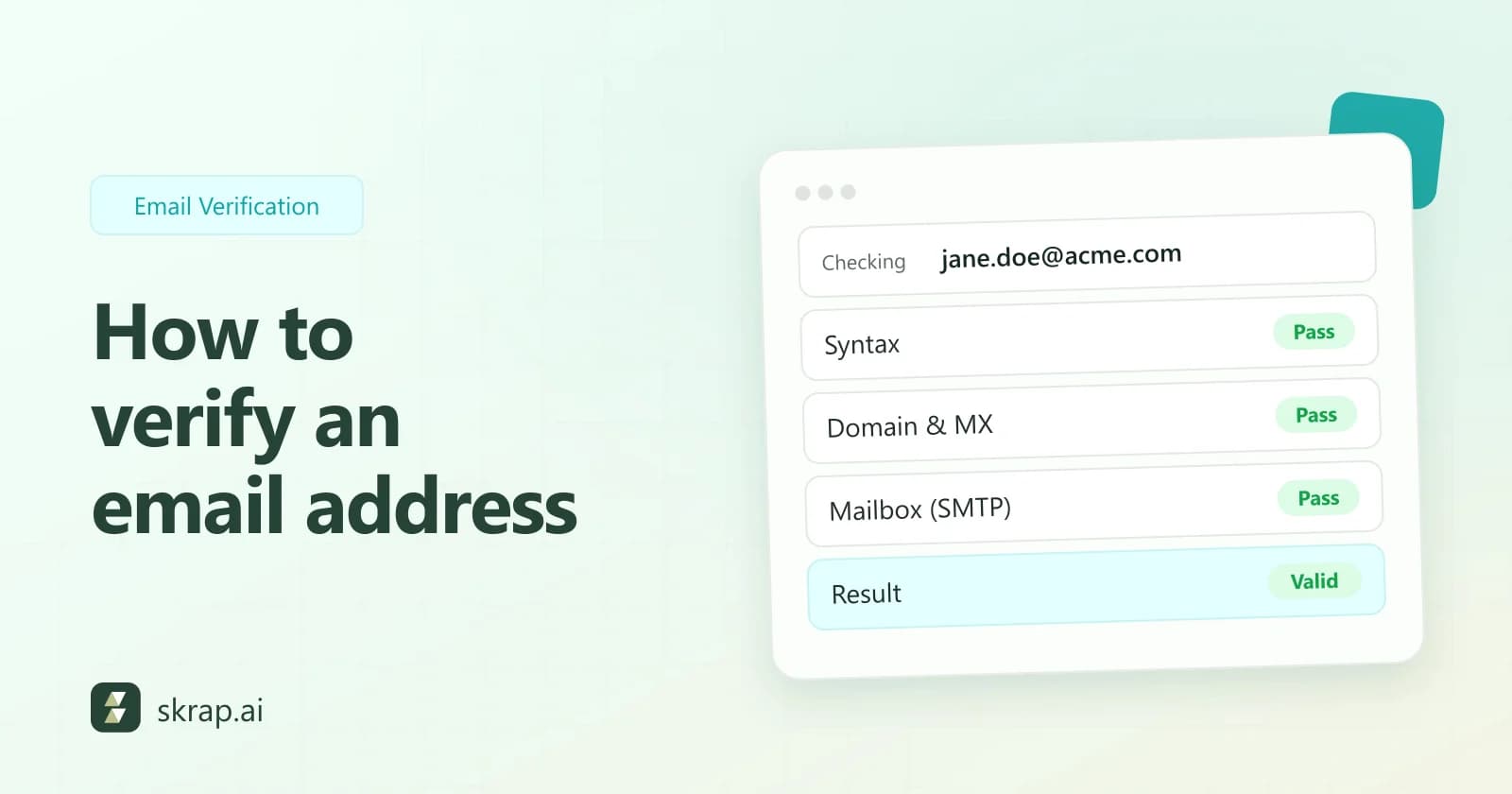
A good verifier runs a sequence of checks without actually sending an email. Skrap.ai's Email Verifier, for example, checks syntax, the domain and its MX records, and then the mailbox itself over SMTP.
- 1Syntax: Is the address formatted correctly?
- 2Domain and MX: Does the domain exist and publish mail servers that can receive email?
- 3Mailbox (SMTP): The verifier opens a conversation with the receiving server and asks, in effect, 'would you accept mail for this recipient?' without sending a message.
Step three is where the answer usually comes from. Under the SMTP standard, RFC 5321, a server that doesn't recognize a recipient typically returns a 550 reply with text such as 'no such user'. That's a clean invalid result.
A catch-all server never gives that signal. It accepts every recipient, so a real address and an invented one look identical. RFC 5321 also notes that some servers only check recipients after the message body has been received and then treat failures as a 'subsequent failure', sending an undeliverable-mail notification back later. In practice, that means an address can be 'accepted' during verification and still bounce after you actually send.
Why verifiers flag catch-all addresses as risky
A catch-all result isn't a verdict that the address is bad. It's a statement of uncertainty. There are three concrete risks behind the label.
1. The specific mailbox may not exist
If the name or format is wrong, your email either sits unread in a shared catch-all inbox or, on servers that check later, generates a bounce. Neither gets you a reply, and the bounce counts against you.
2. Spam traps can hide behind accept-all domains
Spam traps are addresses that exist to catch senders mailing people who never asked to hear from them. Spamhaus explains that pristine traps are addresses never given to a real user, and that some sit on wildcard domains that accept mail to any local part. A catch-all domain can't tell you whether the address you've guessed is a person or a trap.
“Attempting to locate and remove traps only treats the symptom and not the underlying problem.”
3. Engagement tends to be weaker
Even when the address reaches a person, guessed or stale contacts at catch-all domains are less likely to be the right person at the right time. Low engagement and higher complaint rates both count against sender reputation with mailbox providers.
Catch-all vs. other verification results
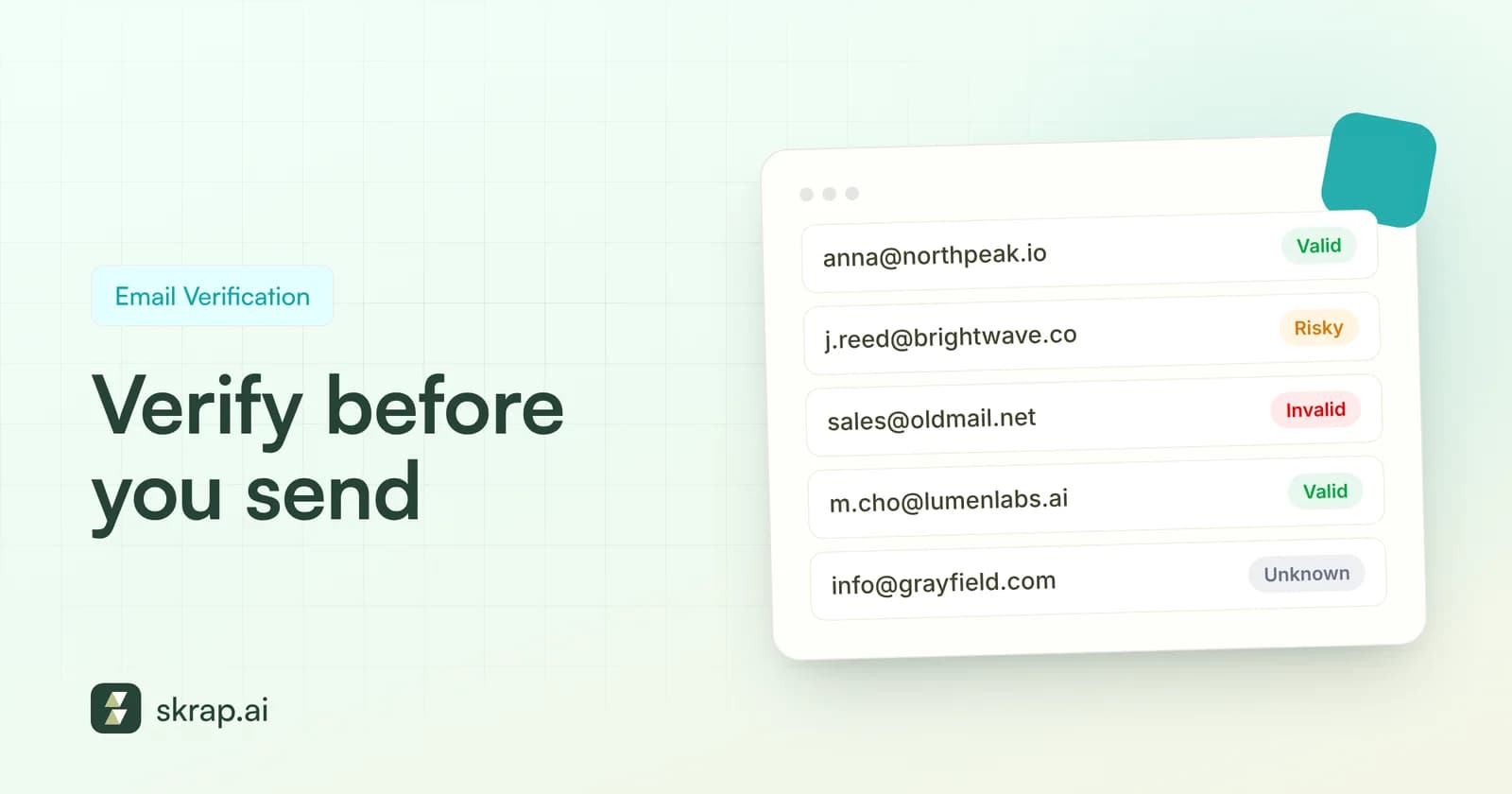
It helps to see catch-all alongside the other outcomes a verifier returns. Here's how the four result types in Skrap.ai's Email Verifier map to action, and what each costs under our fair credit model.
| Result | What it means | Typical cause | Recommended action | Credit cost |
|---|---|---|---|---|
| Valid | Mailbox confirmed to accept mail | Server recognized the specific recipient | Send normally | 1 |
| Risky | Domain accepts mail, mailbox can't be confirmed | Catch-all / accept-all domain, other uncertain signals | Segment and send carefully | 1 |
| Invalid | Address will not receive mail | Bad syntax, no MX, mailbox rejected | Remove from list | 0 (free) |
| Unknown | Server didn't give a usable answer | Timeouts, greylisting, temporary errors | Re-verify later; don't send yet | 0 (free) |
Because invalid and unknown results are free, you only pay for results you can actually use. That makes it practical to verify every list before every campaign. For a broader process, see email verification best practices.
How to handle risky addresses in your campaigns
The goal is simple: get value from catch-all contacts without letting them set your bounce rate. Here's a practical workflow.
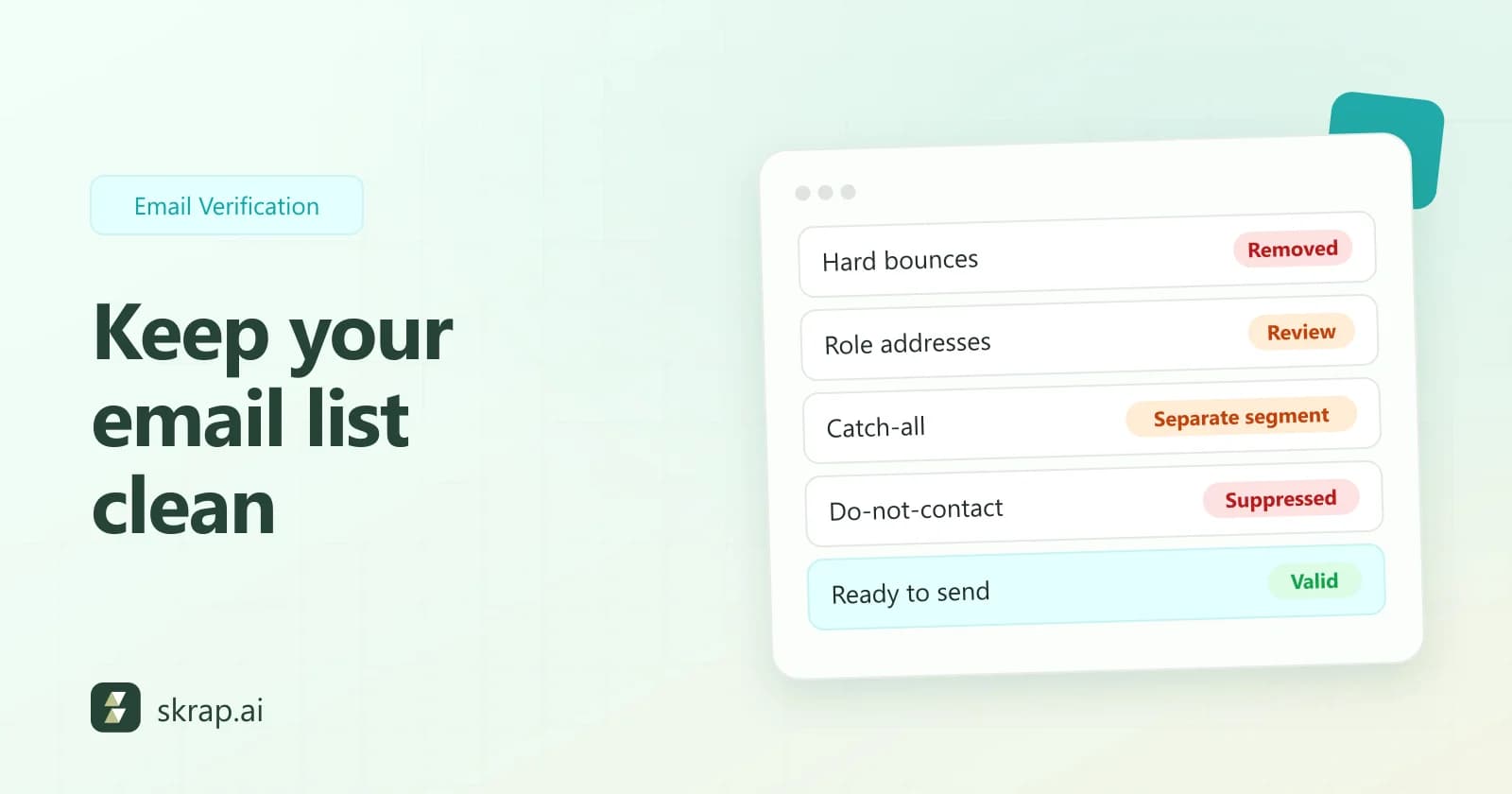
- 1Split the list. Put Valid contacts in your main sequence and Risky contacts in a separate segment. Never blend them in the same send.
- 2Score by fit. Within the risky segment, keep contacts that match your ideal customer profile closely (role, company size, industry) and drop marginal ones. A risky address is only worth the gamble if the contact is worth reaching.
- 3Strengthen the address. If the email was assembled from a name and a domain, check it against the company's known format and re-find it with an email finder. Our guide to company email formats covers the common patterns.
- 4Send valid contacts first. Let your main segment establish a healthy baseline before touching risky addresses.
- 5Test small. Send the risky segment in small batches and check bounces before each next batch.
- 6Suppress fast. Anyone who hard-bounces comes off every list immediately and permanently.
Safe sending tactics for catch-all domains
Once you've decided to send to risky addresses, how you send matters as much as whether you send.
- Keep volume low per batch. A small batch that bounces is a lesson; a large one is a reputation problem.
- Use a plain, personal message. Short, relevant, text-forward emails are less likely to draw complaints. Our cold email templates are built for this.
- Authenticate everything. Google requires all senders to set up SPF or DKIM, and bulk senders (5,000+ messages a day to Gmail) need SPF, DKIM, and DMARC. Yahoo's guidance is similar.
- Watch complaints, not just bounces. Google requires spam rates in Postmaster Tools to stay below 0.3% and recommends keeping them under 0.1%.
- Make opting out easy. A clear unsubscribe line reduces spam complaints. Yahoo asks bulk senders to honor unsubscribes within 2 days.
- Don't follow up on silence too hard. Two or three touches is plenty for an unconfirmed address.
Yahoo's sender best practices also ask senders to monitor hard bounces, soft bounces, and inactive recipients and to remove invalid recipients promptly. That's a good standing rule for catch-all contacts specifically. Read our email bounce rate guide for how to calculate and benchmark bounces.
When to skip catch-all addresses entirely
Sometimes the safest choice is not to send. Consider skipping risky contacts when:
- You're warming up a new domain or mailbox and can't afford any bounces yet.
- Your recent campaigns are already near your bounce or complaint thresholds.
- The contact is a weak fit and you'd only be emailing them to fill volume.
- The address came from an old, purchased, or scraped list with no known source. Spamhaus specifically ties seeded spam traps to scraped and purchased lists.
- You have enough Valid contacts to hit your goals without them.
Skipping isn't permanent. You can re-verify risky contacts later, look for an alternate contact at the same account, or reach them through another channel first.
Better alternatives to a risky address
If an account matters but the address is uncertain, widen the net instead of forcing the send. Look for a second stakeholder at the same company whose address verifies as Valid, such as a peer on the same team or the manager who owns the budget. A confirmed contact one level over often beats an unconfirmed contact who's a perfect title match.
You can also keep a running 'risky' tab for each list and re-verify it before each new campaign. Mail server configurations change, people join and leave, and an address that was uncertain last quarter may give a clear answer today.
Track the impact on your outbound metrics
Treat your risky segment as its own experiment. Track bounce rate, reply rate, and positive reply rate separately for Valid and Risky contacts. If risky contacts reply at a reasonable rate without moving your bounce rate, keep including the best-fit ones. If they don't, cut them.
Our breakdown of outbound lead generation KPIs shows how to calculate each metric and what published benchmarks look like.






 No credit card required
 100 one-time free credits