

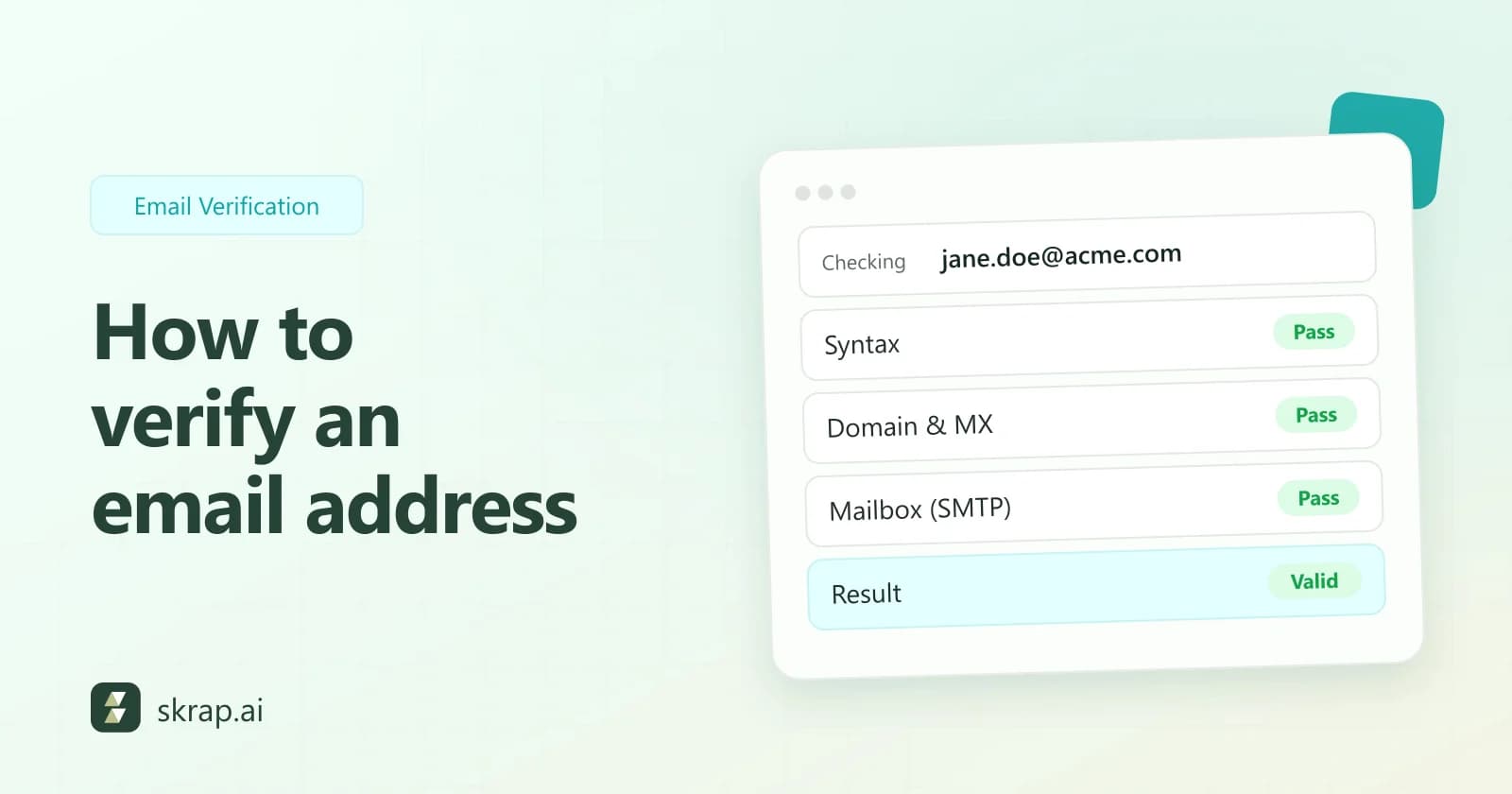
Every address on your list is a small bet. A real mailbox delivers your message; a dead one bounces, and enough bounces tell mailbox providers you don't look after your list. Verifying an email address means finding out which kind you have before you send.
This guide walks through what happens during verification, one check at a time. Then it covers what each result means, the manual methods people try (and where they break), and when to verify a single address, a file, or a stream of sign-ups through an API.
What does it mean to verify an email address?
Verification answers one question: if you sent a message to this address right now, would a mailbox accept it? It doesn't tell you whether the person will read or reply, and it isn't the same as finding an address. You start with an address and check it. If you're starting from a name and a company instead, see how to find a business email.
A verifier works through its checks from cheapest to most expensive. Each one can rule an address out early, so the slower checks only run when they're needed.
Step 1: Check the syntax
The first check is whether the address is shaped like an email address at all: a local part, one @ sign, and a domain. The rules come from the internet message format standard, RFC 5322. In practice this step catches typos and copy-paste damage.
- jane.doe@acme has no top-level domain.
- jane [email protected] contains a space.
- [email protected] has two dots in a row.
- jane.doe@acme,com has a comma where the dot should be.
A failed syntax check is a clear Invalid. Passing it only means the address could exist.
Step 2: Look up the domain and its MX records
Next, the verifier asks DNS whether the domain exists and where it receives mail. A domain publishes its mail servers as MX records. If the domain doesn't exist, or exists but has nowhere to receive mail, every address at it is undeliverable.
RFC 5321 allows one fallback: when a domain has no MX record but does have an address record, mail can go to that host directly. A careful verifier accounts for that instead of marking every domain without MX records as dead.
Step 3: Check the mailbox over SMTP, without sending an email
This is the step that does the real work. The verifier connects to the domain's mail server and starts an ordinary mail conversation using SMTP, the protocol defined in RFC 5321. A normal send goes through these stages:
- 1Connect and greet. The client connects and introduces itself with EHLO.
- 2MAIL FROM. The client names the sender address for this transaction.
- 3RCPT TO. The client names the recipient, which is the address being checked. The server replies with a code: 250 means it will accept mail for that recipient, while a 550 usually means the mailbox doesn't exist.
- 4DATA. In a real send, the client would now transmit the headers and body of the message. A verifier never reaches this stage.
- 5QUIT. The verifier closes the session as soon as it has the RCPT TO reply.
Because the conversation ends before DATA, no message is transferred and nothing lands in anyone's inbox. The server has only answered the question "would you accept mail for this recipient?"
| Server reply to RCPT TO | What it means | Typical verdict |
|---|---|---|
| 250 | Recipient accepted | Valid, unless the domain is catch-all |
| 550 (often with 5.1.1) | Mailbox unavailable or doesn't exist | Invalid |
| 450 or 451 | Temporary failure, try again later | Unknown, retry later |
| No reply or timeout | The server didn't answer in time | Unknown, retry later |
Replies in the 4xx range are temporary by definition, and some servers send them on purpose to senders they haven't seen before. That technique is called greylisting (RFC 6647 describes it), and it's one of the most common reasons a check comes back Unknown.
Step 4: Detect catch-all domains
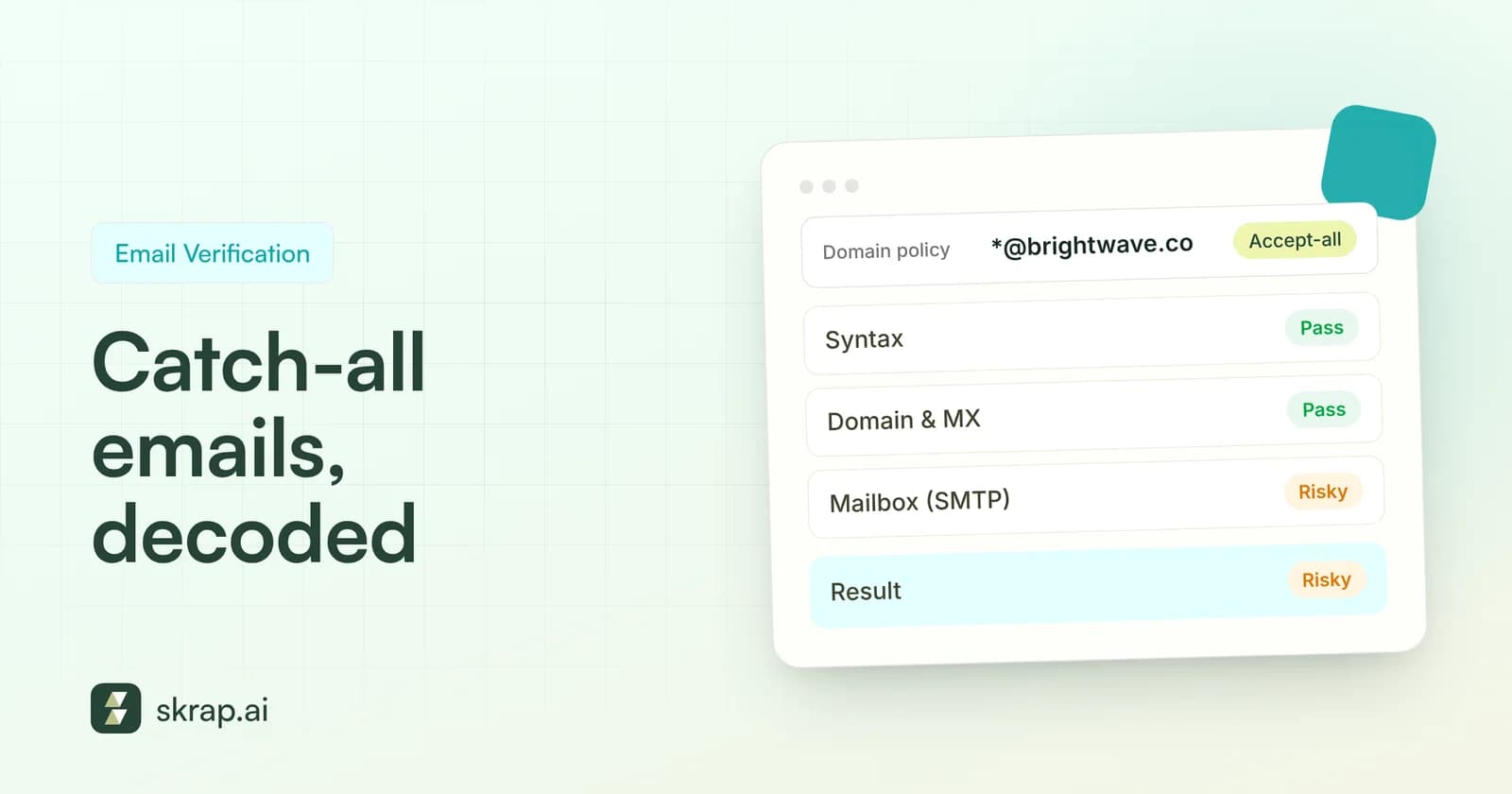
Some domains accept mail for every address, real or not. On a catch-all domain, the server answers 250 for jane.doe@ and for a random string alike, so the "yes" from step 3 says nothing about the specific person.
A common way to spot this is to test whether the server also accepts an address that almost certainly doesn't exist at the domain. If it does, the domain is accept-all, and the address you care about comes back Risky: the domain receives mail, but the mailbox can't be confirmed. Our guide to catch-all emails covers how to send to these safely.
Step 5: Flag role-based and disposable addresses
Two kinds of address can pass every technical check and still be poor targets for one-to-one outreach.
- Role-based addresses such as info@, sales@ or support@ reach a shared inbox or a team, not one person. RFC 2142 lists many of these mailbox names. See role-based email.
- Disposable addresses come from services that hand out temporary inboxes. They often stop working soon after they're created, so an address that checks out today may be gone next week.
Skrap.ai flags both types alongside the result, so you can decide per campaign whether to keep them.
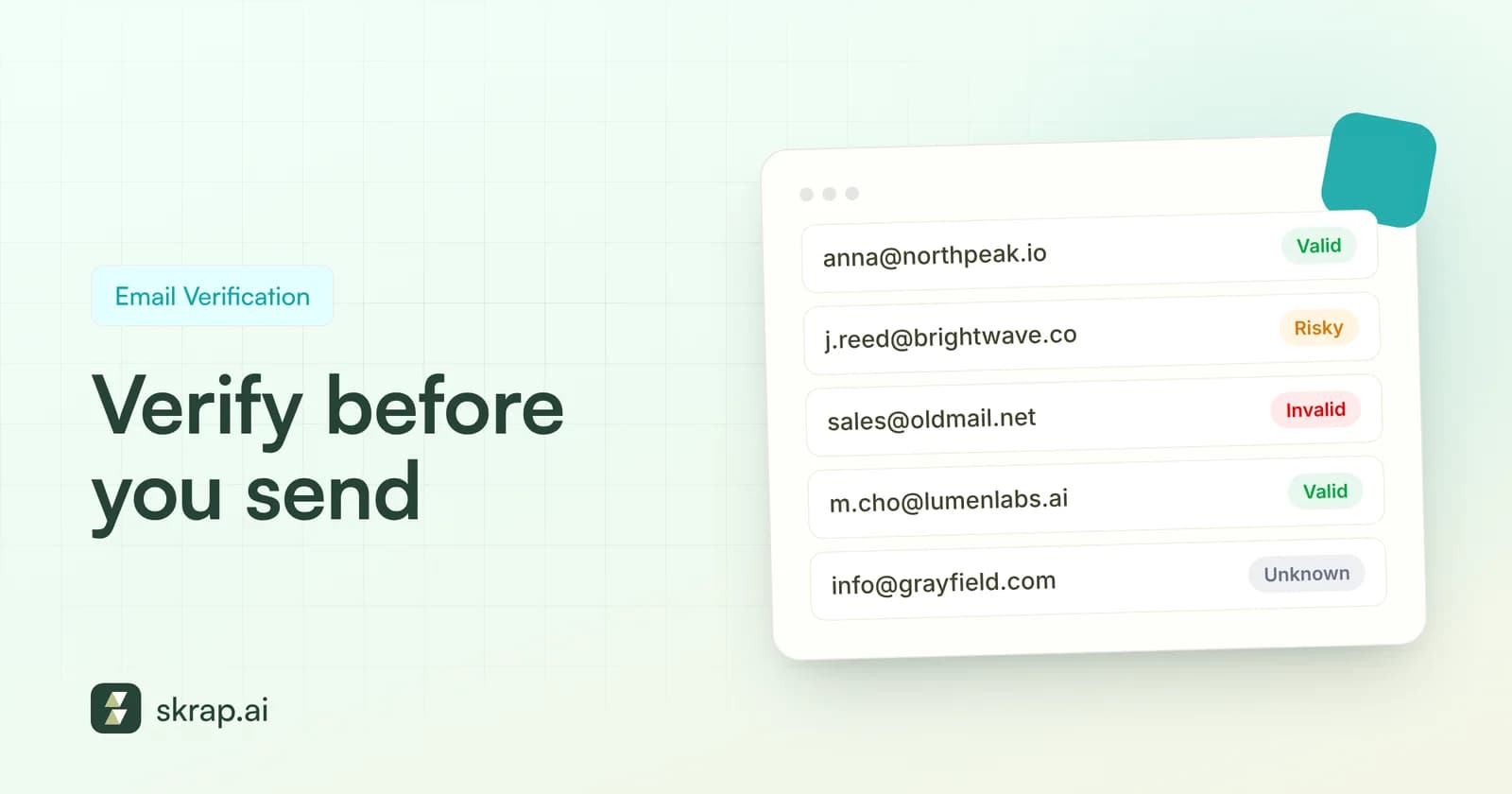
What Valid, Risky, Invalid and Unknown mean
Skrap.ai's Email Verifier gives every address one of four statuses. Here's what each one means and what to do next.
| Result | What it means | What to do | Credit cost |
|---|---|---|---|
| Valid | The mail server confirmed the mailbox | Send | 1 |
| Risky | The domain accepts mail but the mailbox can't be confirmed, usually catch-all | Send in a separate, smaller segment, or skip | 1 |
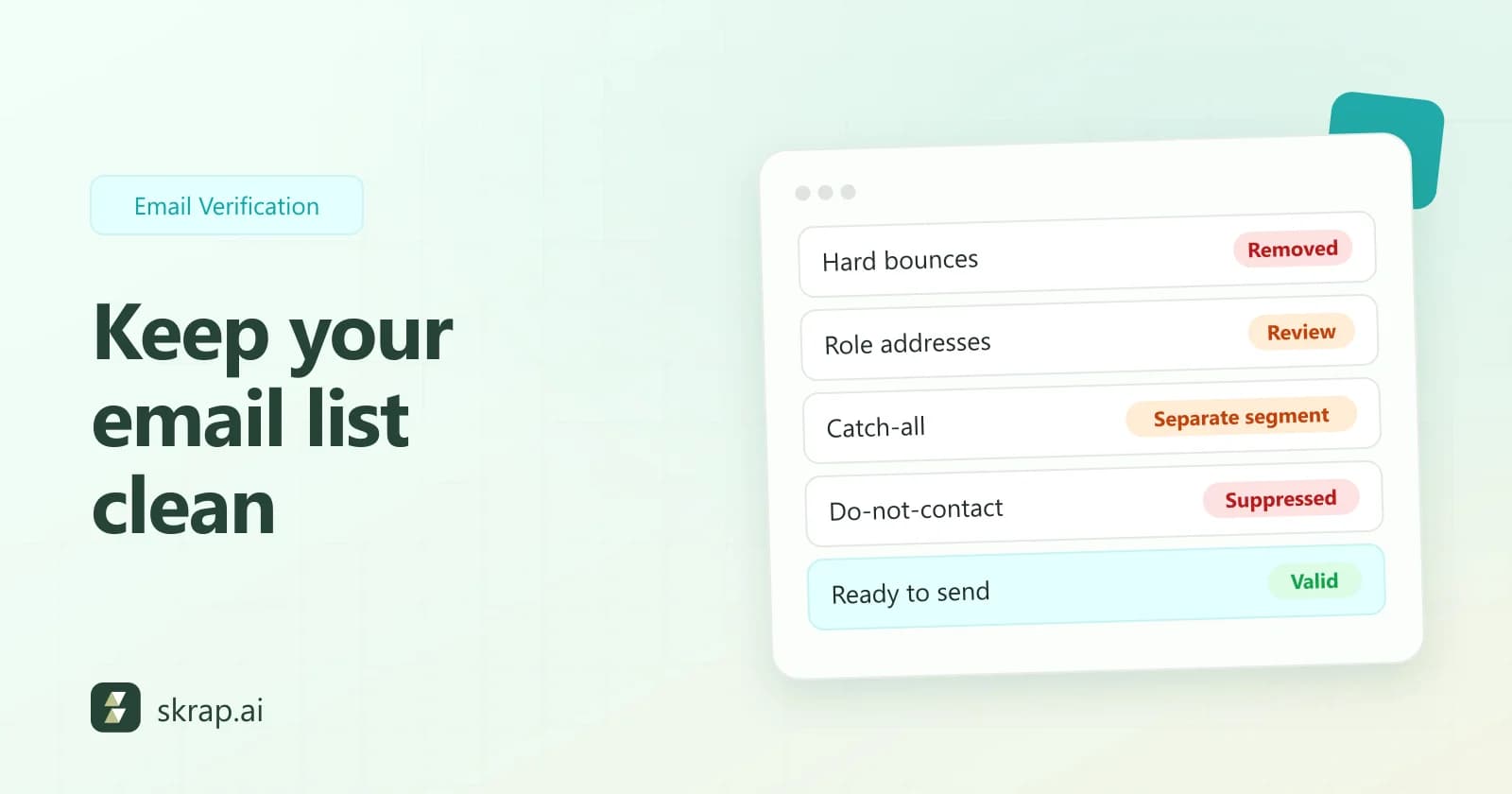
| Invalid | Bad syntax, no working mail domain, or the server rejected the mailbox | Remove and suppress | Free |
| Unknown | The server didn't give a usable answer (timeout, greylisting, temporary error) | Hold back and re-verify later | Free |
Because Invalid and Unknown results cost nothing, checking a doubtful list doesn't punish you for how much of it turns out to be bad. For a team-wide routine, see email verification best practices.
Manual ways to verify an email, and their limits
You can check an address without a tool. Each manual method answers part of the question, and each has a catch.
Send a test email
The obvious approach is to send a message and see whether it bounces. It works, but every bad address you test produces a real hard bounce against your real sending domain. Mailbox providers read bounces as a sign of list quality, and Yahoo's sender best practices ask senders to monitor bounces and remove invalid recipients promptly. Testing a list this way damages the sender reputation you're trying to protect. And on a catch-all domain the test proves nothing, because the server accepts everything.
Look up MX records yourself
Command-line tools such as nslookup or dig show a domain's MX records (for example, nslookup -type=mx example.com). That confirms the domain can receive mail, but tells you nothing about the mailbox.
Talk SMTP by hand
Some technical users open a telnet session to port 25 and type the commands themselves. Many home and cloud networks block outbound port 25, many servers refuse or slow down connections from unfamiliar IP addresses, and repeated probing from one address can get it blocked. It's a good way to learn how SMTP works, not a way to check a list.
Search for the address
Searching the web for the exact address can turn it up on a company page or in a press release, which is good evidence it's real. Not finding it proves nothing.
A verifier combines these checks, runs them from infrastructure built for the job, handles retries and catch-all detection, and does it for thousands of addresses at once.
Single, bulk or API: choosing how to verify
| Method | Best for | How it works in Skrap.ai |
|---|---|---|
| Single check | One address before a personal email | Paste the address into the verifier; the free tool works without signup, with a daily limit |
| Bulk CSV upload | Lists before a campaign or an import | Upload a CSV, see the estimated credit cost before processing, and download results for 30 days |
| REST API | Sign-up forms, CRMs and automated pipelines | Call the API and act on the status in your own code |
There's also a Google Sheets add-on for lists that live in a spreadsheet, and a browser extension for checking addresses while you research. For automated flows, our API to CRM workflow shows the pattern end to end.






 No credit card required
 100 one-time free credits