

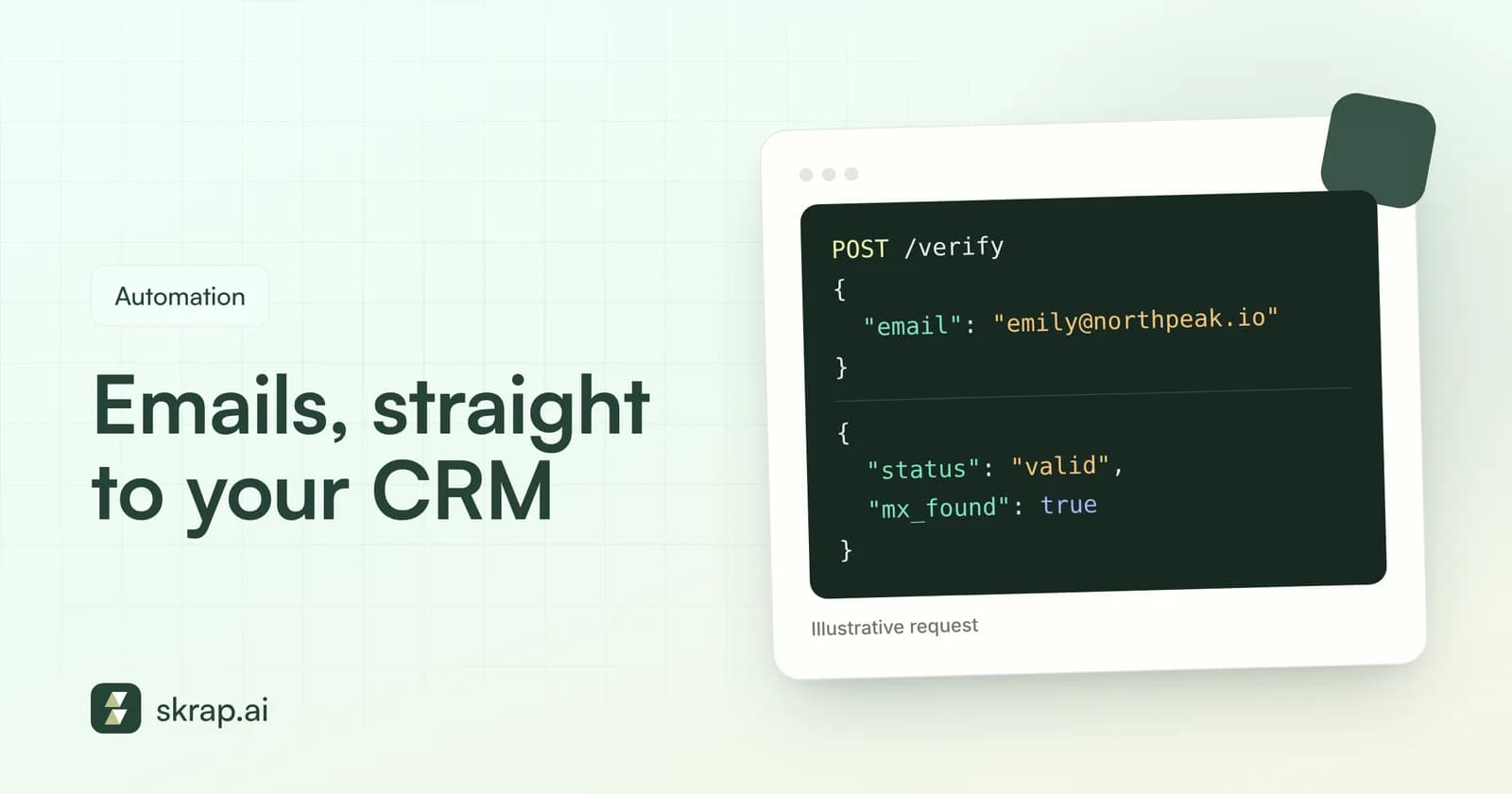
Manual list cleaning works until it does not. Someone exports a CSV, runs it through a verifier, re-imports it, and two weeks later the CRM is full of typos from the website form and contacts with no email at all.
An email verifier and finder API fixes the root cause. Instead of cleaning data after the fact, you check it at the moment it enters your systems and fill gaps automatically. The result is a CRM your reps trust and a sending reputation you do not have to rescue.
This guide covers the most useful workflows, the architecture patterns behind them, the operational details that keep integrations reliable (rate limits, retries and caching), how to protect your API keys, and where Skrap.ai's REST API and MCP server fit in.
Why put email verification and finding behind an API
Web apps and bulk uploads are great for one-off jobs. An API is better when the same job happens again and again, or when it has to happen in real time.
- Consistency. Every record goes through the same checks, whether it came from a form, an import or a rep's manual entry.
- Speed. Problems are caught in seconds, not at the next quarterly cleanup.
- Less busywork. Nobody has to remember to export, upload and re-import.
- Better deliverability. Yahoo's sender best practices ask senders to 'remove invalid recipients from your list promptly' and recommend confirmed opt-in to reduce invalid addresses and fake sign-ups. An API makes 'promptly' automatic.
Three high-value use cases
1. Verify at signup and form capture
Demo requests, free trial signups, gated content and event registrations all collect emails from humans who mistype. When the form is submitted, your backend calls the verifier and acts on the status before the record is created.
- Valid: accept and create the lead.
- Invalid: ask the visitor to double-check the address instead of silently storing a bad one.
- Risky or Unknown: accept, but tag the record so it goes through confirmed opt-in or manual review before any campaign.
Keep the user experience in mind. Never block a real person because of an Unknown result; a mail server that did not answer is not proof the address is bad.
2. Enrich CRM records with missing emails
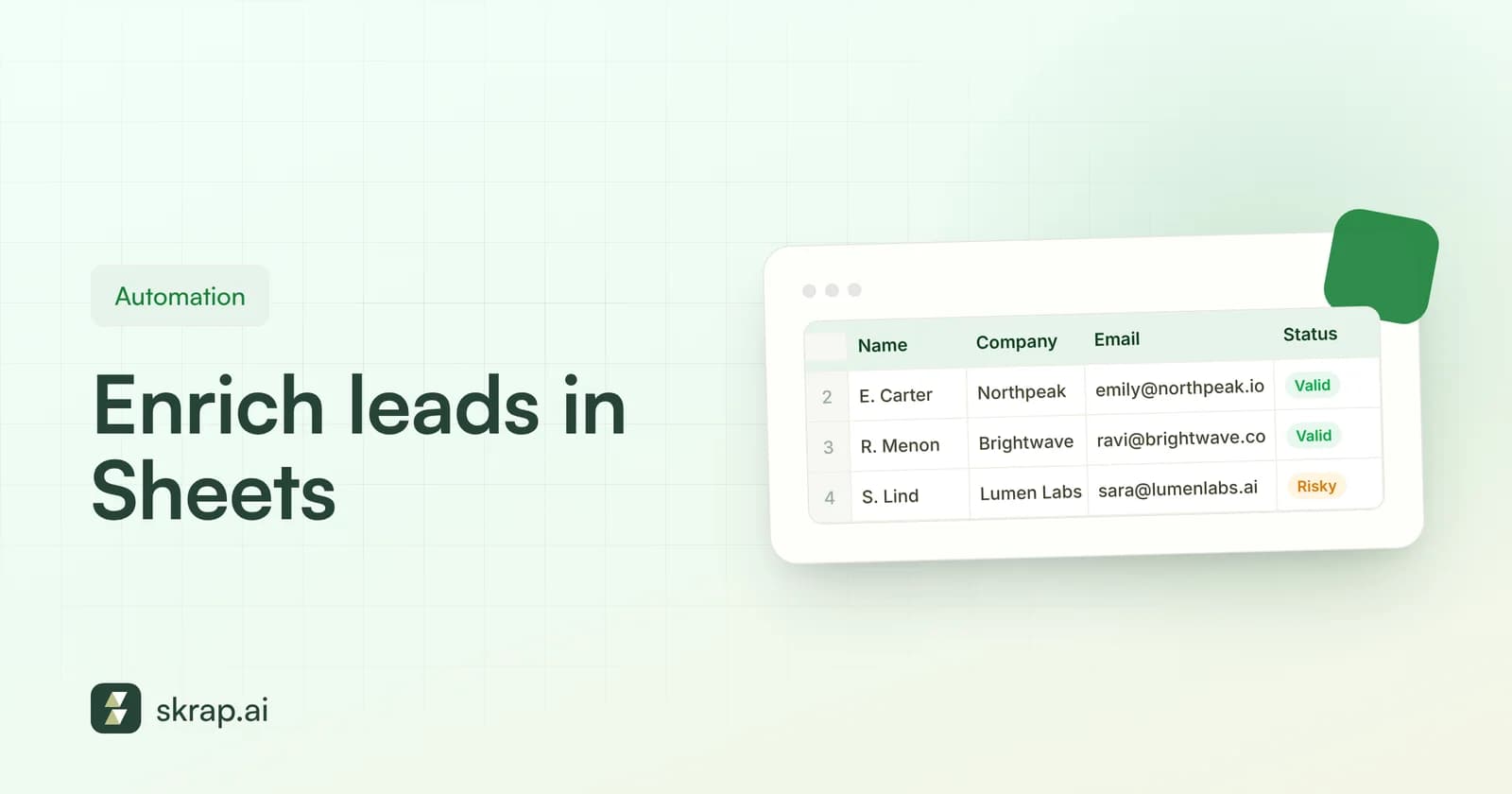
Reps often create contacts with a name and company but no email. A nightly job can pick up those records, call the finder with name plus company domain, write back any found email, and then verify it. Because finding costs nothing when no email is found, it is safe to run against every incomplete record.
3. Clean lists before they sync
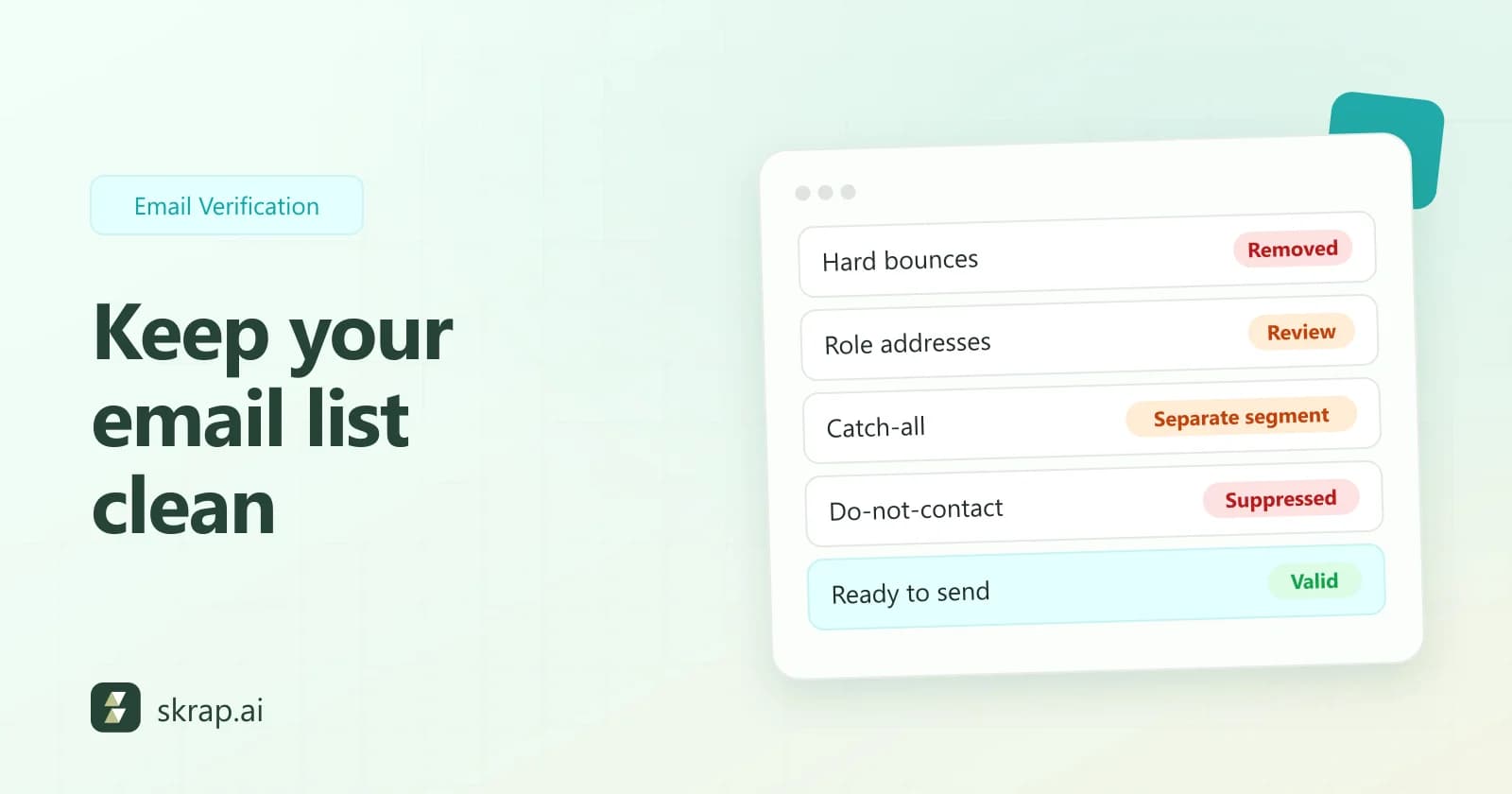
Before a segment moves from your CRM to a sequencing or email tool, run it through verification and only sync Valid addresses (and Risky ones, if your policy allows). This is the last gate before mail actually goes out, which makes it the cheapest place to stop a bounce.
Architecture patterns that work
There is no single right design. The pattern should match how fast you need the answer and how much volume you have.
| Pattern | How it works | Best for | Watch out for |
|---|---|---|---|
| Synchronous (inline) | Your backend calls the API during the request and waits for the result. | Signup and demo forms where you want to prompt the user immediately. | Latency on the user's path; always set a timeout and a fallback. |
| Asynchronous queue | Records are pushed to a queue; workers call the API and write results back. | CRM enrichment, imports and webhooks from other tools. | Rate limits and retries; make writes idempotent. |
| Scheduled batch sweep | A job runs on a schedule, selects stale or unverified records, and processes them in chunks. | Re-verifying older contacts, cleaning segments before campaigns. | Volume spikes; size batches to your plan limits. |
| Event-triggered | A CRM change (new contact, stage change) triggers a call via your automation tool. | Keeping key records fresh at important moments. | Duplicate triggers calling the API twice for the same record. |
A reference flow for form capture
- 1Validate format in the browser for instant feedback, but do not call the API from the browser.
- 2On submit, your server calls the verifier with a short timeout.
- 3If the call times out or errors, accept the lead and queue it for verification later.
- 4Store the status and a checked-at timestamp on the record.
- 5Route Risky and Unknown leads to a confirmation step or review queue.
That fallback in step 3 matters. The AWS Builders' Library recommends setting timeouts on every remote call; your form should never hang or fail because a downstream check was slow.
Rate limits, retries and caching
Most integration bugs are not about the happy path. They show up at volume, when the API starts saying 'slow down' or a network blip drops a request.
Respect rate limits
RFC 6585 defines HTTP 429 Too Many Requests as the status a server returns when a client 'has sent too many requests in a given amount of time,' optionally with a Retry-After header telling you how long to wait. When you get a 429, wait at least that long before trying again. Spread batch jobs out instead of firing everything at once, and check your plan's API limits on the pricing page.
Retry with exponential backoff and jitter
The AWS Builders' Library guidance on retries boils down to a few rules worth copying:
- Retry only transient failures such as timeouts, 429s and 5xx errors. Do not retry 4xx errors like a bad request or invalid key.
- Back off exponentially so each wait is longer than the last, and cap both the maximum wait and the number of attempts.
- Add jitter (randomness) so many workers that failed at the same moment do not all retry at the same moment.
- Retry at one layer only. If your HTTP client, your worker and your queue all retry, a single failure can multiply into dozens of calls.
“APIs with side effects aren't safe to retry unless they provide idempotency.”
Verify and find calls are lookups, but your own write-back to the CRM is a side effect. Make it idempotent: update the record by its ID, rather than appending a new row each time a job runs.
Cache results
Every successful lookup is billed, so looking up the same address twice in a week is wasted spend. Store each result with a timestamp and reuse it for a sensible window, then re-verify on a schedule. Caching also protects your rate limit when the same contact appears in several lists.
| Status | Suggested handling | Re-check? |
|---|---|---|
| Valid | Cache and reuse for your chosen freshness window. | Yes, before major campaigns or on a schedule. |
| Risky | Cache, tag the record, apply your sending policy. | Yes, on the same schedule as Valid. |
| Invalid | Cache and suppress from sending. | Only if the record is edited. |
| Unknown | Do not treat as final; queue for a later retry. | Yes, after a delay. Unknown results are free. |
Keep your API keys secure
An API key is a credential that spends your credits. Treat it like a password. The OWASP Secrets Management Cheat Sheet is a good baseline; the points that matter most for a data API are:
- 1Keep keys server-side. Never put an API key in front-end JavaScript, a mobile app bundle or a browser extension you distribute. Anyone can read it there.
- 2Never commit keys to source control. OWASP recommends secrets detection before commit, for example with a pre-commit hook. If a key leaks, revoke and rotate it; deleting it from git history is not enough.
- 3Prefer a secrets manager. OWASP notes that environment variables are generally accessible to all processes and may end up in logs, so use them only when better options are not available.
- 4Apply least privilege. Give each integration its own key where possible, so you can rotate one without breaking the others.
- 5Rotate regularly so a stolen key only works for a short time.
- 6Log and monitor usage. Watch for sudden spikes that do not match your jobs.
Where Skrap.ai's REST API and MCP server fit
Skrap.ai's REST API exposes the Email Verifier and Email Finder with JSON responses and API key authentication. It is included on Professional, with higher API limits on Enterprise. Calls draw from the same credit pool as the web app and Google Sheets add-on, and follow the same fair-credit rules: a found email is 1 credit, no email found is free, Valid and Risky verifications are 1 credit each, and Invalid and Unknown are free.
That means you can build each use case above without a separate pricing model to track. Your signup check, nightly enrichment job and pre-sync cleanup all spend from one balance, and credits roll over while you stay subscribed.
The MCP server: email tools for AI assistants
The Model Context Protocol (MCP) is described by its maintainers as 'an open-source standard for connecting AI applications to external systems.' It lets AI assistants call tools the way a developer would call an API.
Skrap.ai offers an MCP server so you can ask an AI assistant that supports MCP to verify or find emails as part of a research task, for example while it builds a target account list. It is a good fit for ad hoc work and prototyping, while the REST API remains the right choice for production pipelines. Setup details are on the MCP page.
Implementation checklist
- Decide which use case comes first: form capture, CRM enrichment or pre-sync cleaning.
- Choose the pattern (inline, queue, batch or event-triggered) that matches its speed and volume.
- Store the API key in a secrets manager and call the API only from your server.
- Set timeouts, retry transient errors with capped exponential backoff and jitter, and honor Retry-After.
- Cache results with a timestamp and define your re-verification window.
- Map each status (Valid, Risky, Invalid, Unknown) to an action in your CRM.
- Make CRM write-backs idempotent and log every call.
- Set usage alerts and review spend against results each month.
Not ready to write code? The Google Sheets add-on covers many of the same jobs from a spreadsheet, and our credit vs seat pricing guide helps you size a plan for automated volume.






 No credit card required
 100 one-time free credits