

Most B2B data tools sell access in one of two ways: you pay for people (seats) or you pay for output (credits). Both look simple on a pricing page. Both can get expensive if the model does not match how your team actually works.
If you run outbound, recruit, or build lists for clients, your monthly volume is rarely flat. One month you verify a 20,000-row event list; the next you look up 300 decision-makers by hand. The pricing model you pick decides whether you pay for that variation or for empty chairs.
This guide breaks down how each model works, runs the numbers on realistic scenarios using Skrap.ai's actual plans, explains what 'fair credit' should mean, and gives you a repeatable way to choose a plan size.
How seat-based pricing works
In a seat-based (per-user) model, you pay a fixed price for each person who needs a login. Stripe's billing documentation describes per-seat pricing as a model where 'each pricing unit represents one user' — a company buys a license for every employee who needs access. Many sales platforms bundle a usage allowance into each seat, so adding data volume often means adding people.
Seat pricing has real strengths. The bill is predictable, budgeting is easy, and finance teams like a number that only changes when headcount does. As venture investor Tomasz Tunguz summarized in a 2021 post on pricing strategy, per-seat models tend to suit customers who value predictable bills.
Where seats get awkward for data work
- Uneven usage. One SDR may run hundreds of lookups a day while a manager logs in once a week to export a list. Both cost the same.
- Volume tied to headcount. If each seat carries a fixed monthly allowance, a one-time cleanup project can force you to buy seats you do not need.
- Shared or occasional users. RevOps, marketing ops and founders often need access a few times a month. Paying a full seat for them is hard to justify.
- Unused allowance. If per-seat allowances expire at month end, a quiet month is money left on the table.
How credit-based pricing works
In a credit-based model, you buy a pool of credits and spend them on actions: finding an email, verifying an address, revealing a contact. Stripe groups this under usage-based billing and lists 'credit burndown' as one of the standard ways to structure it, alongside pay-as-you-go and fixed fee plus overage.
Usage pricing is not niche. OpenView's 2021 State of Usage-Based Pricing survey of 600 SaaS companies, as reported by CFO Dive, found that 45% of SaaS companies used usage-based pricing in whole or in part, up from 34% the year before. Data and API products are a natural fit, because the cost of serving a customer scales with how much they use.
Most credit plans for B2B data, including Skrap.ai's, are actually hybrids: a monthly subscription that includes a credit allowance plus a set number of seats. The seats give you collaboration; the credits carry the cost of the work.
What to look for in a credit model
- What costs a credit. Is it charged per attempt or per successful result?
- Rollover. Do unused credits carry into next month or expire?
- Seats included. How many teammates share the pool without extra fees?
- Channel parity. Do the web app, bulk upload, browser extension, Google Sheets add-on and API all draw from the same pool at the same rate?
Worked cost examples
Numbers make this concrete. The examples below use Skrap.ai's current plans: Professional, which you size from 2,500 to 25,000 credits a month, from $19/month launch price (list $25) for 2,500 credits and 2 seats up to $89/month (list $129) for 25,000 credits and 10 seats; and Enterprise, from $199/month for 75,000 to 250,000 credits and 15–50 seats. Credits roll over while you stay subscribed.
The find rates and verification mixes below are illustrative assumptions, not benchmarks. Your real results depend on your list source, industry and how fresh the data is. Swap in your own numbers.
| Scenario | Monthly work (assumed) | Billable results under fair credit | Skrap.ai fit | What drives cost under seat pricing |
|---|---|---|---|---|
| Solo founder, light outbound | Verify 2,000 emails; assume 20% Invalid/Unknown | 1,600 credits (Valid + Risky only) | Professional: 2,500 credits, $19 launch price | 1 seat, regardless of volume |
| Recruiter sourcing candidates | Find 1,200 emails; assume 70% found | 840 credits (found only) | Professional; leftover credits roll over | 1 seat; volume capped by seat allowance |
| 3-person SDR pod | Find 4,000 + verify 6,000; assume 70% found, 80% billable | 2,800 + 4,800 = 7,600 credits | Professional 10,000 size: 10,000 credits, 5 seats, $55/month | 3 seats x your per-seat price |
| Agency cleaning client lists | Verify 18,000 emails; assume 25% Invalid/Unknown | 13,500 credits | Professional 15,000 size: 15,000 credits, 6 seats, $69/month | Seats for every account manager, plus any overage |
| Ops lead, occasional use | 300 Get Email clicks from Search Leads | 300 credits (searches are free) | Professional; 2 seats covers ops + one rep | A full seat for a part-time user |
Effective cost per credit
A quick way to compare any plan is cost per successful result. On Skrap.ai, Professional works out to about $0.0076 per credit at the launch price ($19 / 2,500) and the 25,000-credit size to about $0.0036 per credit ($89 / 25,000). At list prices that becomes roughly $0.01 and $0.0052. Because Invalid and Unknown verifications are free, the price you pay is per useful result, not per row uploaded.
For a seat-based tool, divide the total monthly bill by the number of results your team actually used. If that number moves a lot from month to month, you are paying for idle capacity in the slow months.
What 'fair credit' actually means
Not all credit models are equal. The biggest difference is whether you pay for attempts or for results. If a tool charges a credit every time it searches for an email, a list full of hard-to-find contacts burns through your budget with nothing to show for it.
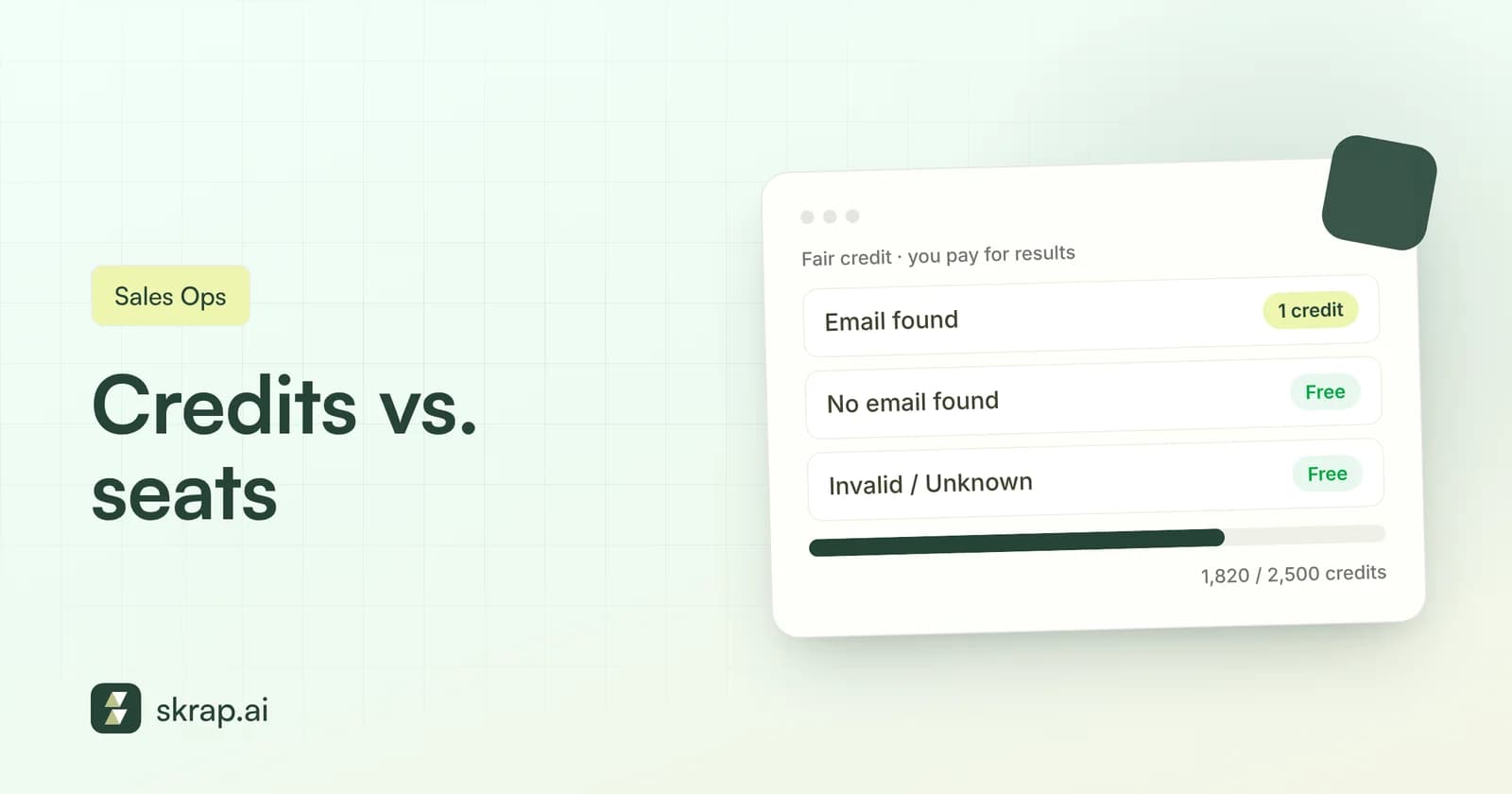
Skrap.ai uses a simple rule: one credit, one successful result. Here is how each action is billed:
| Action | Outcome | Credits |
|---|---|---|
| Verify an email | Valid | 1 |
| Verify an email | Risky | 1 |
| Verify an email | Invalid | 0 |
| Verify an email | Unknown | 0 |
| Find an email | Email found | 1 |
| Find an email | No email found | 0 |
| Search Leads | Run a search | 0 |
| Search Leads | Get Email on a result | 1 |
Why charge for Risky? A Risky result is still an actionable answer: the checks completed and you can decide whether to send, segment or hold that address. Invalid and Unknown results do not give you anything to act on, so they are free. That keeps the incentive aligned: the tool only earns when it delivers something you can use.
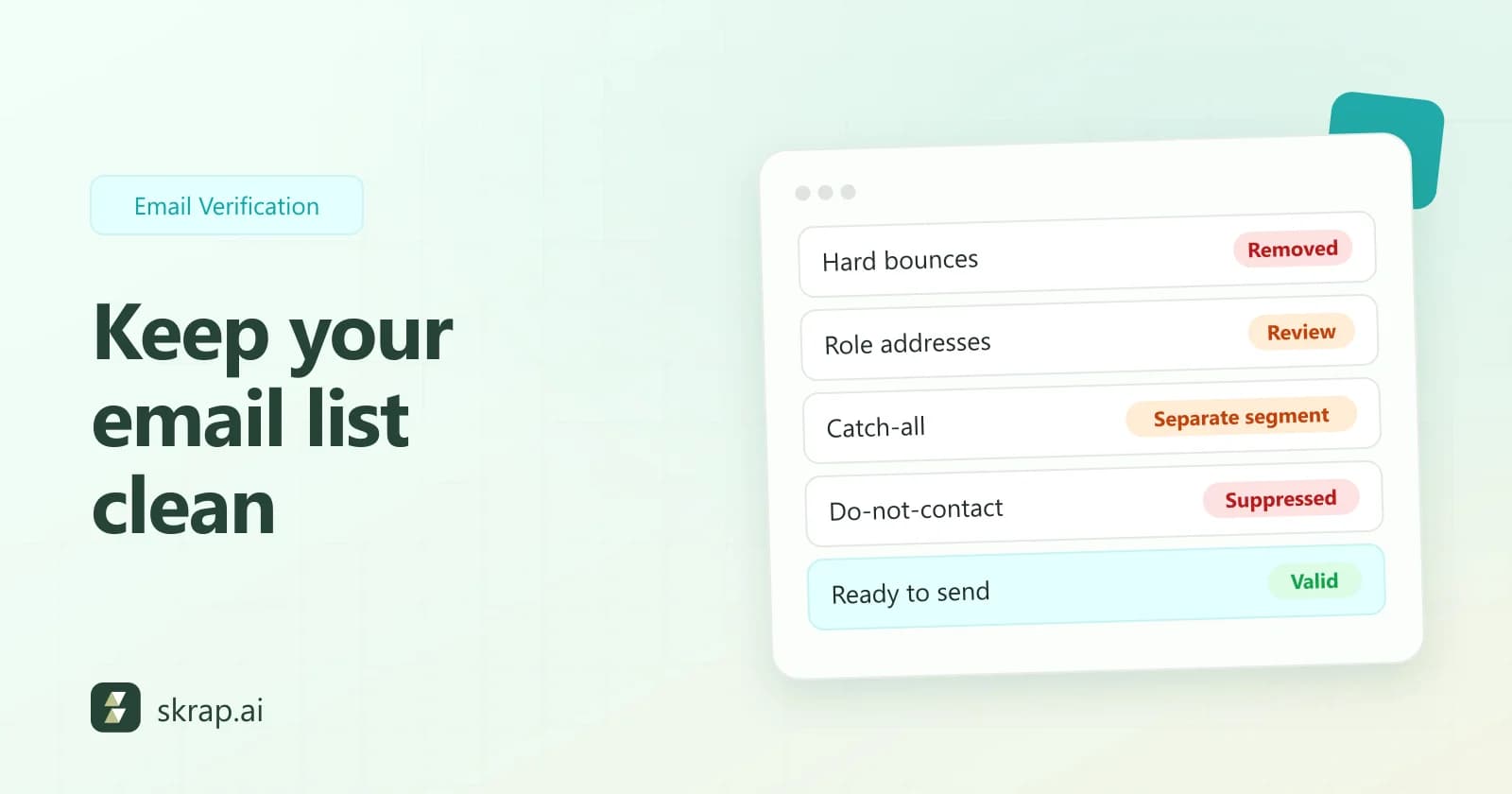
Fair credit also changes how you approach list hygiene. Because removing bad addresses costs nothing, there is no penalty for verifying a messy list. That matters for deliverability. Yahoo's sender best practices ask senders to 'remove invalid recipients from your list promptly' and to keep spam complaint rates below 0.3%. For more on that side, see our email verification best practices.
Hidden costs to check in any pricing model
Headline prices hide the terms that decide your real spend. Before you sign up for any data tool, ask these questions:
- 1Do unused credits or allowances expire? Rollover turns a slow month into a head start on the next one. Skrap.ai credits roll over while you stay subscribed.
- 2How many seats are included? Professional includes 2–10 seats depending on the size; Enterprise includes 15–50. Check whether extra users mean a plan change or a per-user fee.
- 3Are failed results billed? Not-found, Invalid and Unknown should be free. If they are not, your effective price per useful result can climb fast on cold lists.
- 4Is bulk work included? Bulk verify and bulk find (CSV/XLS uploads up to 25,000 emails per request on Skrap.ai) should not require a separate add-on.
- 5Is API access gated? If you plan to automate, confirm the API is on your plan and what limits apply. Skrap.ai includes the full API on Professional and higher API limits on Enterprise.
- 6Can you cancel without a long commitment? Skrap.ai paid plans can be canceled anytime.
How to choose a plan size
You do not need a spreadsheet model to size a credit plan. A simple estimate works, as long as you are honest about volume.
Step 1: Estimate your monthly credit need
Use this formula:
Credits/month = (emails to find x expected find rate) + (emails to verify x expected Valid+Risky share) + Get Email clicks in Search Leads
Add a 15-20% buffer for one-off projects. If you have no history, start with conservative assumptions and adjust after your first month; rollover means overestimating slightly is not wasted.
Step 2: Match seats to collaboration, not volume
Count the people who need their own login to search or save lists. One or two people points to the smallest Professional size. A team of three to ten, or anyone sharing saved searches and lists across reps, points to a larger Professional size (3–10 seats). Beyond ten, look at Enterprise (15–50 seats).
Step 3: Check daily search limits and API needs
Search Leads limits are per day: 20 people + 20 company searches with 50 results on Professional, with higher search caps on Enterprise (see the pricing page). Heavy prospectors who live in search, or teams wiring lookups into a CRM, should weigh those limits and the higher API limits on Enterprise.
| If you... | Start with |
|---|---|
| Want to test quality on a handful of contacts | Free: 100 one-time trial credits, single verifier and finder |
| Need 2,500 to 25,000 successful results a month and up to 10 users | Professional: 2,500 to 25,000 credits/month, 2–10 seats by size, bulk tools, API, Sheets add-on |
| Run a larger team, agency or high-volume list cleaning | Enterprise: 75,000 to 250,000 credits/month, 15–50 seats, higher API limits, priority support, SSO |
Credit vs seat: which model fits your team?
Seat-based pricing is a good fit when usage is steady and evenly spread, every user is a heavy user, and predictability matters more than efficiency. Credit-based pricing is a better fit when volume varies, some users are occasional, or you mostly pay for outcomes like verified emails.
For most outbound, recruiting and agency teams, data work is spiky. A launch, an event list, or a quarterly CRM cleanup can triple volume for a few weeks. A credit pool with rollover and a reasonable seat count absorbs those spikes without a contract change.
- Choose seats if each user runs similar, consistent volume and your vendor's per-seat allowance covers your peak months.
- Choose credits if volume swings, you have occasional users, or you want to pay only for found and valid results.
- Choose a hybrid (credits plus included seats) if you want both collaboration and cost that tracks real usage.
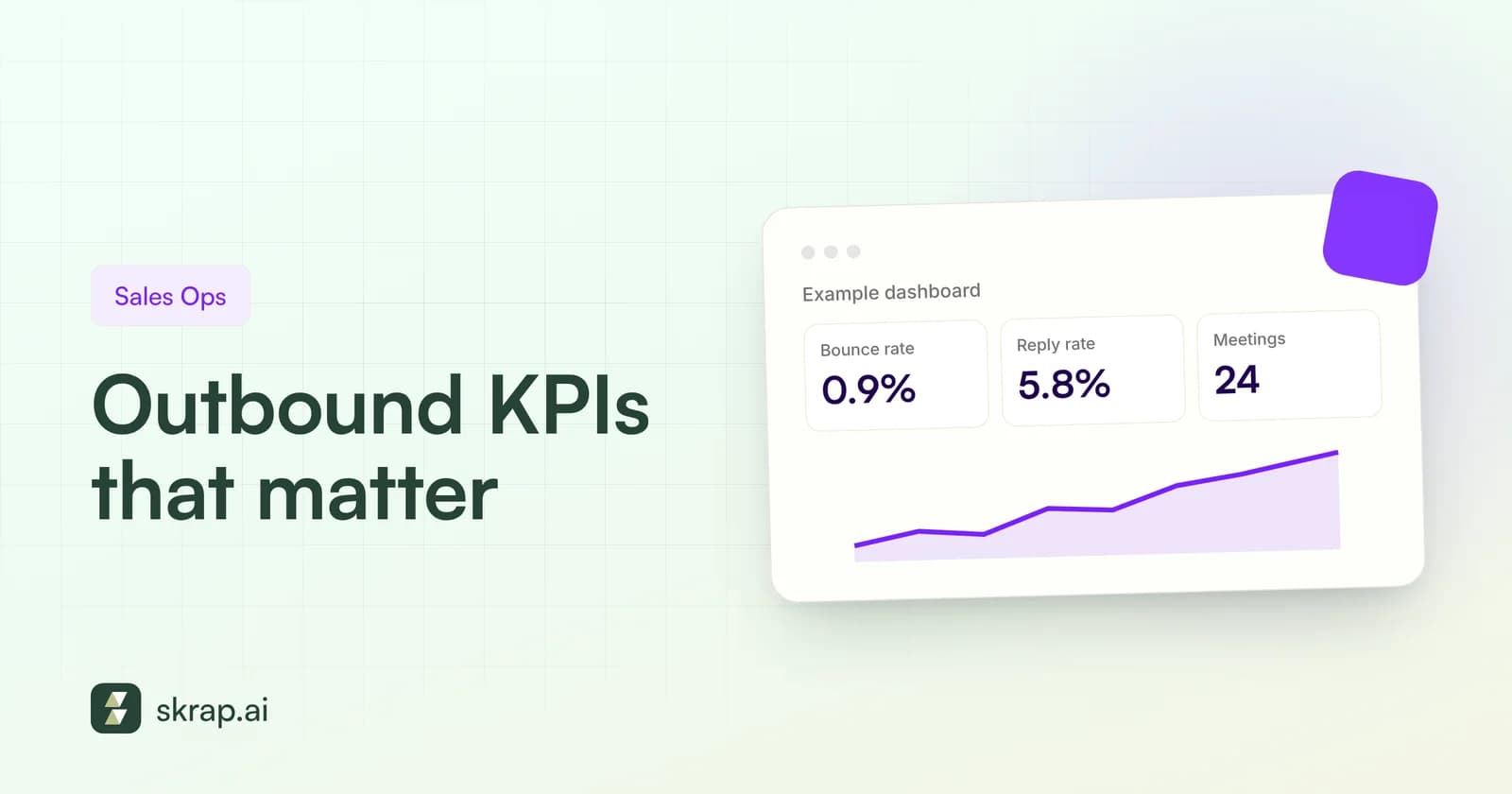
Whatever you choose, measure cost per useful result, not cost per login. That number is what connects your data spend to pipeline. If you want to track it alongside your other outbound metrics, our guide to outbound lead generation KPIs shows where it fits.






 No credit card required
 100 one-time free credits